TL;DR
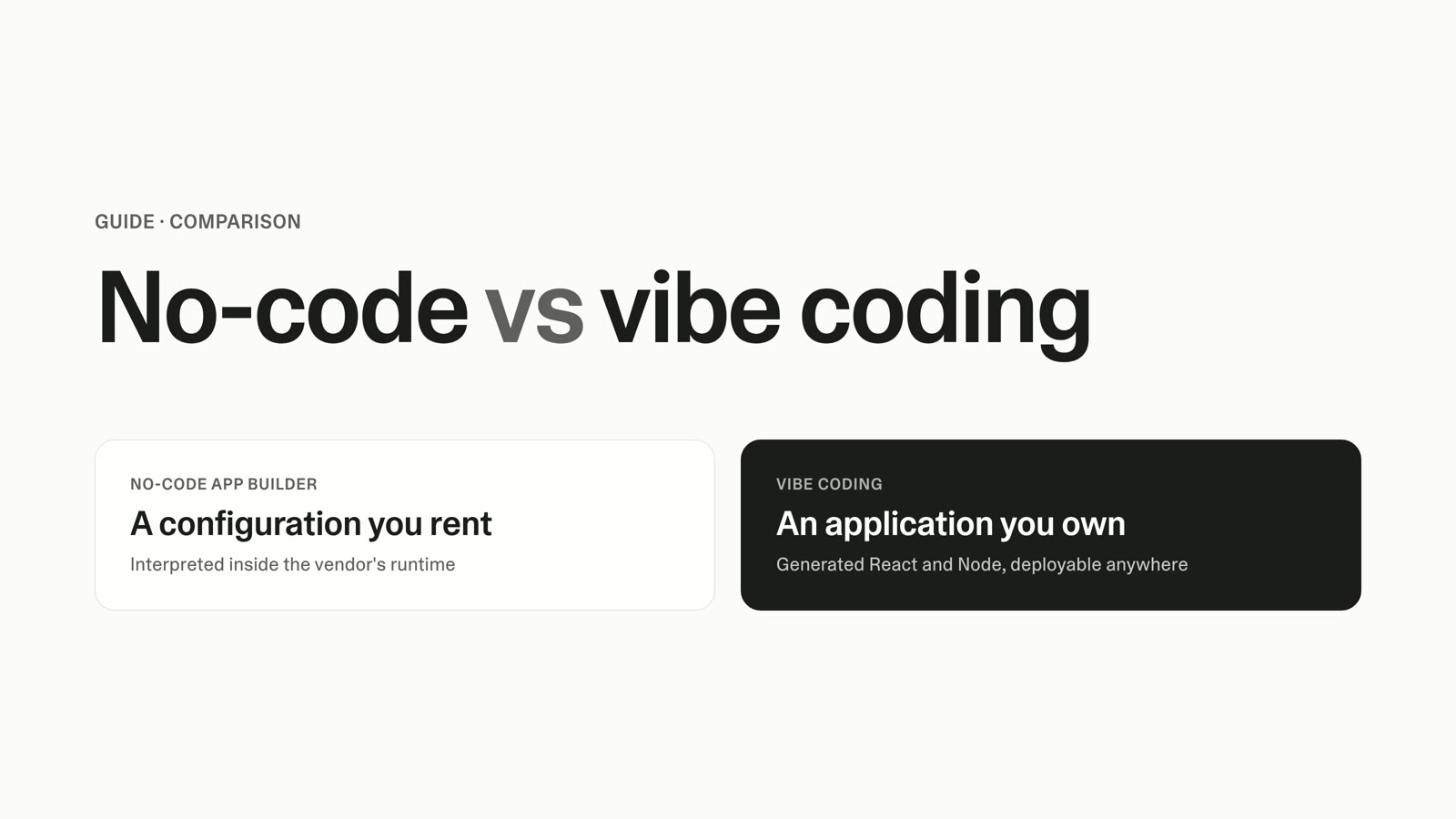
- Manual vs automated employee onboarding is not a two-way choice. There are three real options: stay manual, buy off-the-shelf onboarding software, or build a custom onboarding platform shaped to your actual process.
- Manual onboarding is a legitimate choice at low hire volume. It breaks when chasing forms, inconsistent first weeks, and admin load start costing you more than the tooling would.
- The real stakes are retention, not paperwork. Gallup reports only 12% of employees strongly agree their organization onboards well, and structured onboarding is tied to materially better retention and productivity.
- Off-the-shelf employee onboarding software solves consistency fast, but it charges per seat, carries implementation fees, and forces you to bend your process to fit the tool.
- Building a custom onboarding platform is now reachable for a non-technical people-ops lead. You describe the onboarding flow your team runs and get a working portal, not a prototype.
- Use the decision framework below to place yourself in one bucket: stay manual, buy software, or build your own.
When you weigh manual vs automated employee onboarding, the cost of staying manual is hiding in plain sight. You chase signed forms over email, copy-paste the same welcome checklist for every new hire, and discover on day one that IT never got the access request. The manual employee onboarding process that worked at five hires starts to fail at fifteen, and you are deciding whether to automate, and how. The honest answer has three possible endings, not two.
The hidden cost is admin time and inconsistency. Vendors that sell onboarding automation tools report that a manual process can absorb close to 10 administrative hours per hire, against roughly two to three hours once the repetitive steps are automated, a reduction in the range of 40 to 60%. Treat those as directional vendor figures rather than a clean benchmark, since the widely circulated numbers trace to automation providers rather than a neutral survey. Even softened, the direction is clear: the more people you hire, the more those hours compound into a recurring tax on your week.
The stakes are retention, not the paperwork
The paperwork is the symptom. The thing you are afraid of is a botched first week that costs you the new hire you just spent weeks recruiting. That fear is well founded, and the data backs it up. SHRM's benchmarking report puts the average cost-per-hire at about $4,129 with an average time-to-fill of 42 days, which is the recruiting cost you forfeit when someone walks in the first 90 days.
A bad first week is more common than most teams admit. Gallup reports that only 12% of employees strongly agree their organization does a great job onboarding new people, so the bar across the industry is low and the status quo is failing almost everywhere. Vendor data from Enboarder suggests roughly one in three new hires leaves within the first 90 days, which is worth corroborating before you treat it as fixed, but it points at a real and expensive pattern.
Structured onboarding moves the numbers the other way. A Brandon Hall Group study, published via Glassdoor, found that organizations with a strong onboarding process improve new-hire retention by 82% and productivity by more than 70%. SHRM has also cited the figure, often traced to Click Boarding, that employees who go through structured onboarding are 69% more likely to stay three years. The point is not the exact percentage; it is that consistency in the first weeks is a retention lever, and inconsistency is the leak.
Who each onboarding approach is for
There are three viable approaches to your HR onboarding process, and each has a genuine primary use case. Naming them honestly is the only way to choose well.
Manual onboarding is for low and infrequent hiring. If you bring on a handful of people a year and your process changes often, a well-kept spreadsheet, a shared checklist, and email are not a failure; they are proportionate. The overhead of any system would cost more than it saves.
Off-the-shelf onboarding software is for teams that need consistency fast and whose process looks roughly like everyone else's. You get a standard new-hire flow, document tracking, and reminders out of the box, and you accept that you will adapt your steps to the tool's model. It is the fastest route to "no more dropped forms" if your process is conventional.
A custom-built onboarding platform is for the team that keeps finding that no single tool quite fits. You have role-specific steps, an unusual approval chain, or a first-week experience that is part of your culture and you do not want to flatten it. Building your own means the software matches your process instead of the other way around, and you no longer need an engineering team to get there.
Manual vs automated employee onboarding: the capability comparison
The decision turns on a handful of dimensions, not a long feature list. The table below compares the approaches across what decides this, and names representative tools in the off-the-shelf column for reference. The build-your-own column is Lovable.
| Dimension | Manual (spreadsheet + email) | Off-the-shelf software (BambooHR, Rippling, Workday, Gusto, Deel) | Custom-built platform (Lovable) |
|---|---|---|---|
| Fit to your actual process | Total fit, zero leverage | You bend to the tool | The tool bends to you |
| Setup time | Minutes to start, but no leverage | Days to weeks, plus implementation | Hours to a working first version |
| Consistency across hires | Depends on whoever runs it | High, standardized by the tool | High, standardized to your process |
| Time-to-productivity support | Manual nudges, easy to miss | Built-in task flows and reminders | Built to your real ramp plan |
| Compliance and document tracking | Manual, error-prone | Strong, often a core feature | As rigorous as you specify |
| Scalability with hire volume | Degrades fast past 15 hires | Scales, cost rises per seat | Scales without per-seat fees |
| IT and access provisioning | Separate, easy to drop | Often integrated in higher tiers | Built into the flow you design |
| Ongoing cost | Hidden admin hours | Recurring per-seat subscription | Front-loaded build, then yours |
Two rows decide most cases. Off-the-shelf wins on speed to consistency when your process is conventional. Custom wins on process fit when it is not, and that fit is exactly what stops a new hire from feeling like an afterthought in week one.
Cost and total cost of ownership
Sticker price is the wrong number to compare. Each approach hides its real cost somewhere different, and the total cost of ownership is what you pay over a year.
Manual hides its cost in admin hours, errors, and slow ramp. There is no invoice, so it feels free, but every dropped form and every inconsistent first week is a cost you absorb in people's time and in early turnover. At low volume that cost is small. At growing volume it is the most expensive option precisely because it never shows up on a budget line.
Off-the-shelf employee onboarding software shows its cost on the invoice, then adds to it. Per-seat pricing commonly runs from around $8 to $25 per employee per month depending on tier, often on top of a base platform fee, with one-time implementation costs and add-on modules quoted separately. The pattern to watch is per-seat creep: a price that looks reasonable at 20 people compounds as you grow, and the modules you need frequently sit in the higher tier. Confirm current pricing directly with each vendor, since these tiers change and some require a sales quote.
Custom development, the traditional way, is expensive enough that most small teams never consider it. Industry benchmarks compiled from GoodFirms put a simple internal tool around $15,000 to $25,000 and mid-range custom software between $40,000 and $150,000, with roughly two-thirds of small and mid-size projects landing in the $30,000 to $100,000 band. Treat those as documented ranges, not precise quotes. They are the reason "build your own" used to mean "hire an agency," and why most people-ops leads ruled it out before this article.
The build-it-yourself path changes that math. Lovable reports its own figures here: teams shipping internal tools in hours instead of weeks, building and launching up to 9x faster than traditional timelines, an average of about 240 hours saved per prototype or internal tool, and up to $50,000 saved per launch. The cost is front-loaded build time rather than a recurring per-seat fee, and you own what you make. Those are Lovable's reported numbers, useful for sizing the contrast against custom development.
When to stay manual, when to buy software, and when to build your own
This is the part you came for. Place yourself in one bucket using hire volume, process uniqueness, and budget, and the answer gets concrete.
Stay manual if you hire infrequently, your process is still changing month to month, and the admin load is annoying rather than painful. Below roughly 10 to 15 hires a year with a conventional process, automation is over-engineering. Keep your spreadsheet, tighten your checklist, and revisit when the volume climbs.
Buy off-the-shelf software if your hiring is steady, your process looks like a standard new-hire flow, and you would rather pay a predictable subscription than build anything. If you also need deep payroll, benefits administration, and compliance machinery, a mature HR suite brings depth a from-scratch onboarding tool will not replicate, and that is a real reason to buy.
Build your own if you keep demoing tools and finding that none of them fit, if your onboarding has role-specific steps or an approval chain that does not match the standard model, or if per-seat pricing is starting to punish you for growing. Building a custom onboarding system used to require engineers. It does not anymore, and onboarding is a well-trodden build pattern, documented in Lovable's own guide on how to build an employee onboarding application. If you are unsure whether an internal build is within reach, how to build an internal tool without code is the reassurance.
Building a custom onboarding platform with Lovable
If you landed in the build bucket, here is what that looks like, without a dev team and without bending your process to anyone's template. The reassuring part is who can do this: Lovable was built from day one for non-technical creators, and people across operations, marketing, and HR ship real internal tools on it. With more than 25 million projects built on the platform, an onboarding portal is a well-worn path, not an experiment.
You start by describing the process you already run. You tell Lovable you want an onboarding portal where each new hire logs in to see a checklist tailored to their role, can upload signed documents, and where HR sees a live dashboard of who is on track, with automated reminders that nudge anyone falling behind. What comes back is a working portal new hires can log into, not a mockup or a slide. That single plain-language description is the whole interaction, and you refine from there by continuing the conversation.
Under that experience are the patterns onboarding needs, and you do not configure any of them by hand. Different roles see different views, so a new hire, a hiring manager, an HR admin, and IT each see only what is relevant to them. Sign-in, the database that stores tasks and documents, and file storage for uploads all run on Lovable cloud, set up as part of the build rather than wired together separately. If you want the system to summarize each hire's progress in plain language for a weekly people-ops review, that runs through Lovable AI gateway, with no external key to manage.
The task model is what makes this fit your process instead of flattening it. You define a task template once per role, things like "complete tax forms," "meet your buddy," and "ship your first small change," and each new hire gets their own copy with due dates relative to their start date. Documents split into the categories you already distinguish: compliance files that need a signature, policies that need an acknowledgment, and personal files the hire uploads. Reminders replace the chasing you do today, triggered automatically over email or a Slack message when something is overdue.
"Lovable delivers excellent value for money. You get exactly what you're paying for — a solid no-code platform with impressive instruction-following capabilities. The integration with modern frameworks and APIs is seamless, and customer support is responsive when needed."
— G2 reviewer
To be clear about scope, this is the onboarding tool that fits your process, built in hours instead of months. It is not a wholesale replacement for an HRIS that runs payroll and benefits. If your gap is process fit rather than payroll depth, that is exactly the gap this fills.
Switching, migrating, and growing into it
Whichever path you are on now, you are not locked into it, and that matters for the decision. Moving between approaches is more practical than the fear suggests.
Leaving a spreadsheet is the easiest move. Your hires, dates, and checklist items export cleanly to a file you can import into software or use to seed a custom build, so the work you have already done carries over. Migrating off an off-the-shelf tool that did not fit means exporting your employee records and document history, which mature tools support, then rebuilding the flow you wanted.
A custom build grows with you rather than against you. Because you own it, you extend it by describing the next piece, whether that is an offboarding flow, a manager-feedback step, or an analytics view, the same way you built the first version. The common worry that custom software rots into unmaintained shadow IT is real for code nobody can read, but a platform you can keep editing in plain language, backed by Lovable's SOC 2 Type II and ISO 27001 posture, is governable rather than abandoned. When you are ready to take any version live, how to publish a web app walks through it.
FAQ
Is automated onboarding worth it for a company with fewer than 20 employees?
Often not yet, if your hiring is infrequent and your process is conventional. Below roughly 10 to 15 hires a year, a tight spreadsheet and checklist usually cost less than any system. The trigger to automate is volume plus pain: when dropped forms and inconsistent first weeks start costing you real time and early turnover, the math flips.
How is building a custom onboarding platform different from buying onboarding software?
Bought software standardizes your process to its model, charges per seat, and gets you to consistency fast. A custom platform built with Lovable matches your actual process, including role-specific steps, your approval chain, and your first-week experience, and replaces recurring per-seat fees with a front-loaded build you own. Buy when your process is standard; build when it is not.
Do I need to know how to code to build my own onboarding system?
No. You describe the onboarding flow you want in plain language and get a working portal back, and people across HR and operations do this with Lovable without engineering help. Sign-in, the database, file storage, and reminders are set up as part of the build, not configured by hand.
What does manual onboarding cost if there is no invoice?
The cost is admin hours, errors, and slow ramp rather than a line item. Automation vendors report manual onboarding absorbing close to 10 admin hours per hire against two to three once automated, which is directional rather than a clean benchmark. The larger cost is early turnover from inconsistent first weeks, set against an average cost-per-hire of about $4,129 per SHRM. Against per-seat software fees and the $30,000-plus an agency quotes to build custom, the build-your-own route is the most forgiving on budget: Lovable is free to start; subscriptions begin at $25 per month; additional credits can be purchased on top of any plan.
Can a custom-built onboarding tool handle compliance documents and signatures?
Yes, and you specify how rigorous it is. The build distinguishes compliance files that need a signature, policies that need an acknowledgment, and personal files the new hire uploads, so each document type follows the right workflow. Because you define the rules with Lovable, the tracking matches your compliance needs rather than a generic template.
Will a custom onboarding platform replace our HRIS?
No, and you should not expect it to. A mature HR suite brings payroll, benefits administration, and deep compliance machinery a from-scratch onboarding tool will not replicate. A custom build fills the process-fit gap in onboarding specifically, the role-based flow shaped to how your team works, and can sit alongside the HRIS you already run.
CTA
You already know which bucket you are in. If your process is conventional and your volume is steady, off-the-shelf software will get you to consistency. If you keep finding that no tool fits the way your team onboards people, build the one that does. Describe your onboarding flow and start with how to build an employee onboarding application.
Sources
- Gallup — Why the Onboarding Experience Is Key for Retention
- SHRM — SHRM Benchmarking Report: $4,129 Average Cost-per-Hire
- SHRM — Don't Underestimate the Importance of Good Onboarding
- Brandon Hall Group / Glassdoor — Unlocking the Power of Onboarding to Aid Employee Retention
- Enboarder — Employee Onboarding Statistics 2026
- BambooHR — Pricing
- Gusto vs Rippling — Pricing comparison
- DevSquad (citing GoodFirms 2026) — Custom Software Development Costs