TL;DR
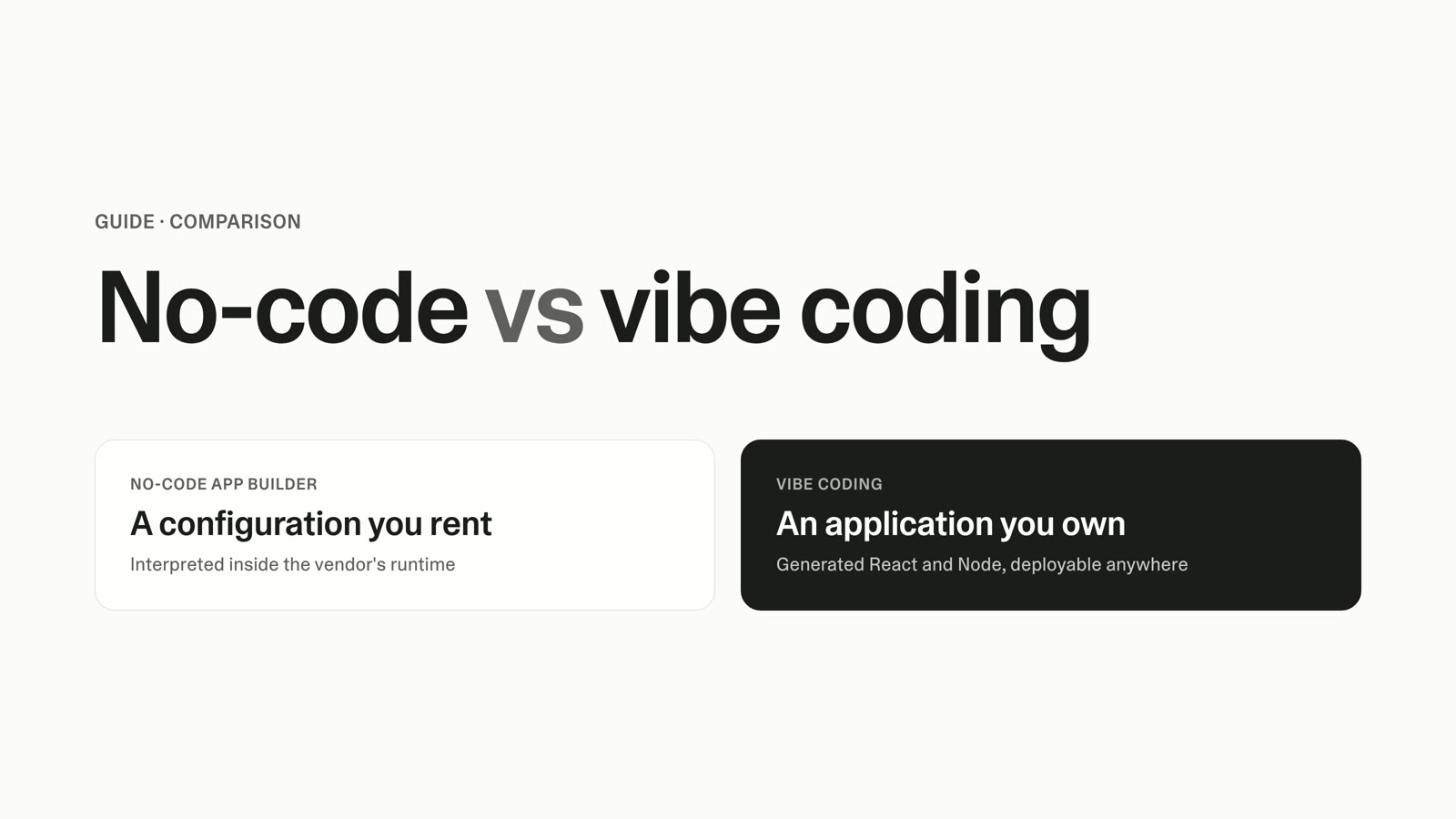
- The build-vs-buy question usually gets framed as a binary: pay per seat indefinitely for an off-the-shelf sales CRM that fights your process, or spend six figures and several months on a full custom CRM. There is a third path.
- For most teams, an off-the-shelf sales CRM is the right call, with same-day setup, no maintenance burden, and the freedom to switch later.
- A full custom CRM build makes sense when off-the-shelf genuinely cannot fit your process, your industry demands deep customization, or you control regulated data and have a team to own it.
- The third path is a lightweight custom CRM shaped to how your team sells, built in days without an engineering hire. It is a real working tool with a database, login, and live integrations, not a prototype.
- Most CRM failures are adoption and process-fit failures, not feature failures, and a tool that doesn't match how reps work erodes your data quality and your forecast.
- The decision comes down to three questions: how distinctive is your process, how much do you want to own, and how fast do you need it live.
The custom CRM decision you're facing
Your sales CRM does not match how your team sells. Reps skip fields, log deals in side spreadsheets, or stop updating the pipeline entirely, and your forecast degrades as a result. So you are weighing two options that both feel wrong: keep paying per seat for a tool you fight, or commit budget and months to building a custom CRM.
The recurring cost is not small. A 25-seat team on a mid-tier sales CRM at roughly $75 per user per month pays about $22,500 a year, or $45,000 over 24 months, before onboarding fees and AI add-ons. That is the price of a tool that, by your own assessment, does not fit how you sell.
The build side looks worse on paper. Cost-estimator guides put a custom CRM anywhere from $15K–$40K for a basic version to $75K–$300K and up for an enterprise build, and those numbers come with a multi-month timeline and an engineering team you may not have. Faced with that, most sales ops leaders adapt their process to the software and absorb the cost.
This guide gives you a clearer way to decide, including a third option the usual build-vs-buy framing skips.
Why the build-vs-buy CRM decision is harder for sales orgs
A sales CRM is not a generic database. It encodes your process: your pipeline stages, your qualification criteria, your handoffs, and the data discipline that makes your forecast trustworthy. When the tool's model of selling differs from yours, every rep pays a small tax on every deal, and that tax shows up as bad data. This is the core reason CRM for complex sales processes so often disappoints.
This is why most CRM disappointment is a fit problem, not a feature problem. In CSO Insights' 2006 study of 1,275 companies, reported by Jim Dickie in CRM Magazine, fewer than 40% of organizations achieved more than 90% end-user adoption, with per-vendor rates ranging from 24% to 51%. That study is two decades old and adoption has improved since, but the underlying pattern has proved durable, and CRM underuse remained a widely reported problem through the 2018–2019 period.
The lesson is consistent across two decades: a CRM your reps don't fully use is worse than no CRM, because it hands you a confident forecast built on incomplete data. Process fit determines whether you get clean data or garbage, and that is what the build-vs-buy decision is really about.
Who each option is for
There are three paths, and being honest about each one matters more than picking a favorite.
Off-the-shelf subscription CRM is the right choice for most teams. Per the AWS Smart Business blog on building versus buying a CRM, buying wins when you want lower resource requirements, same-day implementation, and the freedom to switch vendors later. If your process is fairly standard and you'd rather spend your time selling than maintaining software, buy. Don't over-engineer a problem you don't have.
Full custom development is for teams where off-the-shelf genuinely cannot fit. The AWS guidance points to three triggers: off-the-shelf can't accommodate your workflow, your industry demands deep customization, or you control regulated data. The catch is that a full build is a real software project, and you need a team to own its maintenance indefinitely.
A lightweight custom build sits between the two. It fits when your process is distinctive enough that off-the-shelf fights you, but you don't want a capital project, an engineering hire, or a multi-month timeline. This is the path the standard build-vs-buy article tends to miss, and it is the one most underserved sales teams should be looking at.
Custom CRM vs off-the-shelf CRM: the trade-offs that matter
The decision turns on six dimensions. Sticker price is the one buyers fixate on and the one that matters least in isolation. Here is how the three paths compare across what drives the outcome.
| Dimension | Off-the-shelf CRM (e.g. Salesforce, HubSpot, Pipedrive, Zoho) | Full custom build | Lightweight custom build (Lovable) |
|---|---|---|---|
| Process fit | Fit your process to the tool; configuration within preset limits | Built exactly to your process | Built around your real pipeline and stages |
| Time to live | Same day to a few weeks | Several months | Days |
| Cost over 24 months | ~$14–$25/user/mo entry, ~$49–$100 mid, ~$175–$350 enterprise, plus possible onboarding and AI add-ons | High upfront ($15K–$300K+ range, source-dependent) plus ongoing maintenance | Low, no per-seat license |
| Who maintains it | Vendor | Your engineering team | Your team, in plain language |
| Scalability | Proven at scale, with paid tiers | Scales as engineered | Scales as you extend it |
| Data control | Vendor-hosted, export available | Full control | Full control, you own the code |
Pricing figures are indicative 2026 ranges drawn from public vendor pricing pages, and they move year to year. Treat them as a starting point, then check current rates for your specific tier and seat count.
Custom CRM cost and total cost of ownership, honestly
Compare total cost of ownership, not sticker price. An off-the-shelf subscription's real cost is per-seat licensing plus onboarding fees, plus AI add-ons that can run an extra $23–$60 per user per month, plus the labor you spend configuring and working around the gaps. That last cost is invisible on the invoice and unavoidable on your team's calendar.
A full custom build inverts the curve, with high upfront cost followed by ongoing maintenance. Neontri's build-vs-buy analysis puts annual maintenance at roughly 15–20% of the original build cost, a recurring line item you carry for as long as the tool lives. The often-quoted break-even point, where a custom build's total cost dips below a comparable subscription, is one widely cited estimate of around 18–24 months for a stable, high-usage tool, and it depends heavily on seat count and usage. Below roughly 50 seats, buying is usually cheaper.
For a sense of the traditional internal-tool baseline, Forrester's Total Economic Impact study of Microsoft Power Pages, commissioned by Microsoft in June 2024, informs a per-tool benchmark of roughly $17K–$22K in developer labor and about eight weeks to ship a single low-code internal tool. That study is vendor-commissioned and covers low-code web tools rather than CRMs, so read it as a directional benchmark for "traditional builds are slow and expensive," not as a CRM cost.
The more useful reframe is to stop comparing only dollars and start comparing fit and time-to-live. A cheaper tool that erodes your data quality is not cheaper. A faster path to a tool that matches your process is often the highest-return option, even when the spreadsheet math is close.
When to build a custom CRM, when to buy, and when to build lightweight
Place yourself in one of three buckets.
Buy off-the-shelf when your sales process is reasonably standard, you want the tool live this week with no maintenance burden, and you value the freedom to switch vendors later. This is most teams. If a configured subscription CRM can hold 80–90% of your process without a fight, buy it and move on.
Build full custom when off-the-shelf genuinely cannot model your workflow, your industry demands deep customization, or you handle regulated data under strict controls, and you have an engineering team that can own the build and its maintenance for years. This is a real software project, so commit to it as one or not at all.
Build lightweight when your process is distinctive enough that off-the-shelf fights you and erodes adoption, but a six-figure capital project and a multi-month timeline are off the table. You want a working sales tool shaped to how you sell, you want it in days, and you don't want to wait in your engineering team's backlog. Most underserved sales teams overlook this bucket, because they didn't know it existed.
How to build a lightweight custom CRM around your process
This is where the third path stops being theoretical. With Lovable, you describe the sales tool you need in plain language and get back a real working application, not a mockup. It has a real database, real logins for your reps and managers, and it runs in the browser like any other CRM your team uses.
Start with your pipeline, because that is what off-the-shelf gets wrong for you. You map your actual stages, whatever they are, and the fields that matter to your team, then build deal records, contact records, and a board view that reflects how your reps move work through those stages. The tool follows your process instead of forcing your process to follow the tool.
Here is what a starting prompt looks like in practice. You describe a sales CRM where reps move deals through your seven pipeline stages on a drag-and-drop board, each deal stores the contact, value, expected close date, and next action, managers see a dashboard of pipeline by stage and by rep, and reps get an alert when a deal sits more than 10 days without an update. What you get back is a working tool: a stage-based pipeline board, deal and contact records, a manager reporting view, and the stale-deal alert wired up.
Lovable cloud handles the data and the logins behind it, so each rep sees their deals and managers see the whole pipeline, without you configuring any infrastructure yourself. You can read every line of the code it produces, and you can connect integrations your team already relies on for alerts or for live revenue data. Because a lightweight CRM is fundamentally an internal sales tool, the same approach that powers any internal tool you build without code applies here.
The timeline is the part that disarms the main objection. A full custom build runs months, while a tool like this comes together in days, because you're describing outcomes in plain language rather than writing and wiring code by hand. When you're ready to put it in front of your team, the steps to publish a web app are straightforward.
Migration and switching considerations
Moving off an existing CRM is mostly a data exercise, and it is more manageable than the dread suggests. Export your contacts, deals, and activity history from your current tool, map the fields to your new structure, and import. Run the new tool in parallel with the old one for a short window so reps can cross-check before you cut over.
Decide deliberately what to keep in the old system during the transition. Closed-won history and reporting you rarely touch can stay where it is while your active pipeline moves first. The goal is a clean active pipeline in the new tool, not a perfect migration of every historical record on day one.
A lightweight build also lets you graduate capability over time, which a rigid subscription does not. Start with the pipeline and deal tracking your team needs now, then layer in forecasting views, quote generation, or revenue reporting as the need becomes real. If your tool eventually grows into a broader product, the path from internal tool to a fuller application is the same one you'd follow to build a SaaS product without coding. You extend what you own instead of renegotiating a contract.
FAQ
Is it cheaper to build a custom CRM or buy an off-the-shelf one?
For teams under roughly 50 seats, buying is usually cheaper, because per-seat subscriptions stay low and you carry no build or maintenance cost. A full custom build's break-even against a subscription is one widely cited estimate of around 18–24 months, and only for stable, high-usage tools. A lightweight build changes the math, because it removes the large upfront cost and the per-seat license at the same time.
When does it make sense to build a custom CRM instead of buying one?
Build when off-the-shelf genuinely can't fit your sales process, your industry demands deep customization, or you control regulated data, per the AWS build-vs-buy guidance. Go full custom only if you have a team to own it long term. If your process is distinctive but you don't want a capital project, a lightweight custom build is the better fit.
Will a lightweight custom CRM scale, or is it just a prototype?
It is a real working tool, not a prototype. It has a real database, logins for your reps and managers, and live integrations, and it scales as you extend it. The difference from a full custom build is the timeline and who maintains it, not whether it works in production.
What about CRM data quality and rep adoption?
Adoption is the core risk in any CRM decision, and it is mostly a process-fit problem. Historical studies, going back to CSO Insights' 2006 survey of 1,275 companies, found fewer than 40% of organizations hit above 90% adoption, and CRM underuse remained a widely reported problem into the 2018–2019 period. A tool built around how your reps already work removes the friction that causes them to skip fields and keep shadow spreadsheets.
Can I migrate my existing CRM data into a custom build?
Yes. Export contacts, deals, and activity history from your current tool, map the fields, and import, then run both systems in parallel briefly before cutting over. Move your active pipeline first and leave rarely-touched historical reporting in the old system during the transition.
Do I need an engineer to build a custom CRM for my sales team?
Not for a lightweight build. With Lovable you describe the sales tool you need in plain language and get a working application back, then iterate by describing changes. A full custom development project is different and does require an engineering team to build and maintain it.
Build the sales tool your process needs
If you already know off-the-shelf doesn't fit how your team sells, you don't have to choose between a tool you fight and a six-month build. Describe the sales CRM your process needs, and have a working version in front of your reps this week. Start building with Lovable.