TL;DR
- A template is fine if you send one or two simple proposals a month and your deals rarely change shape. Don't overbuy.
- Proposal software earns its price for higher-volume sales teams that need e-signature, open-tracking, CRM sync, and approval control out of the box. Vendors report customers create documents up to 40% faster using templates and CRM data.
- The per-seat math is the catch. Plans run roughly $19–$75 per user per month, and the tier with CRM sync, approval workflows, and analytics is usually the expensive one. Seat minimums and Salesforce add-ons push a 10-rep team past $8,000 a year.
- There is a third option the vendor blogs skip: building your own proposal tool that matches your exact deal structure, with no per-seat fee.
- Building used to be the expensive path. A traditional internal tool runs $17,000–$22,000 and about eight weeks, but a focused first version is now an afternoon, not a project.
- Choose by fit, not by feature count. If templates are too manual but per-seat software is overkill that still doesn't match how you quote, build the tool that does.
You rebuilt a proposal from last quarter's file and shipped it before you noticed the old client's name was still in the pricing section. You sent a PDF and never knew whether the buyer opened it, forwarded it, or let it die in an inbox. Your branding drifts a little with every version, and every rep keeps their own "final" copy of the master. This is the version-chaos moment. It costs deals, and it has nothing to do with how organized you are. It's the tooling.
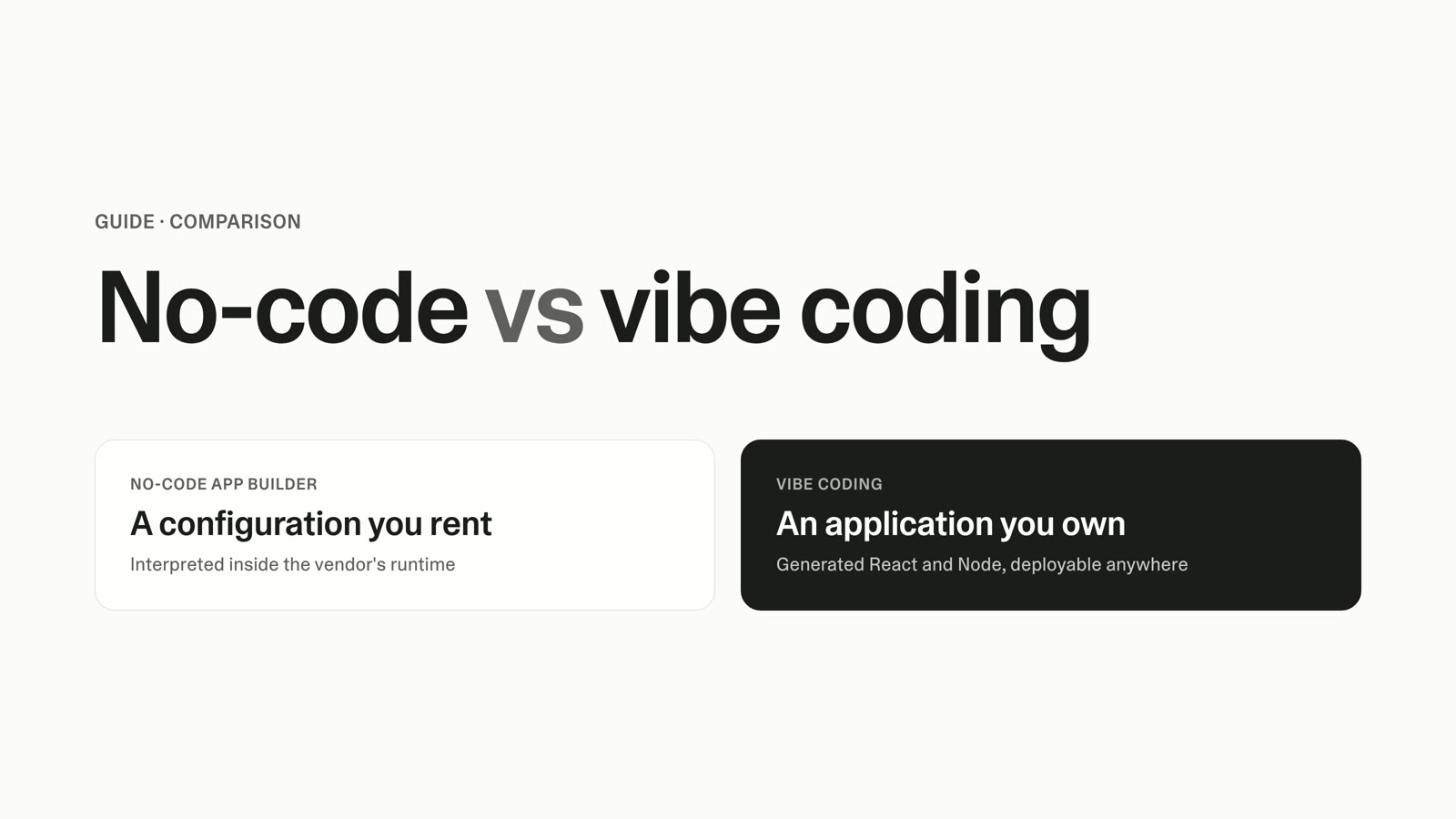
That pain has two well-marketed answers and one that almost nobody tells you about. You can keep using proposal templates in Word, Google Docs, or PDF. You can buy per-seat proposal software. Or you can build a proposal tool that fits your process exactly. Most content on this topic is written by proposal-software vendors, so it collapses to "buy our tool" and treats templates as a strawman. The honest version is a three-way decision, and which one is right depends entirely on how you sell.
This Is a Three-Way Decision, Not a Binary
The choice is usually framed as manual templates versus software. That framing hides the option that fits a large group of readers best. Before comparing features, place yourself in one of three buckets honestly.
You're a template user if you send a low volume of simple proposals and your pricing rarely changes. A freelancer sending one or two proposals a month does not need a subscription or a build. A clean template plus a signing tool wins here. Anyone who tells you otherwise is selling something.
You're a software buyer if your team sends proposals at volume and needs the full stack working today: e-signature, tracking, CRM sync, approval routing, and analytics, all supported and maintained by someone else. For a busy 15-rep sales team, a mature platform earns its price. The per-seat cost buys you not having to think about any of it.
You're a build-your-own candidate if you sit in the gap between those two. Your process is defined and repeatable, you know exactly how your deals are structured, and off-the-shelf tools almost fit but force you to bend your quoting or your terms to their data model. You resent paying per seat for a shape that isn't yours. That gap is where a built tool wins, and until recently it was the option no one could reach.
Proposal Software vs Proposal Templates: How Each Option Compares
Generic feature lists don't decide this. The dimensions that matter are proposal-specific: how fast you can produce a branded document, whether you can tell it was opened, how you handle pricing and signatures, and how well the tool matches the way you quote. The table below names the off-the-shelf tools you have probably already trialed. Prices are per user, per month, on annual billing, verified against each vendor's public 2026 pricing.
| Capability | Manual Template (Word / Docs / PDF) | Proposal Software |
|---|---|---|
| Fit to your exact deal structure | Total, but manual | Constrained to the vendor's data model |
| Open / engagement tracking | None | Standard; see when it was opened and which sections were viewed |
| Creation speed | Slow; rebuild or copy-paste each time | Fast; reusable templates plus saved content blocks |
| Branding consistency | Drifts with every version | Locked to a brand template |
| E-signature | Needs a separate signing tool | Built in on all major plans |
| Interactive pricing tables | Static; manual math | Live quoting with optional line items and totals |
| CRM sync | Manual copy-paste | Paid tier or add-on (PandaDoc Business+; Proposify Salesforce add-on; Qwilr Scale tier) |
| Approval workflows | Email and hope | Built into mid and upper tiers |
| Per-seat cost | $0 | ~$19–$75/user/mo depending on tier |
Two things stand out. The capabilities that separate software from a template (tracking, CRM sync, and approval control) are almost always gated behind the higher tiers. And the one column a template wins outright is fit to your exact deal structure, because a blank document imposes no data model on you. That last column is the whole argument for building your own.
E-signature is often the deciding feature, so it deserves a note. Every major platform includes it, and a built tool can capture agreement and store a signed, timestamped record too. That is enough for most commercial proposals. If your deals require a notarized or qualified electronic signature for legal reasons, confirm that requirement before you choose any option, off-the-shelf included.
The Real Cost Is the Per-Seat Math Plus the Add-Ons Nobody Advertises
Templates look free. They aren't. The cost is the labor buried in every rebuild, plus the risk of the wrong name or the wrong price going out in a client-facing document. That risk is real money when it costs you a deal, but it's diffuse and hard to see on a budget line.
Proposal software makes the cost visible and turns it into a recurring bill that scales with headcount. Entry tiers start around $19 per user per month, which looks harmless. The features you want tend to live higher up. Per the vendor pricing pages, CRM integrations, custom quotes, and approval workflows start at the $49 Business tier; Salesforce integration is exclusive to the top Scale tier on one platform; and document analytics is gated above the entry plan on another.
Then come the parts that don't fit on the sticker. Per the published subscription documentation, one Business plan carries a 10-user minimum at $65 per user per month, annual billing only. That is a floor of roughly $7,800 a year before you add Salesforce sync, which is a further $9 per user per month, or about another $1,080 a year for those 10 seats. A 10-rep team that wants tracking, approvals, and CRM sync is looking at close to $9,000 a year, every year, for a tool built around someone else's idea of how a deal is structured.
To ground the alternative: a comparable internal tool built through traditional development costs between $17,000 and $22,000 in direct developer labor and takes roughly eight weeks to ship, per the Forrester Total Economic Impact study of Microsoft Power Pages. That figure is developer time only, with no design, no QA, and no maintenance. For a fuller breakdown of what modern app builds actually run, the 2026 app cost guide walks through the numbers. For years, that development figure was the reason not to build, and it's why "just subscribe" was sound advice. That reason no longer holds.
Building Your Own Is No Longer a Five-Figure, Multi-Month Project
The old math assumed you'd hire a developer and wait two months for a first version. The tooling that produced the $17,000 estimate is not the tooling you'd use today. With Lovable, you describe the proposal tool you want in plain language and get a working, branded application back. A focused first version is an afternoon, not eight weeks.
This is the part the vendor comparison you already read left out, because a built tool isn't a subscription anyone can sell you. It's yours. No per-seat meter, no seat minimum, no CRM surcharge, and no reshaping your quoting to fit a data model you didn't design.
Here's what that looks like in practice. You tell Lovable, in your own words, that you want a branded proposal builder with your three service tiers and their line-item pricing, a signature step, a manager approval before anything goes out, and tracking so you can see when a client opens a proposal and which sections they read. What comes back is a working tool with exactly those pieces: your branding, your pricing logic, an approval status on each proposal, e-signature capture, and an open-tracking view. You can read every line of what it builds, and you change anything by describing the change.
The pieces map to real capabilities. Your proposal content, client records, and open-tracking events all live in Lovable cloud, so you own the data instead of renting access to it. If you want first drafts of proposal sections written for you, the Lovable AI gateway handles that inside the tool, with no external account to wire up. And if you take a deposit on signature, Stripe handles the payment against the signed proposal. The same structured-data-plus-simple-logic pattern behind a live pricing table shows up in how to build a finance tracker app, and a proposal tool is a textbook internal business tool, which how to build an internal tool without code walks through end to end. If your internal proposal tool later grows into something you sell, how to build a SaaS product without coding covers that next step.
Be honest with yourself about the tradeoff. A built tool is yours to maintain and improve, which is the flip side of not paying per seat: no vendor is patching it for you. In exchange, you get a tool shaped around your process from the first day instead of a rented approximation. For a team with a defined, repeatable way of quoting, that trade is usually worth making.
"Where you would normally turn to some other tool, you can now build exactly the right tool you need. Without Lovable, we wouldn't have built it, or we would have used some existing tool that was suboptimal."
— G2 reviewer
Who Should Buy Software Instead
None of this makes proposal software the villain. For a high-volume team that needs the entire stack supported and maintained by someone else, a mature platform is the right call, and its per-seat price is fair for what it removes from your plate. Vendors report customers producing documents up to 40% faster using templates and CRM data, and cite case-study close-rate improvements from their own research. If sending proposals is a large, standardized, daily operation and you'd rather pay to never think about the plumbing, buy the software. That's not a compromise; that's the right fit.
The point isn't that one option beats the others. It's that the decision has three doors, not two, and the door that fits you depends on your volume, your process, and how much your deals resemble the vendor's assumptions. A large segment of readers sits between "templates are too manual" and "software is overkill that still doesn't fit our flow." That segment finally has a real third option.
Switching Is About Adoption, Not Migration
Whichever direction you move, the hard part isn't the data. Moving off templates or off a platform means porting your content library, mapping your pricing tables and terms, wiring up signatures and tracking, and then getting reps to use the thing. That last step is where most rollouts stall. A tool the team quietly ignores is worse than the templates you already had.
Off-the-shelf software carries an adoption tax that rarely gets discussed: you have to reshape your sales process to fit the tool's data model, and reps feel that friction on every deal. Building your own inverts the problem. The tool matches how your team already sells, so there's less to unlearn and less reason to route around it. When you're ready to put it in front of the team, how to publish a web app covers getting it live.
Start with a first version that covers your most common deal type, get three or four reps using it on real proposals, and iterate from what they hit. You are not trying to replicate an enterprise platform on day one. You're building the flow your team needs and growing it from there.
FAQ
Do I Need Proposal Software, or Is a Template Enough?
If you send a handful of simple proposals a month and your pricing rarely changes, a proposal template plus a signing tool is enough. Don't pay per seat for capabilities you won't use. You need more than a template once you care about knowing whether proposals get opened, keeping branding consistent across reps, or routing approvals before anything goes out.
What's the Difference Between Proposal Software and a Proposal Template?
A proposal template is a static document you copy and edit for each deal; it imposes no structure and offers no tracking. Proposal software adds reusable content blocks, brand locking, e-signature, open-tracking, interactive pricing tables, and CRM sync, in exchange for a per-seat subscription and its data model. A built tool gives you those same capabilities shaped around your exact process, without the per-seat fee.
How Much Does Proposal Software Cost per User?
Public 2026 pricing runs roughly $19–$75 per user per month on annual billing, depending on tier. The catch is that CRM sync, approval workflows, and analytics usually sit in the higher tiers, and some plans carry seat minimums (one Business plan requires 10 users at $65 each) plus CRM add-ons (a $9 per user Salesforce surcharge). Model the annual total for your real headcount, not the entry price.
Can I Build My Own Proposal Tool Instead of Paying per Seat?
Yes, and it's no longer a five-figure, multi-month project. A comparable internal tool costs $17,000–$22,000 and about eight weeks through traditional development per the Forrester Power Pages study, but with Lovable you describe the tool in plain language and get a working, branded first version in an afternoon. You own it outright, with no per-seat meter. Lovable is free to start; subscriptions begin at $25 per month; additional credits can be purchased on top of any plan.
Does a Built Proposal Tool Integrate With My CRM?
It can. Where off-the-shelf tools gate CRM sync behind a higher tier or a paid add-on, a built tool connects to the CRM you already use through its API. You decide which fields sync and when, instead of accepting whatever mapping the vendor ships.
What's the Fastest Way to Send a Branded, Trackable Proposal?
If you already have proposal software, use its template and tracking features. If you don't, and your process is specific enough that off-the-shelf tools don't quite fit, the fastest durable path is a built tool with your branding, pricing logic, and open-tracking baked in, so every proposal is on-brand and trackable by default rather than reassembled each time. With Lovable, you can describe that tool in plain language and have a working first version the same day.
Place Yourself, Then Build the Tool Your Team Needs
Run the three-way test honestly. Low volume and simple deals: keep your template. High volume that needs the full stack maintained for you: the per-seat software is worth it. But if templates are too manual and per-seat software is overkill that still doesn't match how you quote, you no longer have to settle for the closest approximation.
Describe the proposal tool your team needs, with your pricing, your approval step, and your tracking, and build it in an afternoon. Start with how to build an internal tool without code and ship a first version this week.
Sources
- PandaDoc Pricing
- Proposify Pricing
- Proposify Subscription Plans & Pricing (support)
- Qwilr Pricing
- Better Proposals Pricing
- PandaDoc Proposal Software
- PandaDoc State of Deals press release
- Forrester Total Economic Impact of Microsoft Power Pages (2024)