Event Registration Page Template
Launch branded event pages with custom registration forms, ticket tiers, waitlists, attendee management, and email automations — all from a single dashboard.
 Lovable
Designed for
- Community organizers running recurring events
- Marketing teams launching webinars & field events
- Founders hosting workshops or demo days
- Managing attendee lists & check-ins at scale
Key highlights
- Registration page templates
- Custom forms and tiers
- Capacity and waitlist
- Attendee dashboard
- Email confirmations and reminders
- Modular page builder
- Co-host invitations
- UTM links and QR codes
- AI cover images
- Custom branding
Technology stack
Libraries
- React
- TypeScript
- Tailwind CSS
- shadcn/ui
- Supabase
- Recharts
- Framer Motion
- DnD Kit
- Embla Carousel
Deployment
- Lovable
- GitHub
About this template
This template gives you everything needed to run event registration without stitching tools together. Create an event in a guided wizard, pick one of three landing-page styles, and share a public link that's ready to take signups within minutes.
Each event includes a customizable registration form, optional ticket tiers, capacity and deadline controls, a co-host system, and a real registration page at its own slug. You also get a modular page builder for adding agenda, speakers, FAQ, and other sections beyond the form.
The dashboard surfaces every attendee with advanced filters, status tracking (registered, waitlisted, checked-in, attended, no-show), VIP flags, notes, and CSV export. Promotion tools include QR codes and UTM-tagged tracking links so you can see which channels are driving signups.
Authentication is built in — sign up with email or Google, customize your brand, and invite teammates as co-hosts on individual events or your full workspace. There's also a public company profile page that lists all of your live events at a shareable slug.
Best use cases
Webinars and virtual events
Spin up a branded registration page with a custom form, send automatic confirmation emails with calendar invites, and let the waitlist fill seats when registrants cancel. The dashboard tracks every signup as it happens.
In-person meetups and workshops
Set a capacity, collect the fields you actually need, and check guests in at the door. The attendee table tracks status transitions and notes so you have a clean record after the event.
Conferences with ticket tiers
Offer multiple ticket types — general, early bird, VIP — with their own descriptions and prices on the same page. Cap each tier, enable a waitlist, and let co-hosts help manage the run-up.
Product launches and demo days
Pair a marketing-style landing page with a focused registration form. Drop in UTM-tagged tracking links for each channel and watch the QR code, email, and social referrals separate themselves in the dashboard.
Getting started
Step 1: Remix this template
Click "Remix" to create your copy. You'll have a working event platform you can explore before adding your own content.
Step 2: Customize your brand
Update the logo, primary color, fonts, and company name in Settings. The brand applies to your dashboard, public company page, and event registration pages automatically.
Step 3: Add your first event
Use the three-step wizard to set details, pick a template and brand color, and configure the registration form. Add ticket tiers, capacity, and a registration deadline if you need them.
Step 4: Invite your co-hosts
Send email invitations from Settings to add teammates. Scope each invitation to a single event or to every event you own.
Step 5: Go live
Flip the event to live and share the public link. Lovable handles hosting, the public page goes up instantly, and registrations land in your dashboard in real time.
Step 6: Iterate and make it yours
Continue building and make any changes to the app to suit your team's exact preferences and workflows.
Conclusion
This template works for community organizers, marketers, founders, and operations leads who run recurring events and want a branded, owned signup flow instead of a generic third-party page. You get registration pages, attendee management, waitlists, co-host collaboration, and email automations in a template you can deploy in minutes. Whether you're running a monthly meetup, a launch event, or a multi-track conference, Event Platform replaces the patchwork of forms, spreadsheets, and reminder emails you've been juggling.
Features & capabilities
Three-step event creation wizard
Guided flow that walks through event details, branding, and registration form before publishing.
Three registration page templates
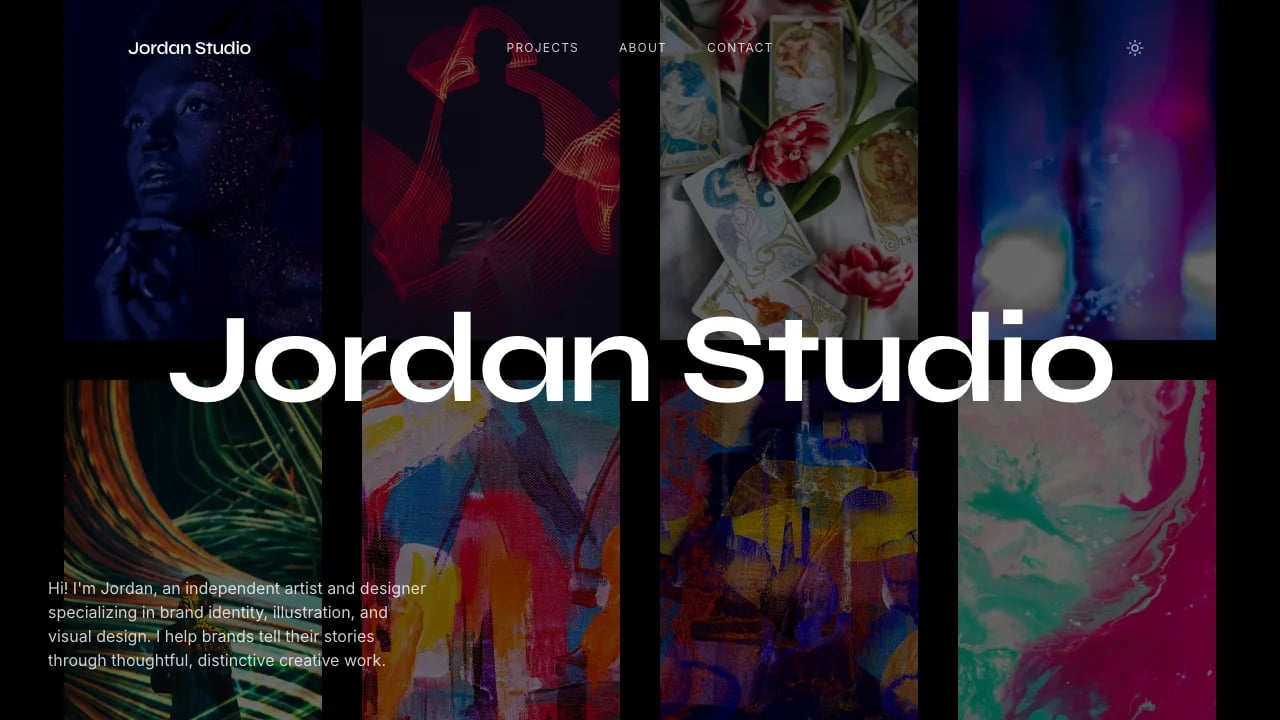
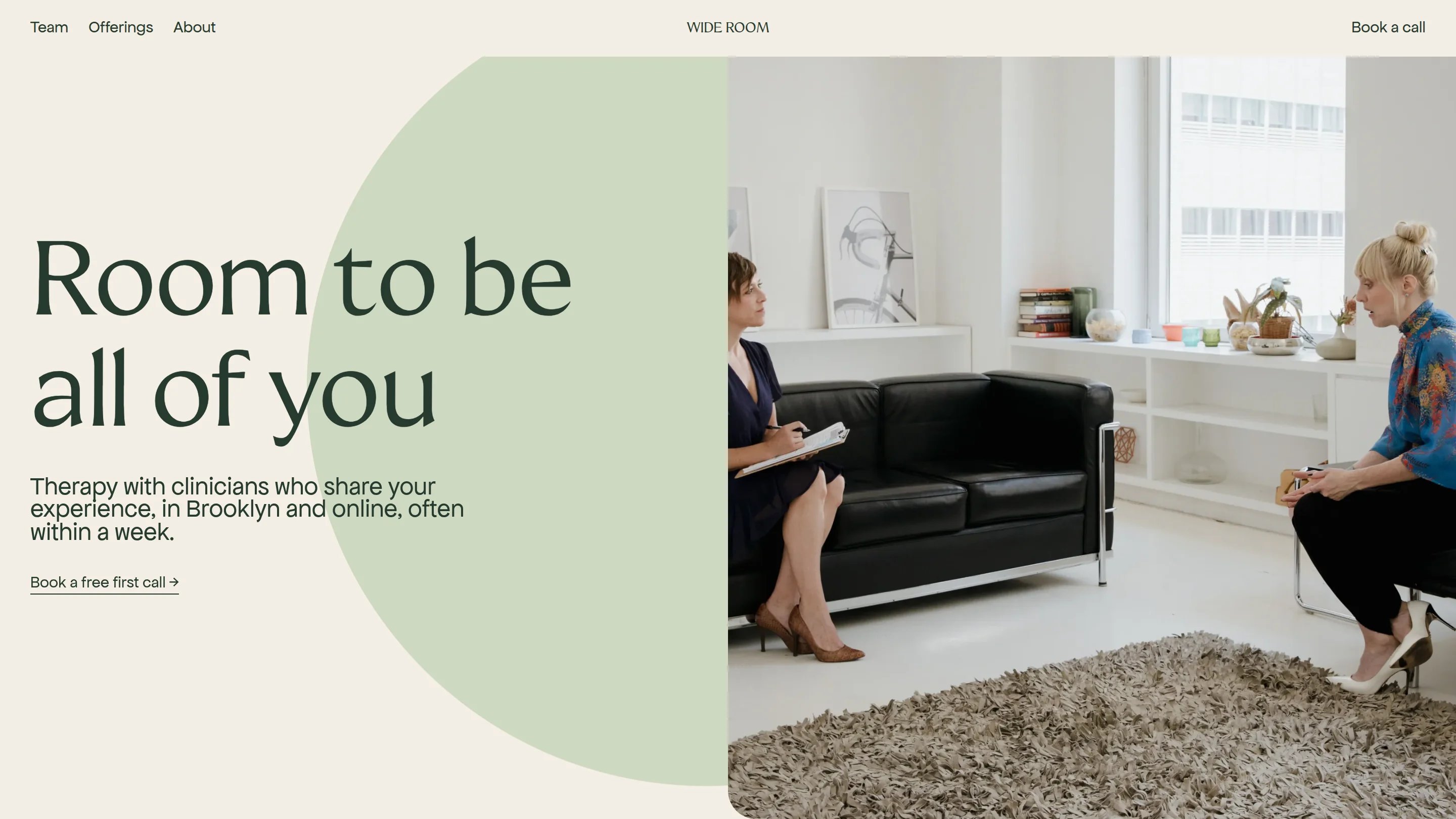
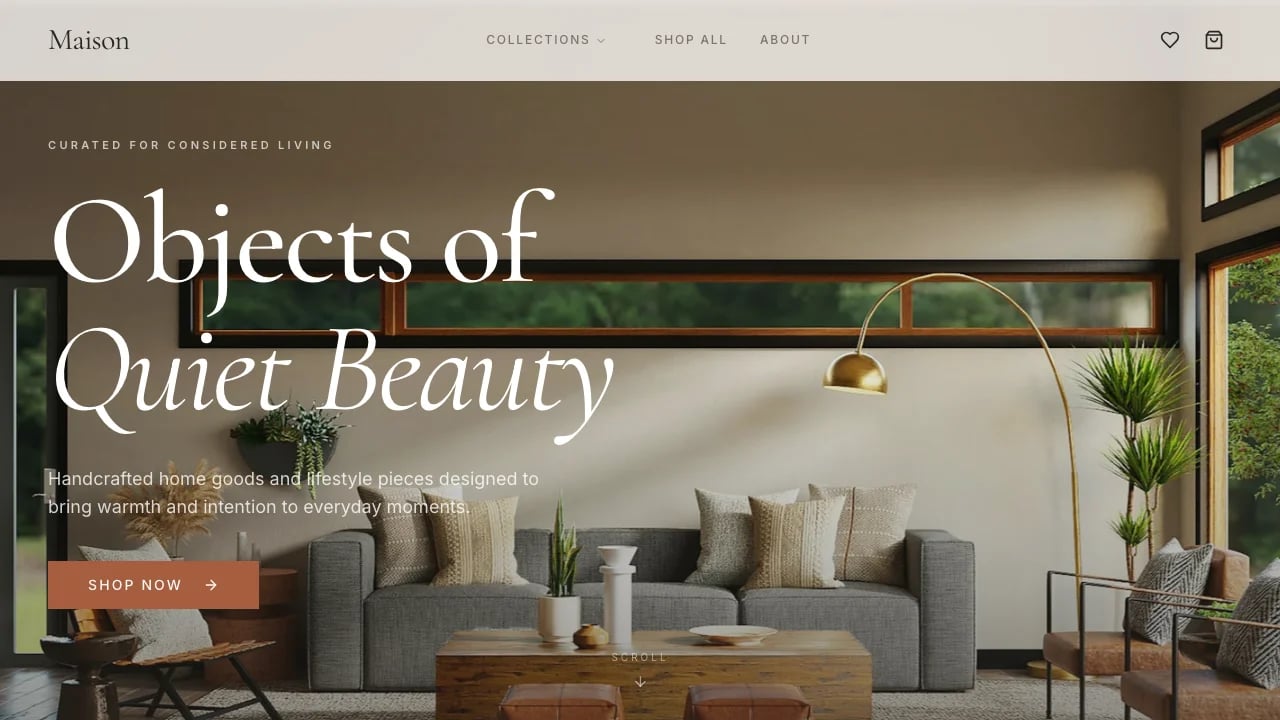
Choose Minimal, Split Screen, or Landing Page layouts, each with its own treatment of the flyer image and form.
Modular page builder
Add agenda, speakers, FAQ, location, and custom sections on top of the registration form, with live preview at desktop and mobile widths.
Custom registration form fields
Define text, email, phone, and URL fields with required or optional toggles on top of the built-in name and email.
Ticket tiers
Create multiple named tiers with descriptions and prices, or keep the event free.
Capacity, deadlines, and waitlist
Cap registrations, set a registration window, and enable an automatic waitlist that promotes the next person whenever someone cancels.
Attendee dashboard
Filter, search, and bulk-manage attendees with statuses (registered, waitlisted, checked-in, attended, no-show, cancelled), VIP flags, and inline notes.
Email automations
Toggle branded confirmation emails with calendar invites, 24-hour reminders, and 1-hour reminders per event, with custom intro and sign-off.
Co-host invitations
Invite teammates by email and grant access to a single event or every event you own, with co-host actions scoped by row-level rules.
Promotion tools
Generate UTM-tagged tracking links per channel and a downloadable QR code for the public event page.
Public company profile
A shareable company page lists every live event under your brand for anonymous visitors.
AI-assisted cover images
Generate on-brand cover art for an event without leaving the dashboard.
Authentication
Email and password signup with Google sign-in, plus a password reset flow and email verification.
Customizable branding
Apply your brand color, light or dark mode, logo, and typography across the dashboard and every public event page.