iOS app builder
Build iPhone apps with AI
Describe your idea and Lovable builds an app designed for iPhone. It runs in Safari and opens from the home screen.
Made for the iPhone in your pocket
Apps that fit the iPhone screen, open from the home screen, and reach your users without an app store in the way.
Designed for iPhone
Every screen is built for iPhone first, with buttons sized for thumbs. It still works on iPad and desktop.
Add it to the home screen
Ask Lovable to make your app installable. iPhone users then open it from their home screen in one tap.
Use iPhone features
Let users take photos, share their location, and record audio with what Safari already supports.
Ship updates instantly
Publish a change and users see it the next time they open your app. No store review in between.
How to build an iPhone app with AI
From idea to an app on your iPhone in five steps
Step 01
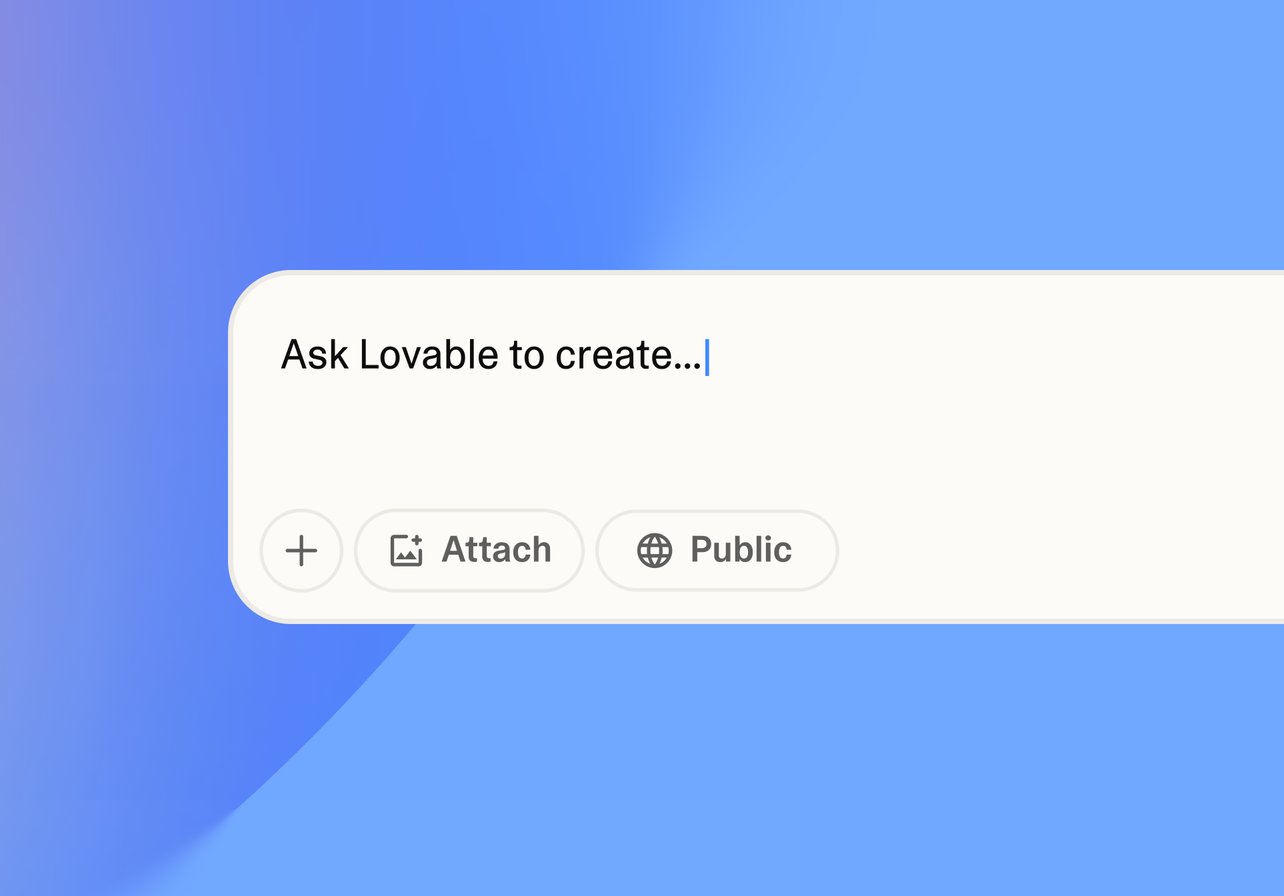
Describe your iPhone app
Tell Lovable what your app does and who it's for. Mention iPhone, and Lovable designs for small screens first.
Step 02
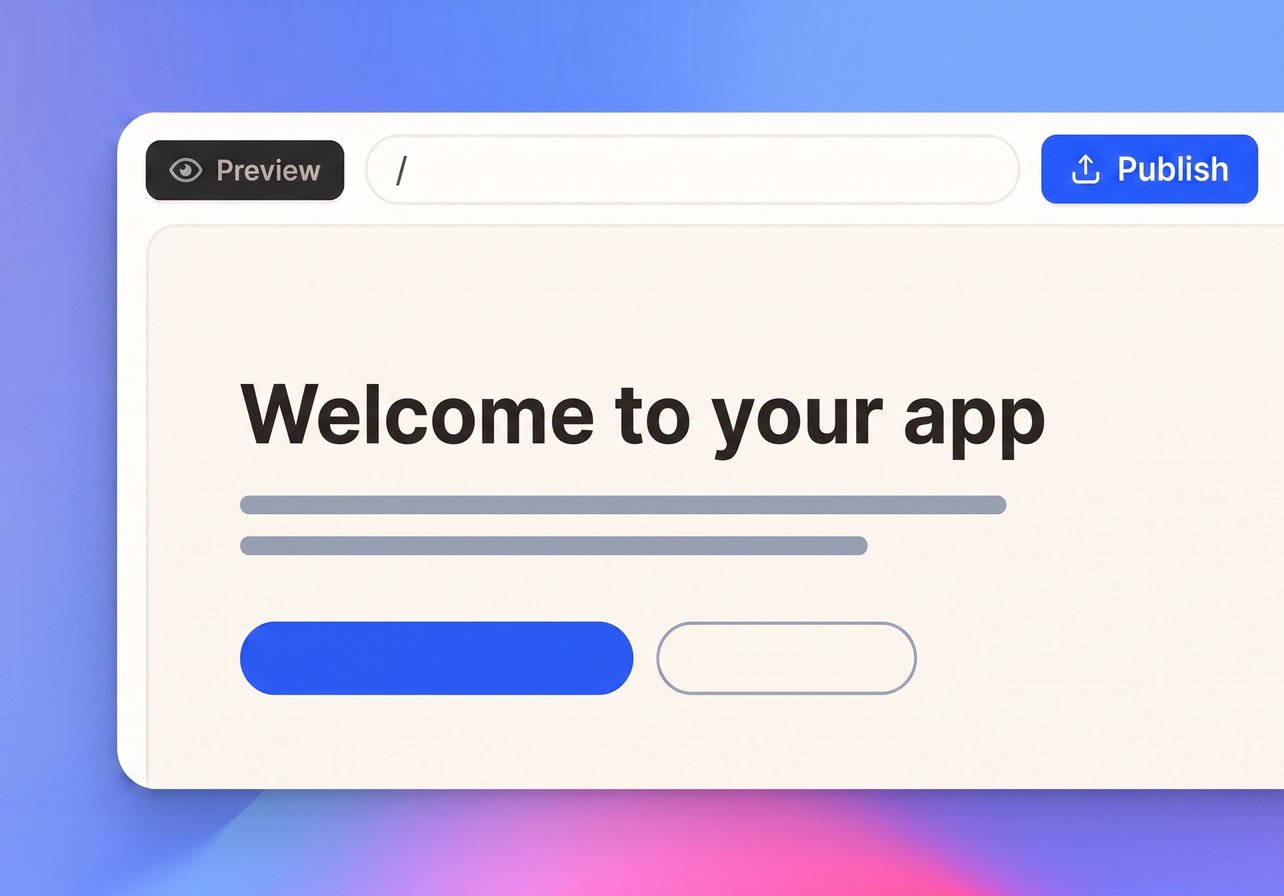
Watch it build
Lovable turns your description into a working app with screens, navigation, and data. Open it on your iPhone right away.
Step 03
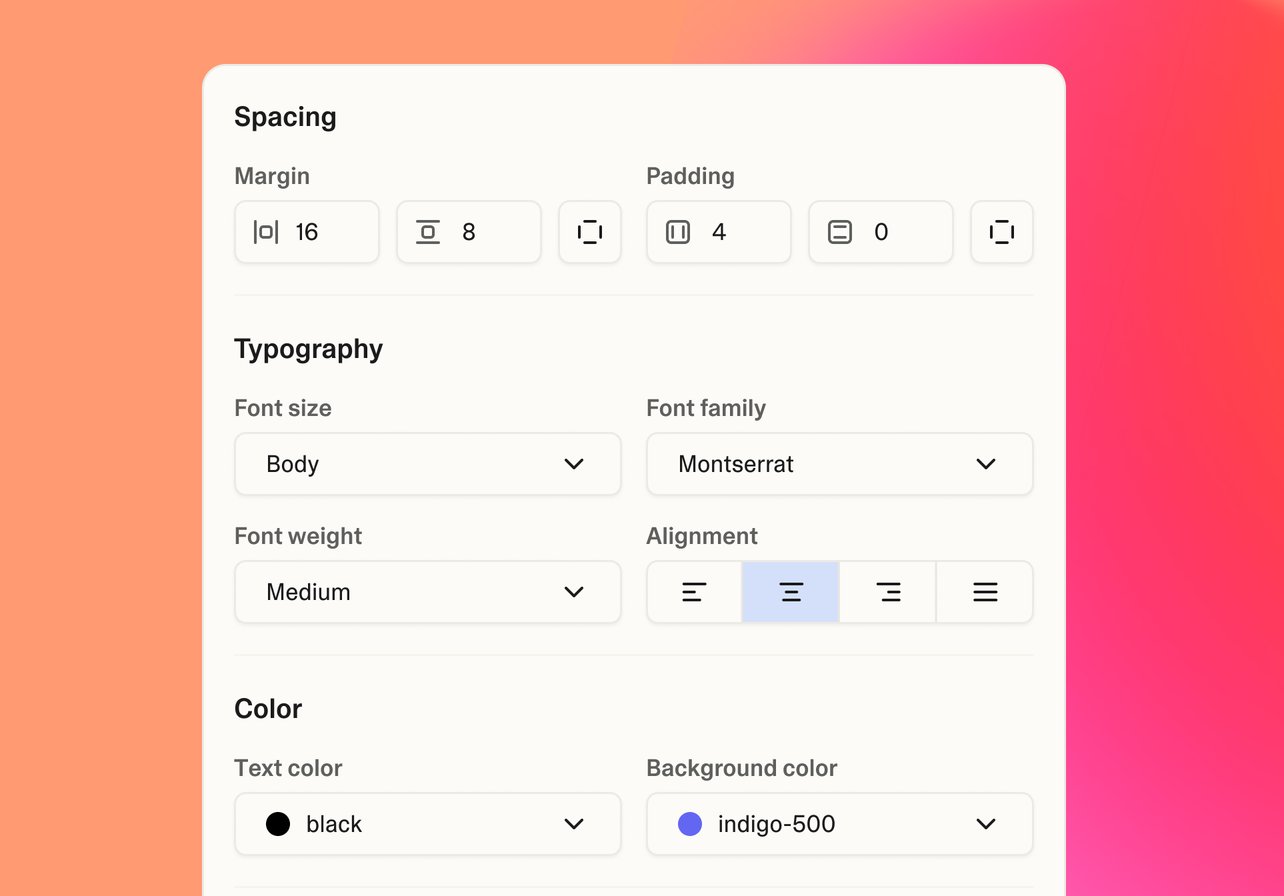
Refine every screen
Adjust layouts, buttons, and flows by chatting or clicking. Check every change at iPhone size in the preview.
Step 04
Connect your tools
Add payments, email, maps, and more with built-in integrations. No APIs to wire up yourself.
Step 05
Publish and share
Go live in one click and share the link. iPhone users add your app to their home screen, and they see your latest version each time they open it.
Start with an app template
Proven app ideas that feel at home on iPhone
Connect the tools your app needs
Add payments, maps, messaging, AI voice, and more with a prompt







Learn more about building iPhone apps
Guides to plan, design, and launch your mobile app

Building more than an iPhone app? Explore the AI app builder
Frequently asked questions
An iOS app builder helps you create apps for iPhone. With Lovable, you describe your app in plain language and it builds an iPhone-ready app with screens, data, and logic.
No. Lovable builds web apps that run in Safari and can be added to the iPhone home screen. You share your app with a link, with no App Store review to wait for.
Yes. Ask Lovable to make your app a progressive web app (PWA). iPhone users open it in Safari, tap Share, then Add to Home Screen. It then opens full screen, just like other apps.
No. You build by chatting with Lovable in your browser, so you don't need Xcode or a Mac. If you can describe your app, you can build it.
You can start for free with public projects and a limited number of AI credits. Paid plans add private projects and more credits.