AI dashboard builder
Build a custom dashboard by chatting with AI
Describe the metrics you track and Lovable builds your dashboard with charts, tables, and filters, connected to your data.
Everything you need to see your numbers clearly
Lovable builds a complete dashboard with charts, data connections, sign-in, and hosting, all from one chat.
Charts and tables that fit your data
Line charts, bar charts, KPI cards, and sortable tables, laid out the way you want to read them.
Connect your data sources
Pull data from spreadsheets, warehouses, analytics tools, and CRMs, or store it in a built-in database.
Control who can see it
Ask Lovable to add sign-in and set which people and roles can open each view.
Share it with a link
Hosting is included. Publish in a click and send your team a link. On paid plans, connect your own domain.
How to build a dashboard with AI
Go from a question about your business to a working dashboard in five simple steps.
Step 01
Describe your dashboard
Tell Lovable which metrics matter, who will use the dashboard, and how you want it to look.
Step 02
Watch it build
Lovable creates the layout, charts, and filters, so you can click through your dashboard right away.
Step 03
Connect your data
Link a spreadsheet, database, or analytics tool with built-in integrations, or upload your own data.
Step 04
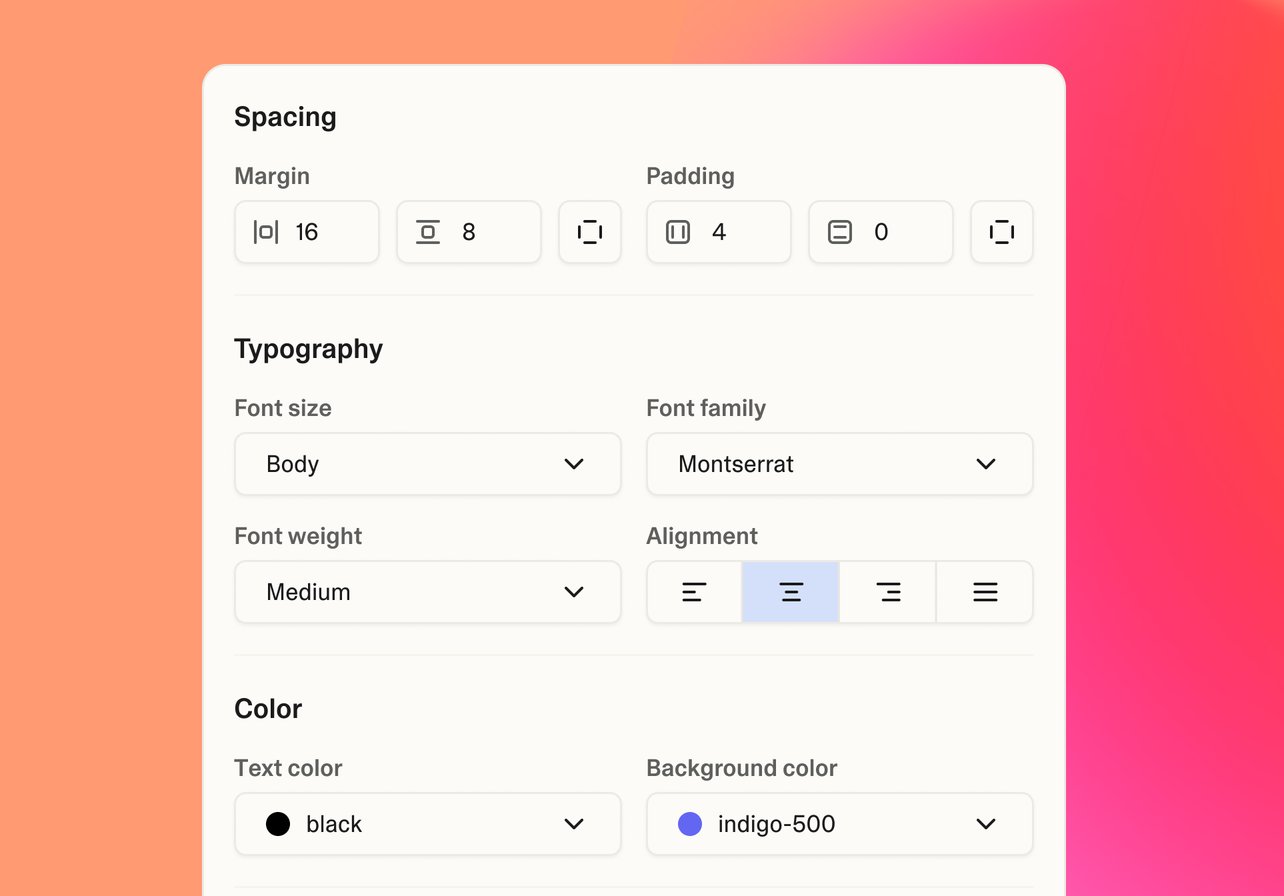
Refine the details
Add date ranges, drill-downs, and new charts by chatting, or edit the code directly.

Step 05
Share with your team
Publish in a click, add sign-in, and share the link with the people who need it.
Start from a dashboard template
Analytics and reporting dashboards you can make your own
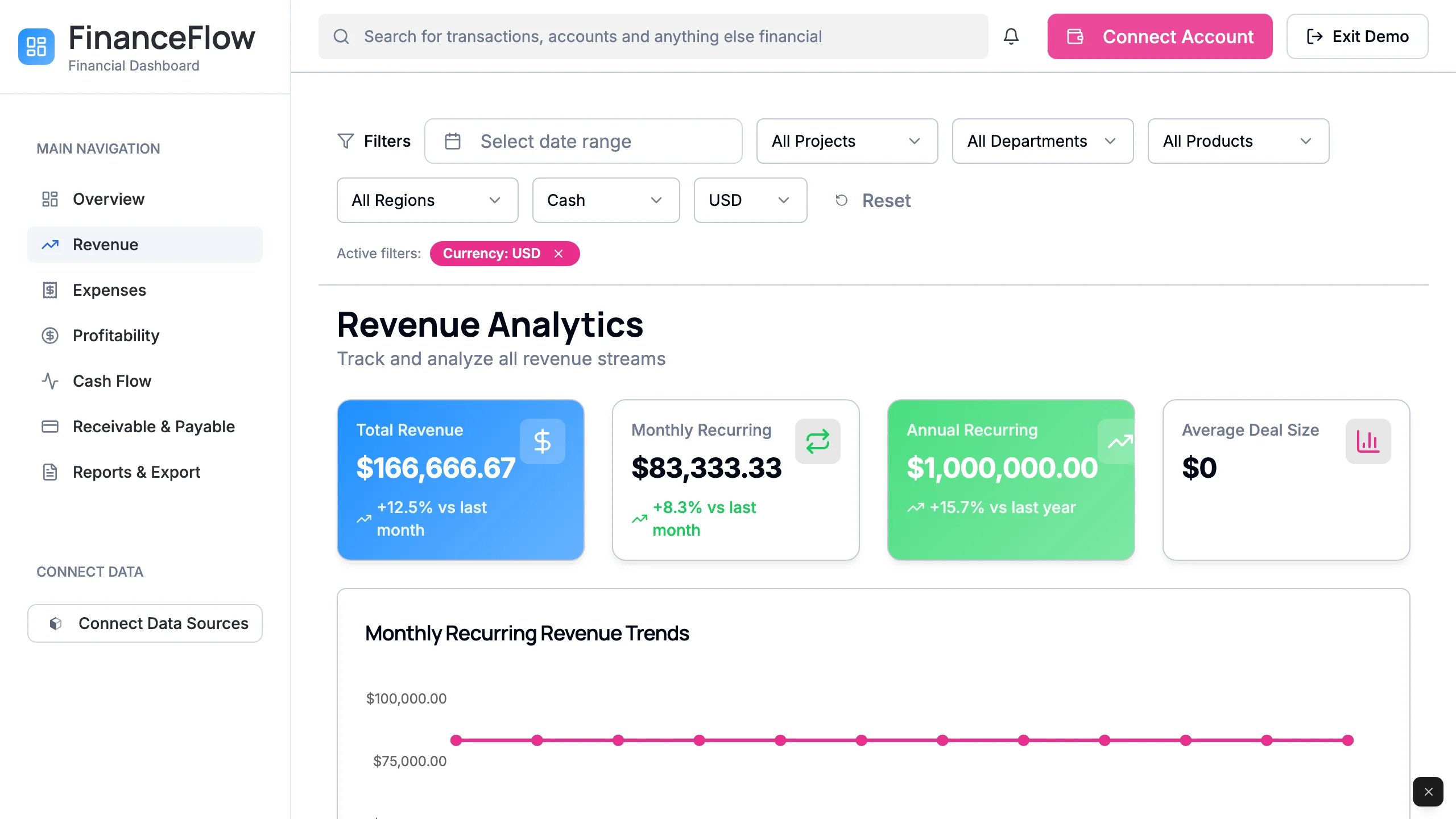
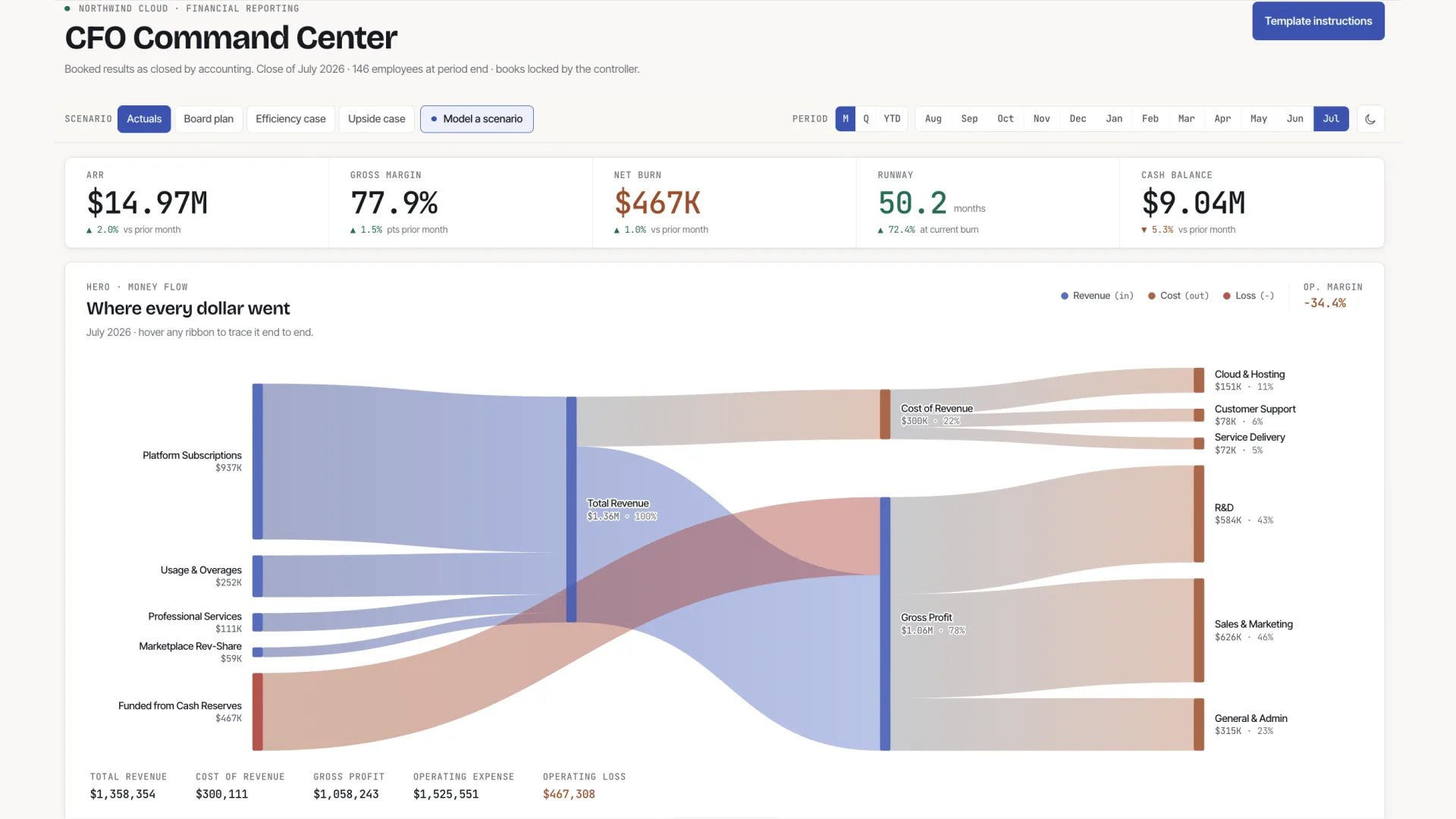
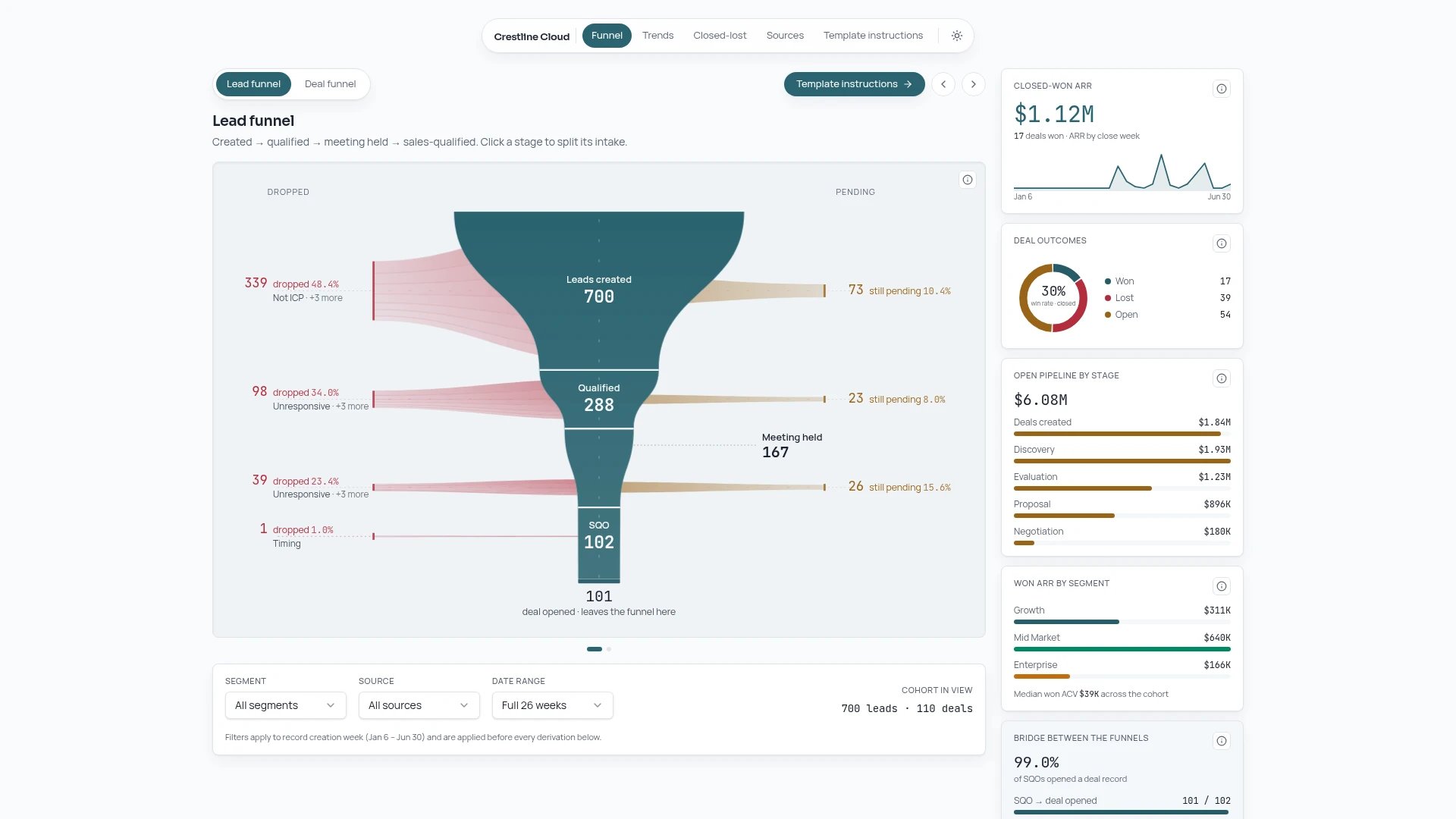
Connect the data behind your dashboard
Bring in spreadsheets, warehouses, analytics, and CRM data with a prompt










Keep learning about dashboards
Guides on building dashboards, admin panels, and reporting tools



.jpg)
Building something other than a dashboard? Explore the AI app builder
Frequently asked questions
An AI dashboard builder creates a working dashboard from a plain-language description. Lovable designs the layout, builds the charts and tables, connects your data, and hosts the dashboard for you.
You can connect tools like Google Sheets, BigQuery, Snowflake, PostHog, Stripe, and HubSpot with built-in integrations, call other services through their APIs, or store data in Lovable's built-in database.
You can ask Lovable to add sign-in and set rules for who can view the dashboard. Test them before you share it.
No. You build by chatting with Lovable. If you do code, you can view and edit everything Lovable writes.
See the Lovable pricing page for current plans and what each one includes.