Preschool & Daycare Site
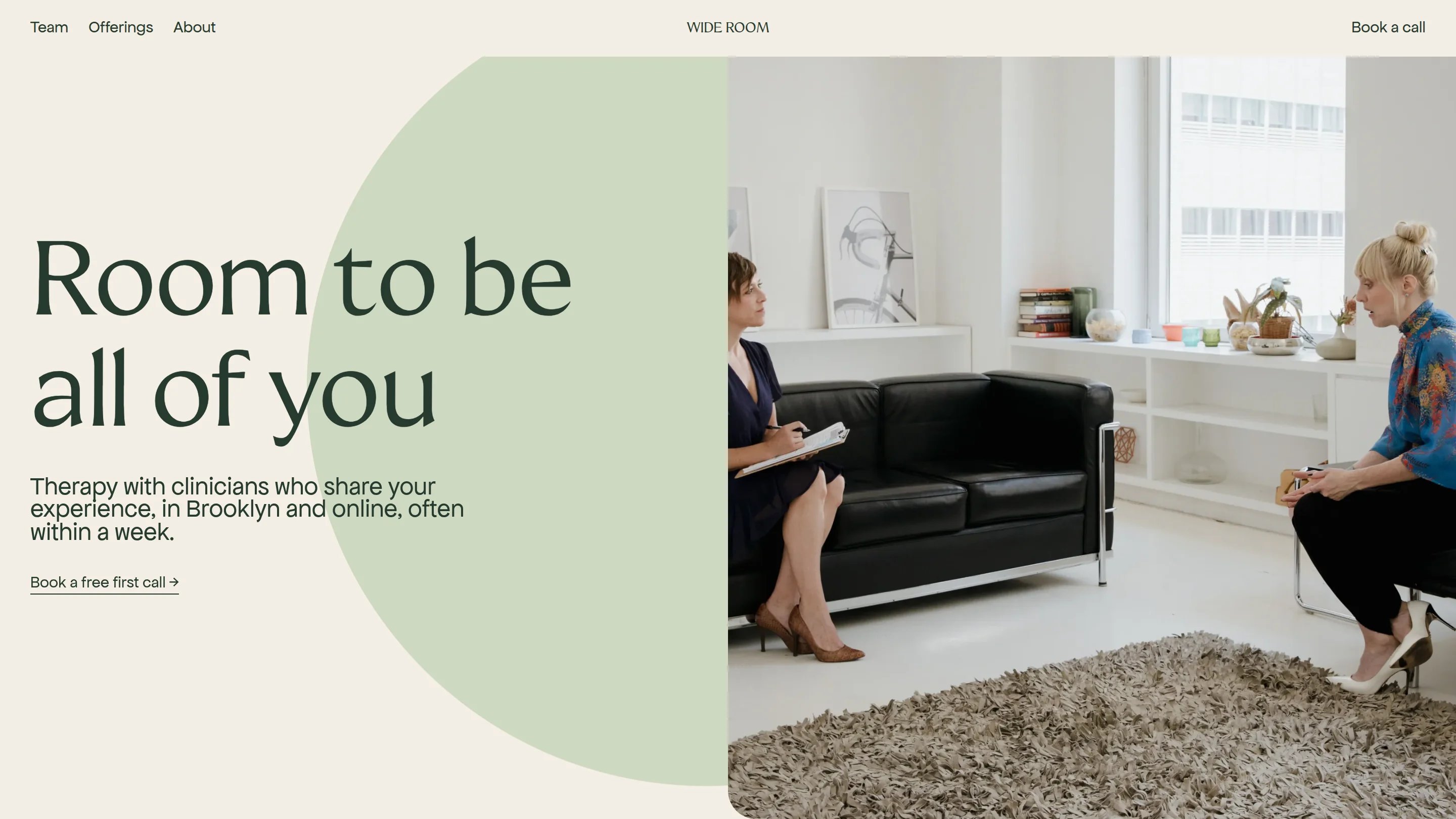
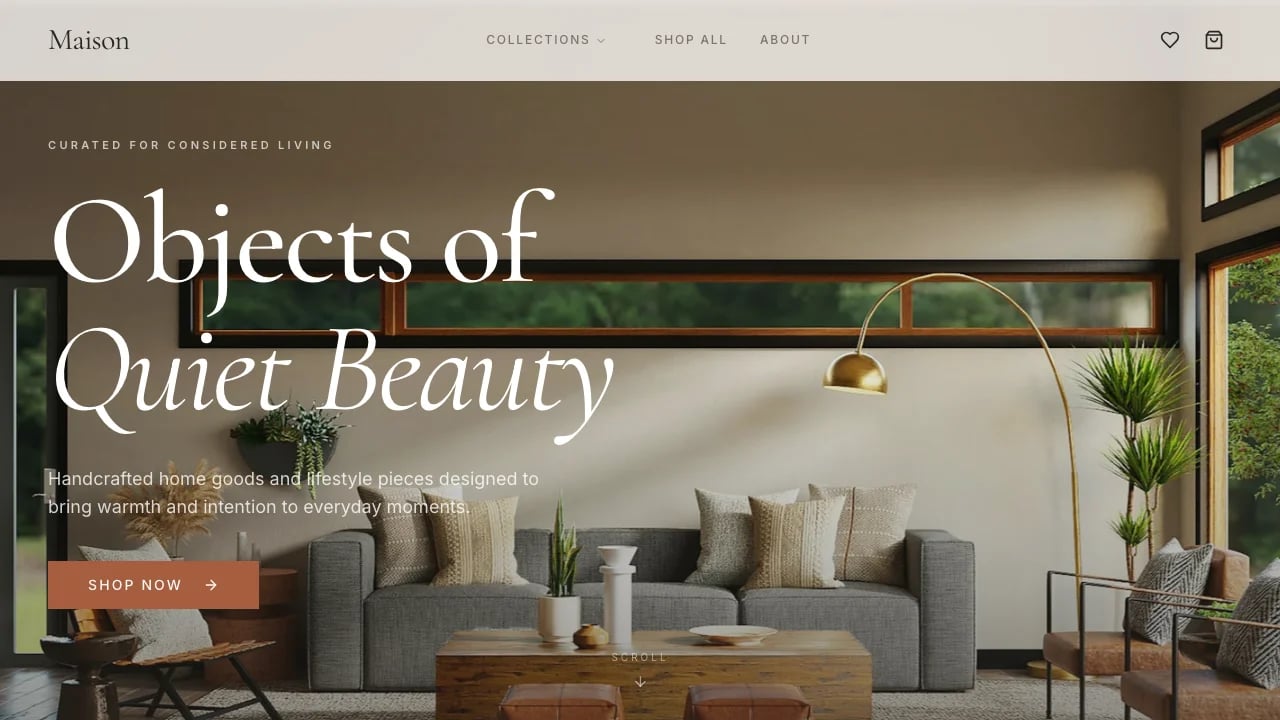
A preschool website built for childcare centers, daycare programs, and early learning academies that want to share their philosophy, showcase classrooms, and capture enrollment inquiries online.
 Lovable
Designed for
- Childcare operators launching a center online
- Showcasing programs, staff and daily routines
- Capturing tour requests from local families
- Growing enrollment at independent daycares
Key highlights
- Enrollment inquiry form
- Program showcase section
- Staff profile cards
- Photo gallery
- Parent testimonials
- Warm color palette
Technology stack
Libraries
- shadcn/ui
- Supabase
- TanStack
- Sonner
- Next Themes
Deployment
- Lovable
- GitHub
About this template
Parents searching for childcare start online. Your preschool website is where they decide whether to schedule a tour or keep scrolling. This template gives you a complete, enrollment-ready site designed for early childhood programs, daycare centers, and pre-K academies.
The enrollment form, program cards, staff profiles, testimonial section, and photo gallery are already built and connected. Submissions from families go straight to Lovable Cloud, so you spend your time answering inquiries and welcoming new students rather than wrestling with code or plugins.
You get a single-page layout with a welcoming hero section, an about block for your philosophy, individual program showcases with age ranges and schedules, a staff grid with photos and bios, a gallery of classroom and outdoor images, parent testimonials, an FAQ accordion, and a contact form. Everything uses a warm color palette and rounded design elements that feel approachable to families.
Most childcare operators choose between a generic site builder that looks like every other center in town or a web agency that charges thousands and takes weeks. This template reflects your brand through easy customization and can be published this week.
Best use cases
Opening a new childcare center
A center that does not exist online does not exist for most parents. Launch your preschool website before your doors open so families in your area can discover your programs, see your staff, and submit enrollment inquiries while you finish setting up classrooms. Early visibility fills seats faster and cuts the paid advertising budget you would otherwise need after opening day.
Replacing an outdated daycare site
If your current site loads slowly, looks dated, or has no way for parents to inquire online, families leave before they learn what makes your program stand out. Swap it for a polished layout with clear program details, staff bios, and a working inquiry form that saves every submission. The result is a site that matches the care you put into your classrooms.
Expanding to a second location
When you open a new campus, you need a page families can find in local search. Duplicate and customize the template for each location, keeping your brand consistent while updating addresses, staff photos, and program specifics. Each site funnels inquiries directly to the right team so nothing gets lost between locations. Parents searching for nearby options will land on a site that feels as established as your original campus.
Marketing seasonal enrollment drives
Summer programs, holiday camps, and mid-year openings all need a clear online home. Update the hero section and program cards with seasonal details, then share the link across social media, parent groups, and email newsletters. A focused landing experience converts casual interest into completed inquiry forms faster than a social media post alone. You can revert the changes once the enrollment window closes and return to your year-round layout.
Getting started
1. Remix the template
Click Remix to copy the full preschool website into your own Lovable workspace. You get every section, component, and database table ready to edit. If the layout does not match your center's needs after a few minutes of exploring, pick a different template and start fresh without losing progress on anything else.
2. Customize your brand
Open the style settings and replace the default warm palette with your center's colors. Upload your logo, swap in your preferred fonts, and adjust the rounded corners and spacing to match the personality of your school. The warm earth tones in the default palette work well for most centers, so start there and adjust only what needs to change. These changes cascade across every section, so you update once and see the result everywhere.
3. Add your content
Replace the placeholder text with your own story: your philosophy, your programs with age ranges and schedules, your staff names and bios, and real photos of your classrooms and outdoor spaces. Fill in the FAQ accordion with the questions families ask most, like tuition, meal plans, and drop-off hours. Parent testimonials go in the testimonial section with a name and a short quote.
4. Connect your tools
The inquiry form already saves submissions to Lovable Cloud. If you want email alerts when a new family submits a form, connect a notification service or add a webhook. Link your Google Maps embed so parents can find your location, and add your social media links to the footer. If you use a CRM or waitlist tool, integrate it so enrollment data flows where your team already works.
5. Go live
Preview your site on desktop and mobile to make sure every photo loads, every link works, and the inquiry form submits correctly. When everything looks right, publish to a Lovable subdomain or connect your own custom domain. Share the link with current families first for a quick gut check, then post it publicly and start receiving enrollment inquiries.
Conclusion
This template is built for childcare founders and operators who need a polished preschool website without hiring a designer or developer. You walk away with a complete site that includes an enrollment form, program showcases, staff profiles, a photo gallery, testimonials, and FAQs, all backed by Lovable Cloud for data storage. Every section is editable through visual controls, giving you full ownership of updates as your center grows.
Pick a morning to remix and customize. By the afternoon, you can have a live site that shows families exactly what your center offers and gives them a clear way to reach you. Once enrollment inquiries start arriving in your inbox, you will wonder why you waited. Your next step is clicking Remix and replacing the first placeholder with your center's name.
Features & capabilities
Hero call to action
A full-width landing section displays your center's name, tagline, and a prominent enrollment button that guides parents toward their first step.
Program detail cards
Each card shows an age range, schedule summary, and curriculum highlights so parents quickly identify the right classroom for their child.
Staff profile grid
Teacher photos, credentials, and short bios appear in a clean grid layout, helping families feel confident about who cares for their children.
Photo gallery grid
A visual grid of classroom activities, outdoor play areas, and events lets families preview daily life before scheduling a visit.
Enrollment inquiry form
Parents enter their child's name, age, and preferred program, and each submission is saved to Lovable Cloud for your team to review.
Parent testimonial section
Rotating quotes from current families provide social proof and give prospective parents specific reasons to choose your center.
FAQ accordion
Collapsible question-and-answer pairs cover tuition, hours, meals, and policies so parents find answers without scrolling through dense paragraphs.
Responsive mobile layout
Every section reflows for phone screens, keeping text readable, images sharp, and the inquiry form easy to complete on the go.
Warm color palette
Soft earth tones, rounded corners, and gentle shadows create a friendly visual identity that reflects the welcoming atmosphere of an early childhood center.