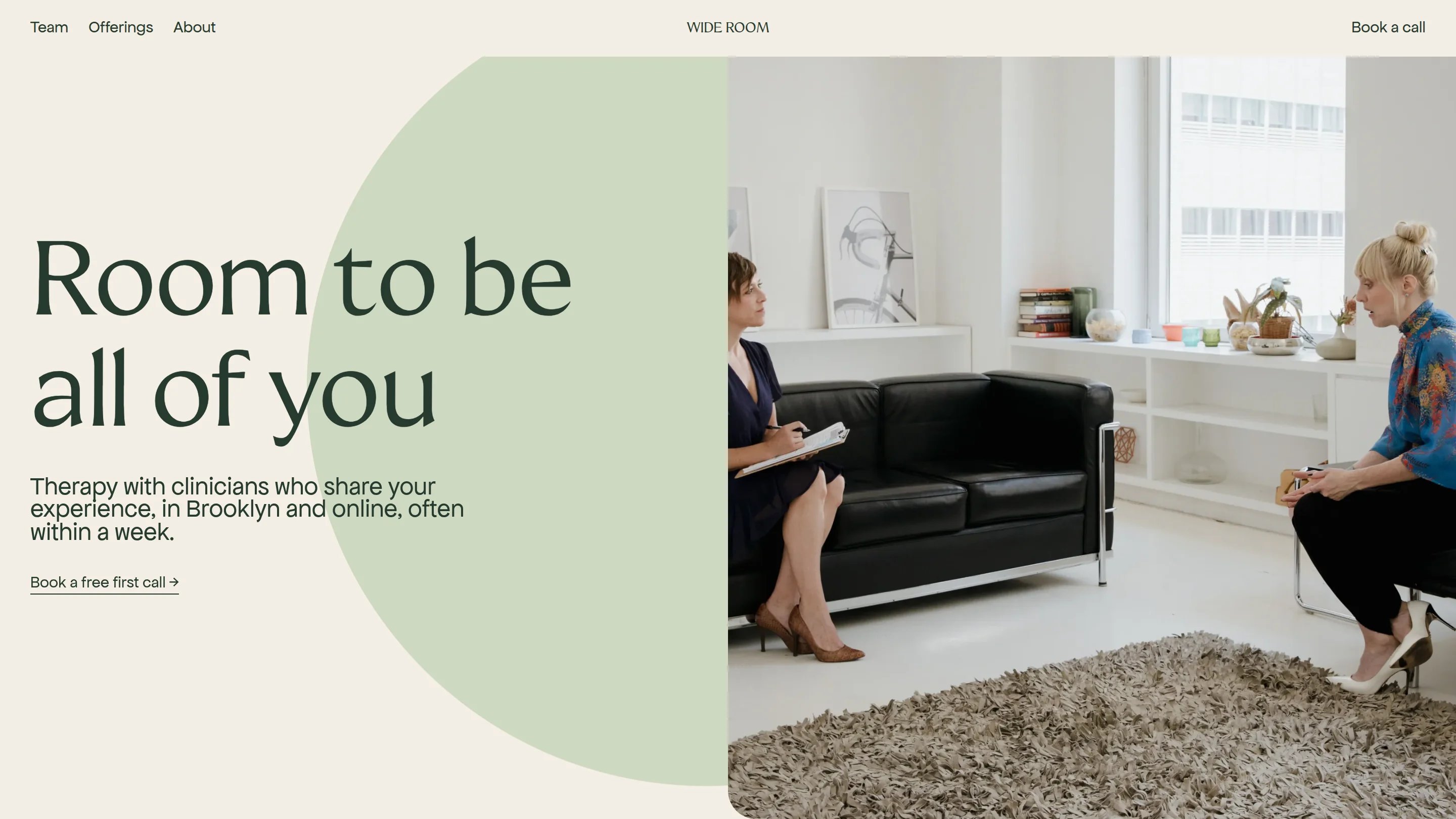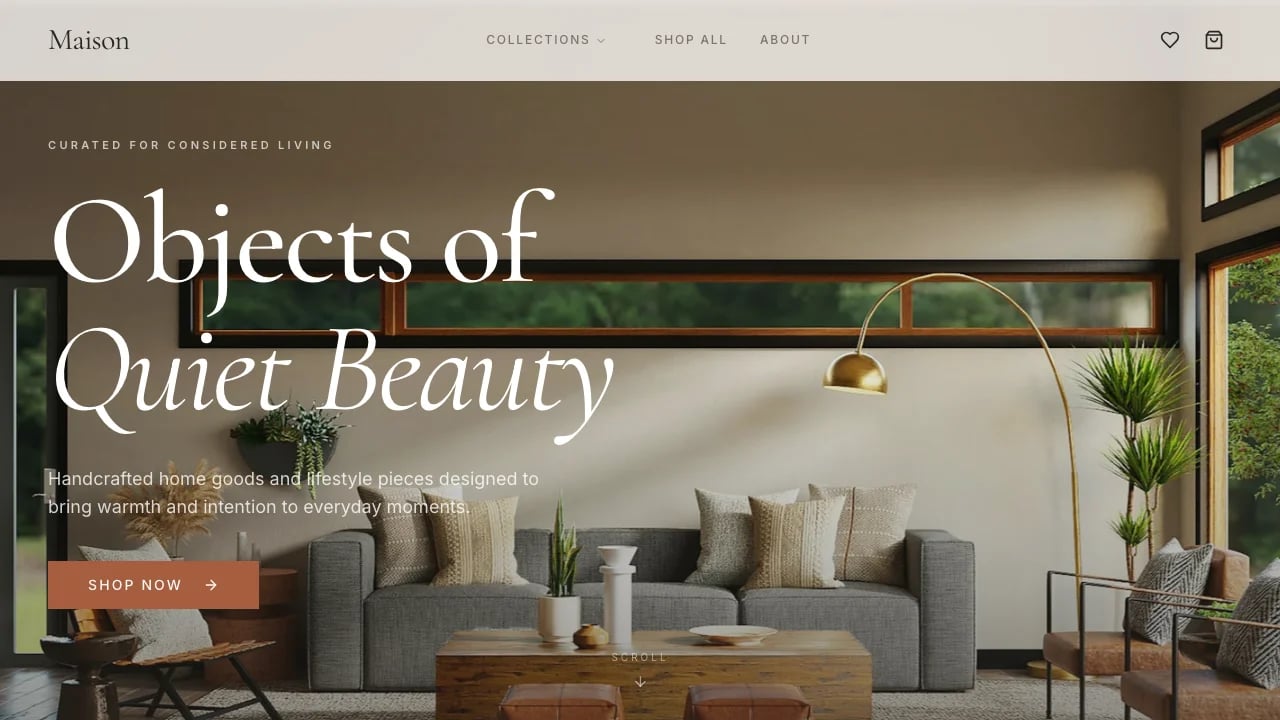
Pediatrician Website
A pediatrician website with playful shape illustrations, service and condition pages, doctor profiles, FAQ sections, and a contact form connected to Lovable Cloud.
 Lovable
Designed for
- Practice owners building a family-friendly site
- Listing services, conditions and accepted insurance
- Showcasing doctors across multiple clinic locations
- Collecting patient inquiries from one dashboard
Key highlights
- Playful shape accents
- Service detail pages
- Doctor profile grid
- Contact form
- Admin message inbox
- FAQ accordions
Technology stack
Libraries
- shadcn/ui
- Supabase
- TanStack
- Sonner
- Next Themes
Deployment
- Lovable
- GitHub
About this template
This pediatrician website template gives your practice a welcoming online home where families can explore services, read about conditions, meet your doctors, and reach out through a validated contact form. Playful shape accents and a warm cream-and-brown palette set the tone before a parent reads a single word.
Six service pages, condition detail pages, nine doctor profiles, two clinic locations, an insurance list with fee schedules, and grouped FAQ sections are already built and connected. You spend your time on your brand, your copy, and your photos instead of layout decisions and front-end code.
The template ships with a home page and dedicated pages for services, conditions, insurance, frequently asked questions, booking, doctors, and locations. Each service and condition opens its own detail page with a facts list, shaped photo frame, and related links. A validated contact form saves every inquiry to Lovable Cloud, and an admin dashboard lets you sign in, read messages, and archive them with status filters.
Compared to a generic site builder, this template starts with the structure a medical practice needs: service listings, doctor bios, insurance info, and a message inbox. Compared to hiring a developer, you skip weeks of wireframing and have a site you can customize in hours.
Best use cases
Opening a new pediatric practice
When you are starting a practice, your website is often the first thing parents see. This template gives you a credible online presence from day one, complete with service descriptions, doctor bios, and a contact form that collects inquiries. Families searching for a pediatrician can browse your offerings, check insurance compatibility, and reach out before you have even opened the doors. A strong first impression translates directly into booked visits.
Consolidating information for existing patients
Parents call with the same questions: accepted insurance, sick-visit fees, after-hours instructions. Put those answers on your site with the FAQ accordions and insurance page, and your front desk spends less time on the phone. Each minute saved on a routine call is a minute your staff can give to the family standing at the counter, which improves both efficiency and patient satisfaction.
Recruiting families after a relocation
If your practice moves or opens a second location, the multi-location listing and service pages help nearby families discover you through search. A clear fee schedule and doctor profiles lower the barrier to booking. The contact form turns a curious visitor into a prospective patient with one submission, giving your team a head start on outreach before the new office is fully staffed.
Showcasing a multi-provider group
A group practice needs to present every doctor without overwhelming the visitor. The doctor profile grid displays up to nine providers with photos and details, and service and condition pages let parents match their child's needs to the right specialist. Cross-linked content keeps families on the site longer and builds confidence in your team's range of expertise.
Getting started
1. Remix the template
Click "Remix" to copy the full pediatrician website into your own Lovable workspace. You get every page, component, and database table in a project you control. Nothing changes on the original, and switching to a different starting point later takes just another remix, so there is no risk in trying this one first.
2. Customize your brand
Ask Lovable to swap the cream-and-brown palette for your practice's colors. Upload your logo, replace the fonts if you prefer a different feel, and adjust the decorative shape accents to match your brand personality.
3. Add your content
Replace the sample services, conditions, and doctor profiles with your own. Update the FAQ groups with the questions your front desk hears most often. Add your real clinic addresses, phone numbers, insurance plans, and fee schedules. Drop in photos of your office and team so families get a sense of the environment before their first visit.
4. Connect your tools
The contact form already saves submissions to Lovable Cloud, so inquiries appear in your admin inbox the moment a parent hits send. Add your Google or Apple sign-in credentials for staff access. If you use an external scheduling system, link the "Book" button to that tool. Wire up analytics or a chat widget through a script tag for visitor insights.
5. Go live
Preview every page on desktop and mobile, test the contact form, and confirm your admin login works. Point your custom domain to Lovable and publish. Your pediatrician website is live, and every inquiry lands in your message dashboard ready to answer.
Conclusion
This template suits pediatric practice founders and office managers who need a polished, parent-friendly site without a drawn-out development project. You walk away with service pages, doctor profiles, FAQ sections, an insurance list, and a working message inbox, all styled with a warm palette and playful illustrations that put families at ease.
Remix the template today and focus your energy on writing the specifics about your services, your team, and your story. A finished pediatrician website can be live and collecting inquiries by the end of the week. That gives your practice the online presence it needs to fill its schedule and grow.
Features & capabilities
Service and condition pages
Browse six services and related conditions, each on its own detail page with a facts list, shaped photo frame, and cross-links to related content.
Doctor profile grid
Nine provider cards with photos and details help families choose a doctor before their first visit and feel confident in the team.
Multi-location clinic listing
Two office addresses displayed side by side with phone numbers and contact details so parents find the nearest location quickly.
Insurance and fee schedule
Seven accepted plans and four visit types with prices answer cost questions before a parent picks up the phone.
Validated contact form
Name, email, subject, inquiry type, and message fields with inline validation and a toast confirmation on successful submission to Lovable Cloud.
Admin message dashboard
Sign in to view, read, and archive patient inquiries in a sortable table with a detail panel and new, read, or archived status.
FAQ accordion groups
Questions organized by topic expand one at a time, helping parents scan answers about visits, newborns, and after-hours care.
Decorative shape accents
Stars, stickers, and colored backgrounds animate into place behind headings and photos, giving the site a playful, child-friendly feel.
Mobile action bar
A fixed bottom bar with call and book buttons stays visible on every page so parents can act from their phone instantly.