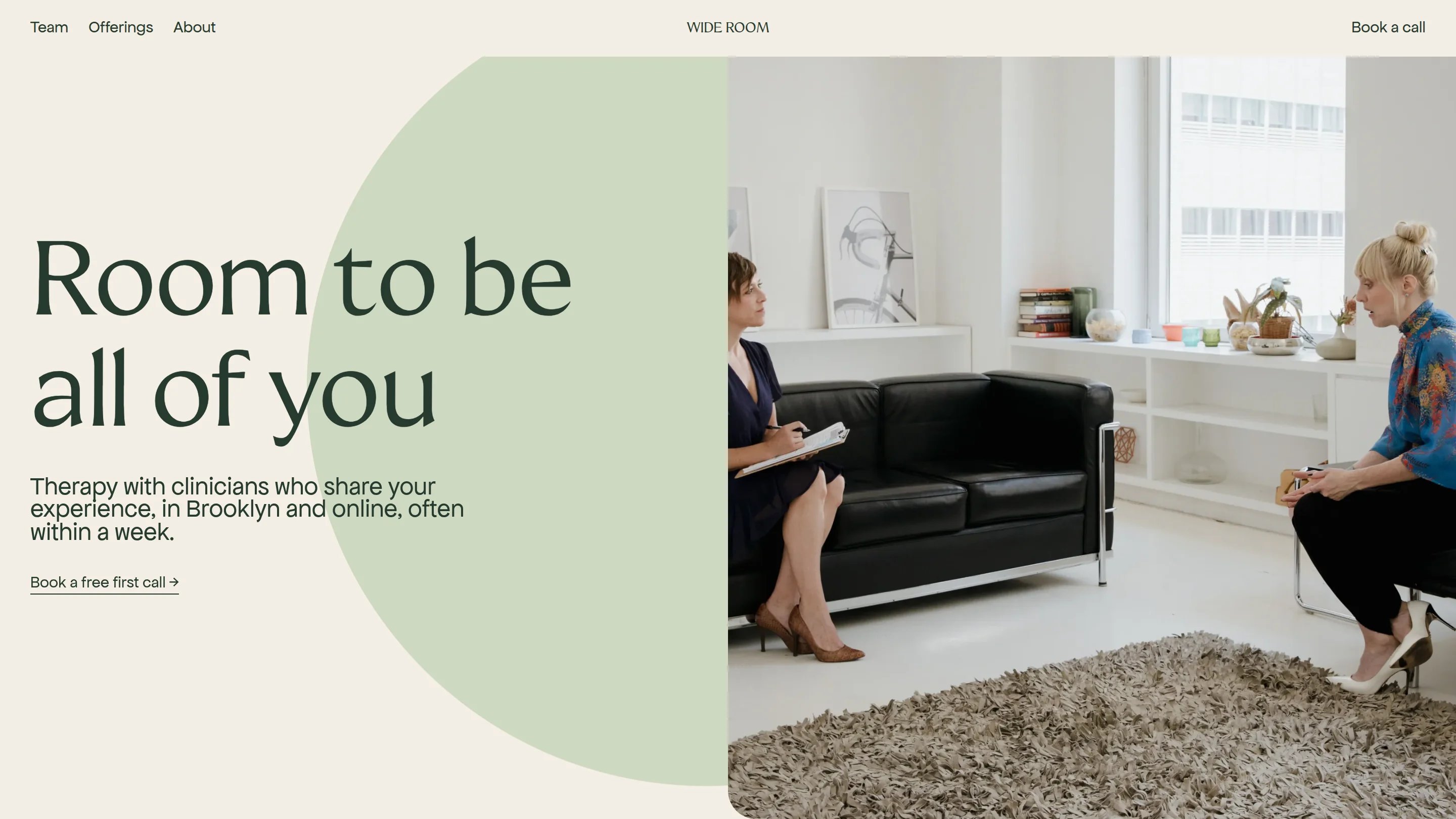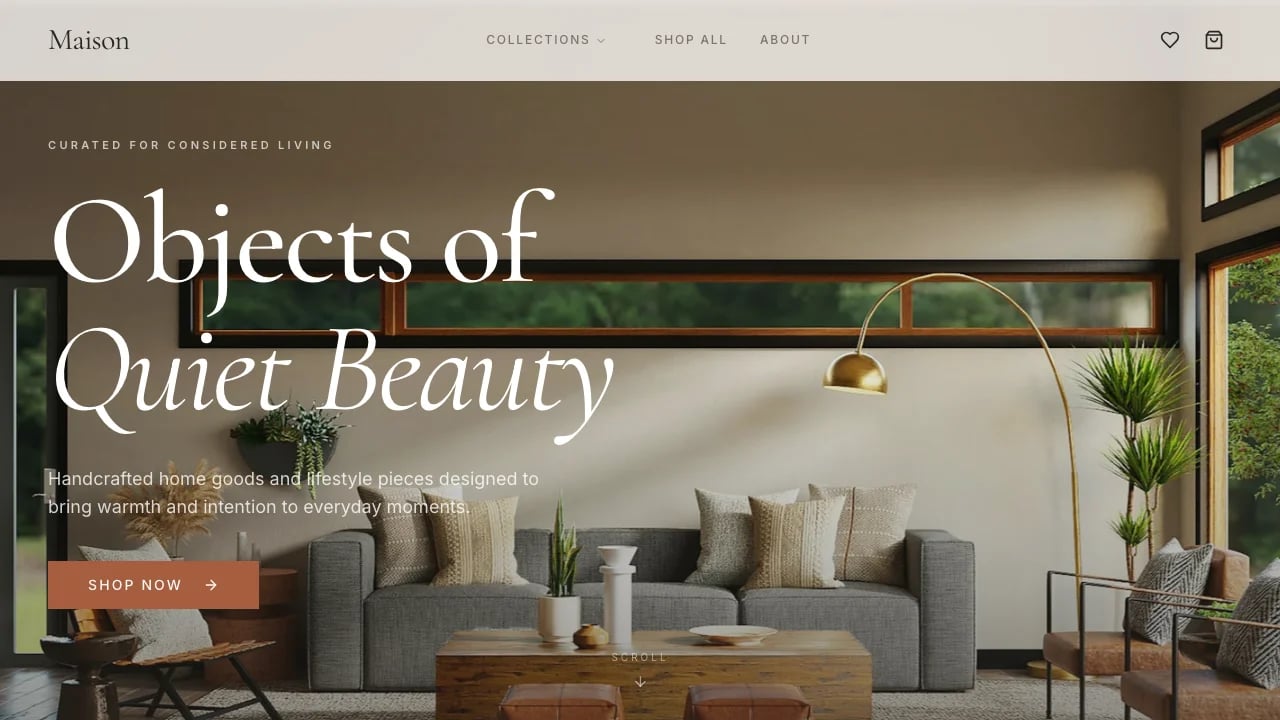
Medical Landing Page
A medical landing page for telehealth clinics and health practices, with treatment pricing plans, doctor bios, patient stories, and a built-in contact form connected to Lovable Cloud.
 Lovable
Designed for
- Founders launching telehealth or wellness clinics
- Presenting treatment plans with tiered pricing
- Collecting patient inquiries through intake forms
- Showcasing doctor credentials and patient stories
Key highlights
- Treatment pricing plans
- Doctor profile grid
- Patient story wall
- Contact intake form
- FAQ accordion groups
- Admin message inbox
Technology stack
Libraries
- shadcn/ui
- Supabase
- TanStack
- Sonner
- Next Themes
Deployment
- Lovable
- GitHub
About this template
This template gives you a complete medical landing page for a telehealth or direct-care clinic. You get treatment pages, a subscription plan picker, doctor profiles, patient stories, grouped FAQ sections, and a contact form that saves every inquiry to Lovable Cloud. Everything is laid out on a responsive 12-column grid with polished typography and scroll-driven animations that respect reduced-motion preferences.
The treatment pages, pricing tiers, doctor bios, and FAQ entries already exist as structured content you can edit in one file. Swapping in your own services, providers, and pricing takes minutes. That frees you to spend time on the words and images that set your practice apart from competitors.
Included pages: a home page with a hero section, animated trust marquee, treatment list, care steps, patient quotes, and quick-link tiles. Four individual treatment pages each with their own copy, photos, story block, plan picker, and FAQ accordion. A doctors page with a three-person team grid. A safety page with a reading column and common-worries accordion. A general FAQ page with four topic groups and 14 questions. A contact page with an underline-style intake form. And an admin area where you review and manage every submitted inquiry.
Hiring a developer to build a clinic site with this level of accessibility, pricing logic, and content structure typically costs thousands and takes weeks. This template ships all of it in one remix, so you can focus on filling it with your own clinical brand.
Best use cases
Launching a telehealth clinic
If you are bringing a new telehealth practice to market, this medical landing page puts every element you need in front of prospective patients on day one. Treatment descriptions, provider credentials, and subscription pricing all sit on one site. Patients can compare one, three, and twelve month plans side by side and reach your team through the intake form. A polished first impression shortens the path from search result to booked consultation, which means faster revenue for a new practice.
Presenting a multi-treatment practice
Clinics with several service lines often struggle to explain each treatment fully without building separate microsites. Each treatment gets a dedicated page with its own hero, pricing, lead doctor, patient story, and FAQ accordion. Visitors who arrive through a service-specific search can review that treatment's details before taking the next step. Giving each service a focused page keeps bounce rates low and consultation requests high.
Building patient trust before first contact
Patients research providers before they ever reach out. The doctor profile grid, patient story wall, and safety page with a common-worries accordion give visitors the social proof and transparency they expect from a medical landing page. Answering objections on the site itself means fewer hesitant leads and more qualified intake submissions arriving in your inbox.
Replacing a patchwork of disconnected tools
If your current clinic site is a basic page builder with a separate form tool and a spreadsheet for tracking inquiries, this template consolidates everything. The intake form feeds directly into the admin message inbox powered by Lovable Cloud. You manage patient inquiries from one dashboard, never lose a submission, and cut the number of subscriptions your practice pays for each month.
Getting started
1. Remix the template
Click Remix to copy the full medical landing page into your own Lovable workspace. You get every page, component, content file, and database table ready to edit. Every treatment page, plan picker, and FAQ accordion is already wired up, so you can start editing content immediately.
2. Customize your brand
Replace the default blue and stone palette with your clinic's brand colors. Swap the Google Fonts to match your identity. Update the logo, favicon, and Open Graph metadata so your practice name shows in browser tabs and social previews. Visual Edits let you click any element on the live preview and adjust it directly without writing a prompt.
3. Add your content
Replace the placeholder treatments with your own service names, descriptions, photos, and pricing tiers. Update the doctor grid with real provider headshots, bios, and specialty tags. Rewrite the patient stories, FAQ entries, and safety copy. The plan picker updates automatically when you change a price, and the FAQ accordion on each treatment page pulls from the same data entry. Because all content lives in one file, changes propagate to every page that references them.
4. Connect your tools
The contact form already saves inquiries to Lovable Cloud, so your admin inbox works from the first remix. Sign-in for the admin area is already set up, so only your team can read submitted inquiries. Add a custom domain through your Lovable project settings. If you need appointment scheduling, link your calendar service from the "Start a visit" button. For analytics, paste your tracking snippet into the project's index file.
5. Go live
Publish your site from the Lovable dashboard. Share the link with your team for a final review, then point your custom domain to the published URL. Your medical landing page is live, your intake form is collecting inquiries, and your admin inbox is ready to receive them. From here, iterate on what you learn: adjust copy, add treatments, update pricing tiers, or swap out doctor bios whenever your practice evolves.
Conclusion
This template is built for founders and operators who need a credible online presence for a medical or wellness practice. You walk away with a multi-page clinic site that includes treatment descriptions and tiered pricing, doctor profiles with specialty tags, patient stories, grouped FAQ sections, an intake form with accessible validation, and an admin inbox powered by Lovable Cloud. Every page is responsive, motion-safe, and ready for your own brand and content.
Remix the template, replace the placeholder copy and photos with your own, and publish. Once your site is published, you can add new treatments, update pricing, or bring on additional providers whenever your practice grows. Click the remix button and see your site take shape in real time.
Features & capabilities
Subscription plan picker
Visitors choose one, three, or twelve month tiers with radio buttons, a best-value badge, and live price updates for screen readers.
Scroll-reveal highlights
The "Why choose us" statement lights up sentence by sentence as visitors scroll, respecting reduced-motion preferences automatically.
Full-screen mobile menu
Below 1024 pixels the navigation becomes a sheet overlay where large links animate in one after another for easy thumb access.
Treatment page system
Four treatments share one layout populated with unique copy, photos, a patient story, pricing tiers, a lead doctor, and FAQ items.
Doctor-treatment linking
Each doctor profile connects to their treatments and each treatment surfaces its lead physician, creating two-way discovery for visitors.
Adaptive overlay header
The site header changes its appearance as visitors scroll past different sections, shifting color to match each section's background.
Accessible form validation
Inline errors are linked to their fields with ARIA attributes, and the confirmation message announces itself to screen readers on submission.
Inquiry management panel
Every submitted inquiry saves to Lovable Cloud and appears in the admin inbox, where opening a new message marks it as read.
Motion-safe animations
The marquee, scroll highlights, reveal effects, and hover movements all pause when the visitor's system prefers reduced motion.