
Monolith Template
Dark editorial creative portfolio
MAMade by Oversight
·
Key Highlights
Dark Editorial Aesthetic
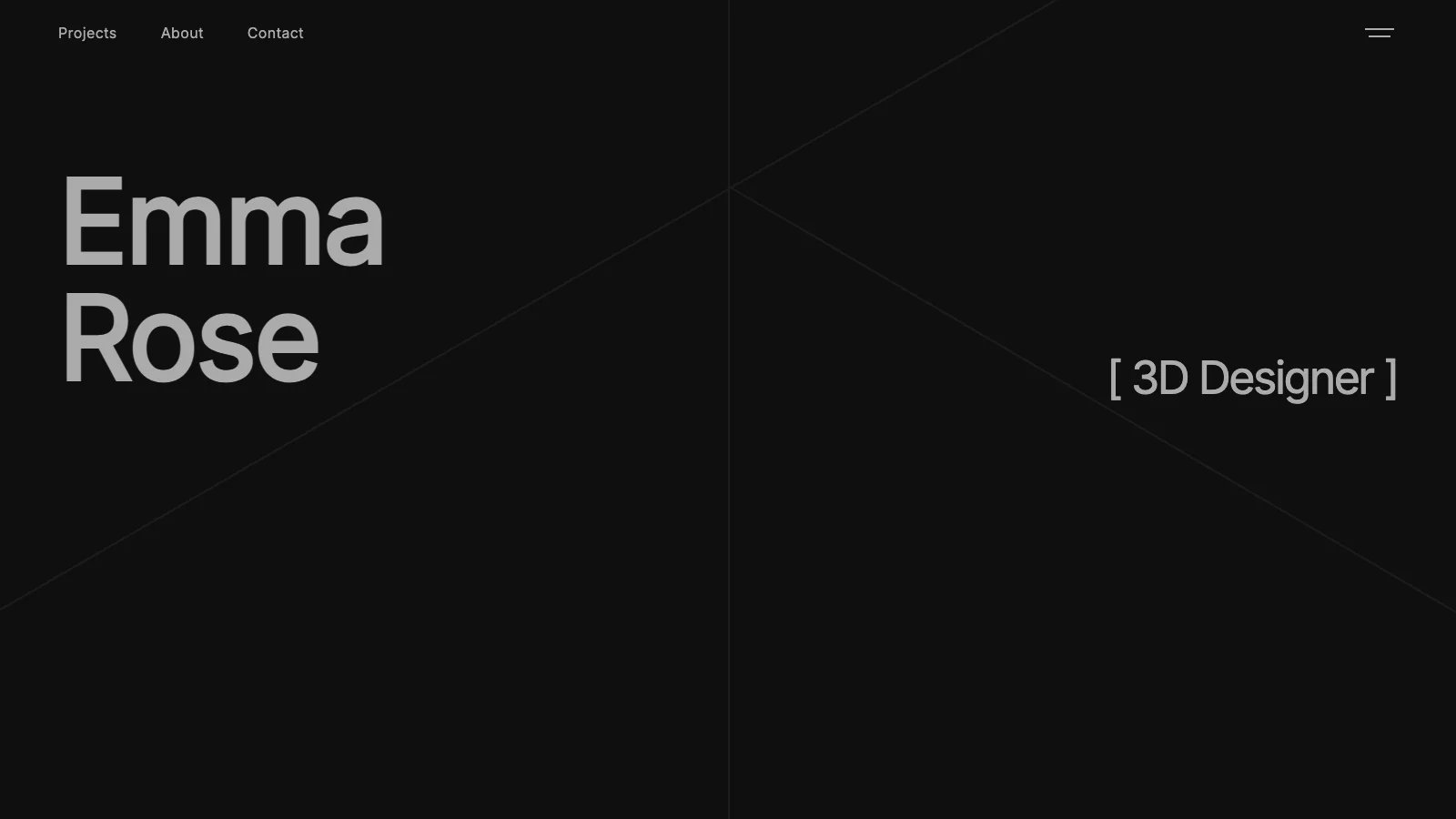
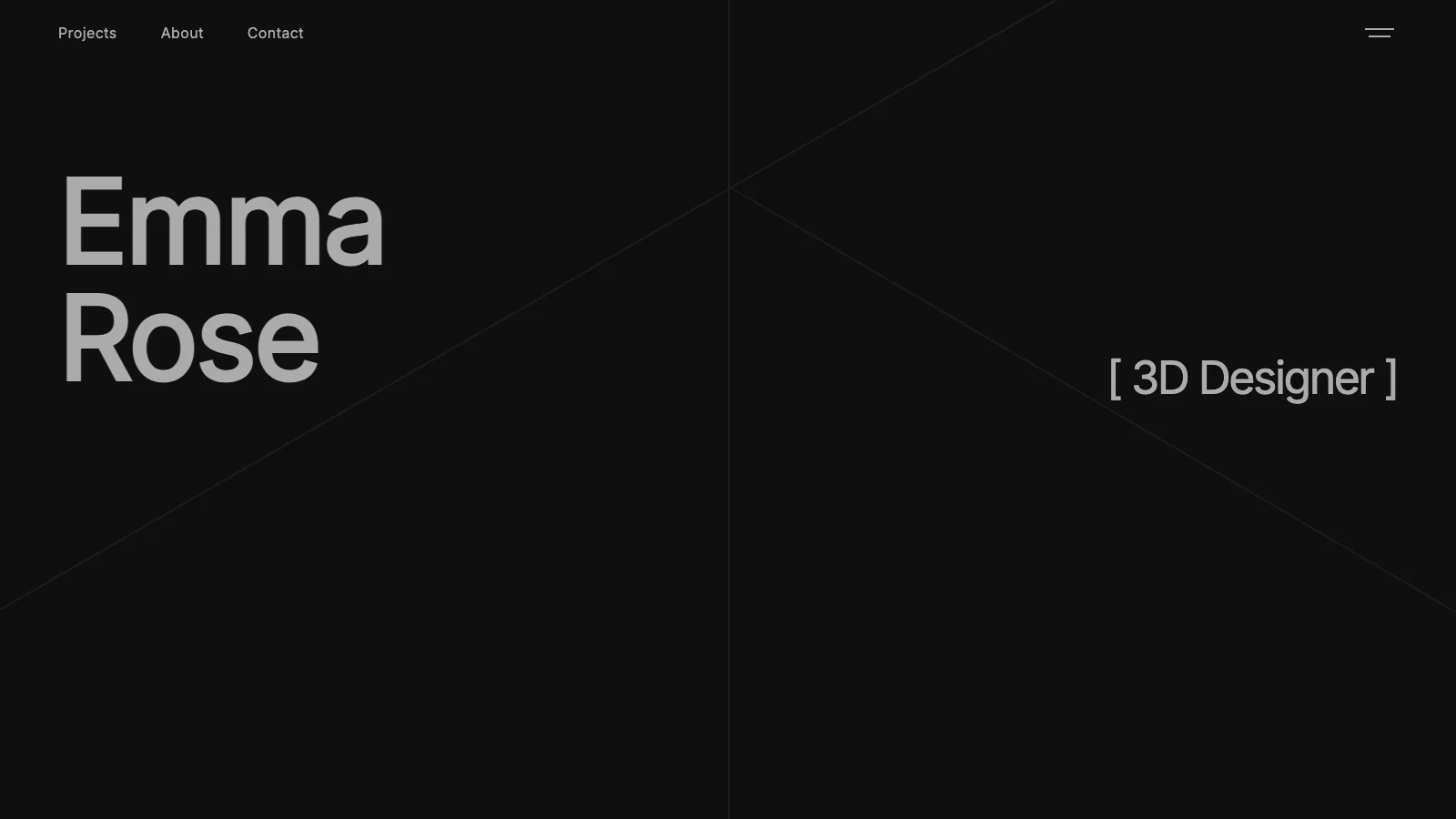
Pure black canvas with sharp geometric lines creates a high-end look that matches your work's quality.
Scroll-Driven Storytelling
Sticky-scroll polaroid cards and staircase timeline create memorable first impressions without hiring animators.
Built-In Content Management
Full admin dashboard lets you manage projects, upload images, and control visibility without separate CMS software.
Project Filtering and Sorting
Tag-based filtering and multiple sort options help visitors find exactly what they're looking for.
Fully Responsive Design
Pixel-perfect layouts across all devices so your portfolio looks professional on any screen.
Features & Capabilities
Production-ready features built with modern tech stack for exceptional performance and user experience
Loading live preview...
About this template
This template gives you a portfolio site with a bold, editorial feel, and you don't need design skills or coding knowledge to make it work. The pure black canvas, sharp geometric lines, and zero-radius corners create a look that feels intentional and high-end from the moment someone lands on your page.
The technical parts are already handled. Scroll-based animations, responsive layouts across all screen sizes, a built-in content management system, and a project filtering and sorting system are all done. You can focus on presenting your work and landing clients.
Four page types come ready to go: a homepage with a full-screen hero carousel, sticky-scroll about section, masonry project grid, staircase timeline, stats and testimonials area, and an Apple-style liquid-glass contact form; individual project detail pages with metadata, image galleries, and previous/next navigation; an admin dashboard for managing projects and uploading images; and a documentation page with CMS instructions. A fullscreen overlay navigation menu with staggered fade-in animations and social links ties every page together.
Instead of paying a designer thousands for a custom portfolio or settling for a generic site builder that makes your work look like everyone else's, you get a portfolio with scroll-driven storytelling, dynamic project management, and a dark editorial aesthetic that reflects the quality of your work.
Who This Is For
- Creative professionals whose current site undersells their work. The editorial design and scroll animations present your projects at a level that matches your talent.
- 3D artists, designers, and visual creators who need layouts built for imagery. The masonry grid, project galleries, and full-bleed visuals put your work front and center.
- Freelancers losing potential clients to a weak online presence. The professional structure and built-in CMS help you build credibility without hiring a developer.
- Agency professionals delivering portfolio sites for creative clients. The dark editorial aesthetic and content management system ship client-ready work in hours instead of weeks.
- Solopreneurs who keep hitting template limitations. Every section, from the hero to the timeline, is customizable without code.
Best Use Cases
3D Artist or Designer Portfolio
Present your renders, models, and visual work in a format built for high-impact imagery. The masonry project grid with tag-based filtering lets visitors browse by category, while individual project pages display metadata like year, role, and client alongside image galleries. Prospects see your range and depth before they ever reach out.
Creative Freelancer Portfolio
Build a portfolio that does the selling for you. The sticky-scroll polaroid storytelling section walks visitors through your narrative, and the staircase timeline shows your experience at a glance. Clients who understand your background and process arrive at the contact section ready to talk, shortening the gap between first visit and first conversation.
Agency Client Deliverable
Ship polished portfolio sites for creative clients on tight timelines. The admin CMS lets clients manage their own projects, upload images, and toggle visibility after handoff. You deliver a site that looks custom-built without the development overhead that eats into project margins.
Personal Brand Site
Establish yourself as a serious creative with more than just a grid of thumbnails. The full-viewport hero, auto-scrolling carousel, and scroll-triggered animations create a first impression that sticks. The stats section and testimonial card add social proof that turns visitors into followers or collaborators.
See yourself in one of these? Remix this template and start building.
What You Can Build
This template gives you the foundation for:
- A project showcase with filterable tags, multiple sort options, and a layout toggle between four-column and two-column views
- A visual narrative site where scroll-driven polaroid cards and a staircase timeline tell your story on a single page
- A self-managed portfolio with a full admin dashboard where you add projects, upload images, and control visibility
Getting Started
Step 1: Remix This Template
Click "Remix" to create your copy. You'll have a complete portfolio ready to customize, including a homepage with six distinct sections (hero, about, projects, timeline, secret stuff, and contact), individual project detail pages, an admin dashboard for managing content, and a documentation page with CMS instructions. All the pages and features are already working. You just need to make it yours.
If this template isn't the right fit, you can remix a different one, with no wasted work.
Step 2: Customize Your Brand
Change the color scheme to reflect your identity. The template ships with a dark black canvas and crimson red accents, but you can adjust colors, swap fonts (it uses Inter for body text and IBM Plex Mono for labels), and modify layouts to match your personal brand. Lovable's visual editor lets you modify layouts and see changes instantly as you work. You don't need to know code to make it look exactly how you want.
Step 3: Add Your Content
Replace the sample projects with your own work. Upload cover images and gallery photos, fill in project metadata like year, role, and client, and write descriptions that speak to your audience. Add your name to the hero section, update the polaroid storytelling cards with your own photos and captions, and fill in the timeline with your experience. The template stays out of your way so your work is what people notice.
Step 4: Connect Your Tools
The built-in admin dashboard, powered by Supabase, handles project management out of the box. You can also add analytics to track portfolio visitors, connect an email service for contact form notifications, or integrate other tools as your needs grow. Lovable has built-in integrations for the tools creative professionals actually use.
Step 5: Go Live
Deploy your portfolio with one click. Lovable handles the hosting, security, and performance optimization automatically. Your site goes live worldwide in minutes, and you can start sharing the URL with clients, collaborators, and your network.
Conclusion
This portfolio template works for creative professionals who want their site to match the quality of what they produce. You get scroll-driven storytelling without hiring an animator, a full content management system without paying for separate CMS software, and a dark editorial aesthetic without weeks of design iteration.
Whether you're building your first professional portfolio or replacing a site that no longer represents your level of work, this template gives you a strong foundation. The masonry project grid filters and sorts cleanly, the sticky-scroll about section creates a memorable first impression, and the admin dashboard keeps everything manageable long after launch. The template is free, takes a few hours to customize, and you could have your portfolio live by tonight.
Related Templates