Orveka: Editorial Agency & Portfolio Studio Template
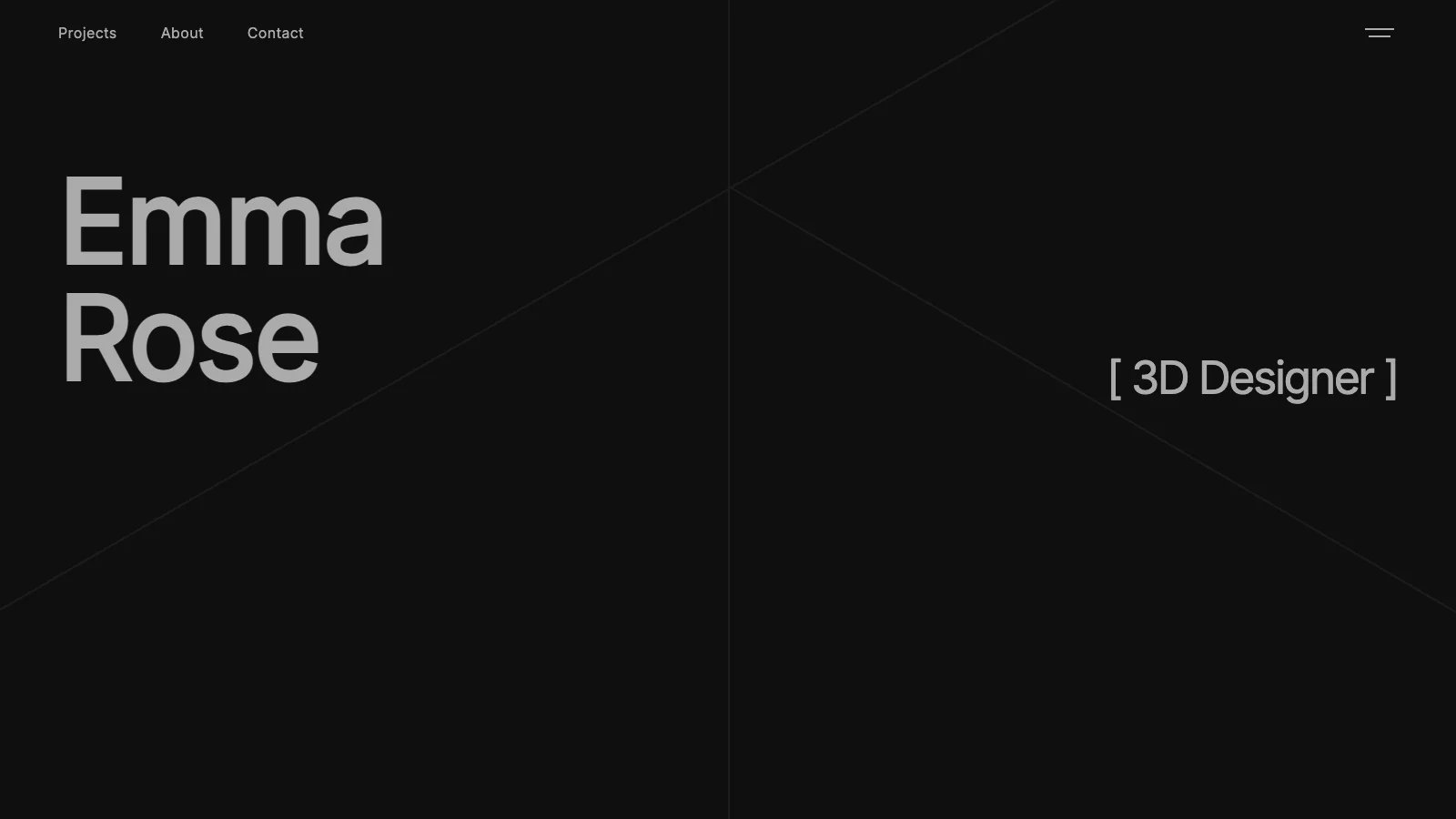
Monochrome editorial agency portfolio
OROrvexa Studio
·
Key Highlights
Portfolio That Wins Clients
Editorial-grade design signals premium quality before prospects read a single word about you.
Built-In Pricing & Booking
Calculator, Cal.com scheduling, and contact forms turn visitors into conversations without extra tools.
CMS-Powered Content
Update portfolio pieces, blog posts, and testimonials through a database—no code changes required.
Professional in Hours, Not Weeks
Seven ready-to-go routes with polished animations so you launch fast and start landing clients.
Mobile-Perfect Presentation
Responsive layouts ensure your work looks sharp on every screen size automatically.
Features & Capabilities
Production-ready features built with modern tech stack for exceptional performance and user experience
Loading live preview...
About this template
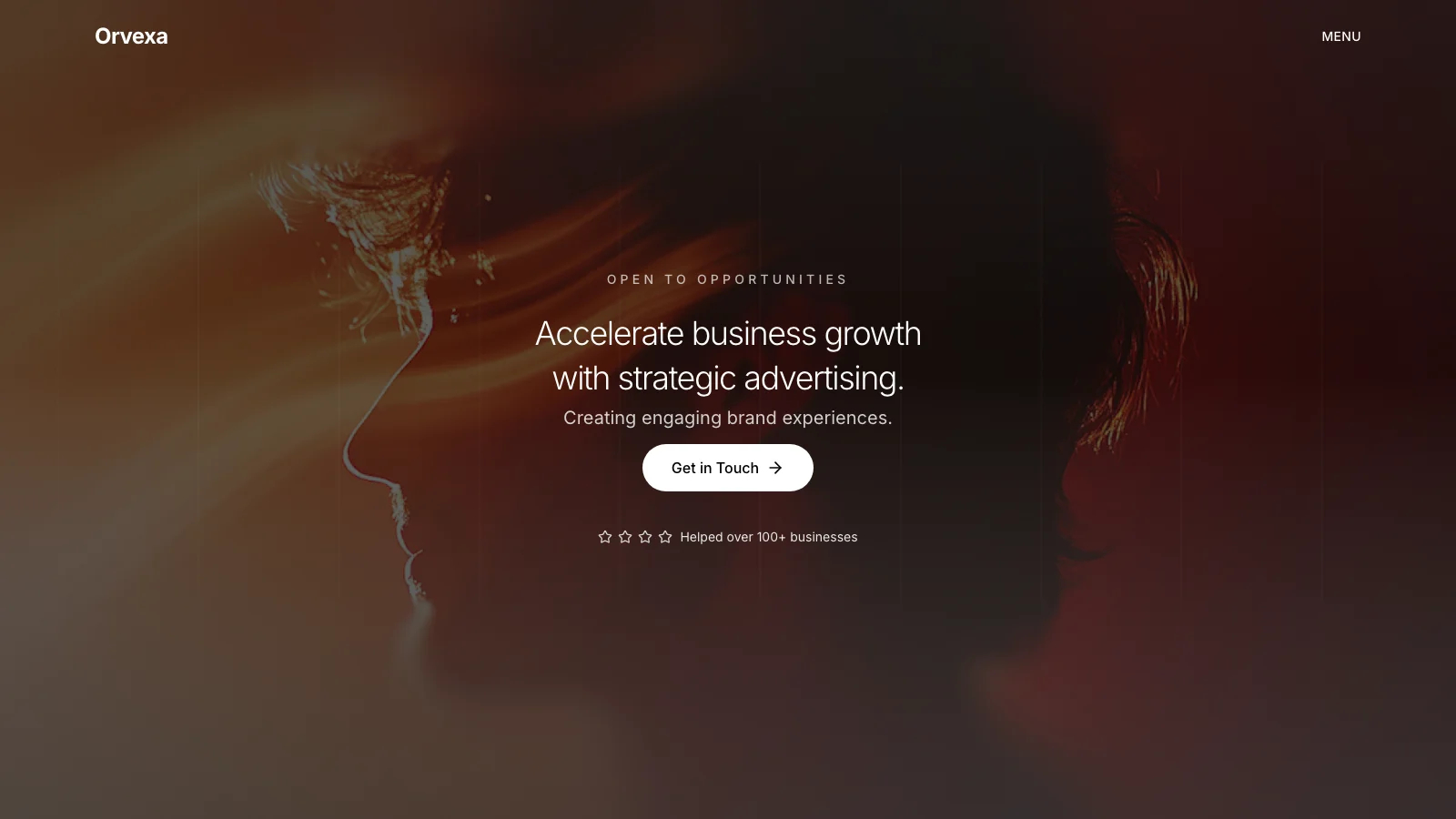
This template gives you a professional agency portfolio and case study site, and you don't need design skills or development experience to make it work. The monochrome editorial aesthetic, clean typography, and polished animations create the kind of presentation that wins client trust on first impression.
The technical parts are already handled. Responsive layouts across mobile, tablet, and desktop, a CMS-powered content system for portfolio pieces and blog posts, a contact form with spam protection, and Cal.com scheduling. All done. You can focus on presenting your work and landing new clients.
Seven routes come ready to go: a homepage with a typing-animated hero, process slider, pricing calculator, FAQ section, and testimonials grid; a portfolio listing page with a two-column gallery; individual case study detail pages with up to four preview images; a blog listing and individual post pages; and a contact page with form validation and optional pricing pre-fill. A fullscreen overlay navigation menu ties it all together with smooth staggered animations.
Instead of paying monthly for a portfolio platform that limits your layout options, or spending weeks building a custom site from scratch, you get a complete editorial portfolio with built-in booking, a working pricing calculator, CMS-driven content, and a professional contact system you can customize freely.
Who This Is For
- Freelance creatives whose current site looks generic next to competitors. This template's editorial design signals premium quality before prospects read a word.
- Agency founders who lose pitches because their own site doesn't reflect the work they do for clients. Present your case studies with the polish they deserve.
- Consultants and service professionals tired of fighting website builders to get a layout that actually fits their business. Swap content and go live.
- Photographers, designers, and art directors who need a portfolio that loads fast and looks sharp on every screen size without hiring a developer.
- Small studio owners who want blog content, portfolio case studies, and client booking in one place instead of stitching together separate tools.
Best Use Cases
Agency Portfolio and Case Studies
Present your agency's work through dedicated case study pages with up to four preview images per project. The two-column portfolio grid and detail pages give prospects a clear view of your process and results. Agencies that show their work professionally shorten the sales cycle because clients arrive already understanding what you deliver.
Freelance Creative Portfolio
Build a portfolio that positions you alongside higher-budget competitors. The monochrome editorial design, typing-animated hero, and smooth page transitions create a first impression that justifies premium rates. Categories like fashion, editorial, portrait, commercial, lifestyle, and fine art are built into the CMS structure, so organizing your work by specialty takes minutes.
Service Business with Integrated Booking
Combine your portfolio, pricing, and scheduling into a single site. The pricing calculator lets prospects see costs for three plan tiers with team-size adjustments and annual discounts, then routes them directly to the contact form with pricing details pre-filled. A Cal.com booking modal handles appointment scheduling without sending visitors to a third-party page.
Content-Driven Studio Blog
Publish journal entries alongside your portfolio to build authority in your field. The blog listing displays posts in a three-column grid with thumbnails, read-time estimates, and category labels. CMS-powered content means you update posts through a database rather than touching code. Consistent publishing builds search visibility and gives repeat visitors a reason to come back.
See yourself in one of these? Remix this template and start building.
What You Can Build
This template gives you the foundation for:
- A case-study-driven agency site where each project gets its own detail page with multiple preview images, a description, and category tagging
- A freelance portfolio with built-in pricing transparency, where prospects calculate costs and book calls without leaving your site
- A studio website that pairs visual portfolio work with a regularly updated journal to build credibility and organic search traffic
Getting Started
Step 1: Remix This Template
Click "Remix" to create your copy. You'll have a complete editorial portfolio ready to customize, with seven routes including your homepage, portfolio listing, case study detail pages, blog listing, blog post pages, a contact page, and a 404 not found page. All the pages and features are already working. You just need to make it yours.
If this template isn't the right fit, you can remix a different one. No wasted work.
Step 2: Customize Your Brand
Change colors to match your brand identity. The default monochrome palette (near-black text on near-white backgrounds) works out of the box, and dark mode tokens are already defined if you want to activate them. Update the Inter typeface to reflect your style, or keep it for its clean editorial feel. Lovable's visual editor lets you modify layouts and see changes instantly as you work. You don't need to know code to make it look exactly how you want.
Step 3: Add Your Content
Replace the sample projects with your own case studies. Upload your strongest portfolio images (up to four per project), write descriptions that walk prospects through your process, and assign categories. Swap the sample blog posts with your own articles, tips, or behind-the-scenes content. Update the testimonials with real client quotes and ratings. The template stays out of your way so your work is what people notice.
Step 4: Connect Your Tools
Set your Cal.com scheduling link through the site settings so the booking modal opens your actual calendar. Your contact form is wired to Lovable Cloud so inquiries land directly in your submissions inbox. Link your workflow to stay on top of every message as it arrives. Lovable's integrations keep the essentials connected so you can focus on your work.
Step 5: Go Live
Deploy your portfolio with one click. Lovable handles the hosting, security, and performance optimization automatically. Your site goes live worldwide in minutes, and you can start sharing the URL with prospects, adding it to proposals, and linking it from your social profiles.
Conclusion
This editorial portfolio template works for creative professionals and agencies who want their site to match the quality of their work. You get a polished case study system without building it from scratch, integrated pricing and booking without stitching together separate tools, and CMS-driven content without learning a new platform.
Whether you're launching your first portfolio or replacing a site that no longer reflects what you're capable of, this template gives you a strong foundation. The process slider, typing hero animation, and fullscreen navigation create a memorable first impression. The pricing calculator and Cal.com booking modal turn visitors into conversations. The template is free and takes a few hours to customize. You could have a portfolio site live and ready to share before your next client call.
Related Templates