Bakery Order Page
A bakery order page for local shops that need branded pickup ordering, catering inquiries, and a private owner dashboard to move every order from pending to completed.
 Lovable
Designed for
- Bakeries and cafés adding online pickup ordering
- Managing catering inquiries for corporate and private events
- Replacing paper order slips with a status pipeline
- Storefronts serving 20 to 200 menu items
Key highlights
- Pickup ordering cart
- Catering inquiry form
- Owner orders dashboard
- Category-filtered menu
- Pickup time selector
- Live hours and location
Technology stack
Libraries
- React
- TypeScript
- Tailwind CSS
- shadcn/ui
- Radix UI
- Lucide Icons
- Supabase
- TanStack
Deployment
- Lovable
- GitHub
About this template
This template gives you a bakery order page that looks like a custom-built storefront, and you do not need development experience or food-tech software to make it work. Customers browse your menu, add items to a cart, pick a time slot, and submit pickup orders without creating an account. You get a catering inquiry flow for events. And behind a private login, the bakery owner manages every order through a status pipeline.
The technical parts are already handled. Supabase powers the database, authentication, and row-level security. The menu grid, cart drawer, pickup time selector, catering form, and owner admin are all wired up. You can focus on uploading your own product photos, setting your prices, and opening for orders.
What ships out of the box:
- A branded landing page with featured items and testimonials
- A filterable menu page with category tabs and live open and closed hours
- Product detail pages with quantity selectors and out-of-stock handling
- A catering services page with four package cards and an event inquiry form
- A location and hours page, plus an about page for your brand story
- A cart drawer with four in-place states: empty, items, order form, confirmation
- A pickup time modal with 30-minute slot selection
- A protected owner admin with an orders table, status filter tabs, and a detail drawer for moving each order through pending, ready, completed, or cancelled
Building something comparable from scratch means weeks of frontend work, a separate backend, and ongoing maintenance. Hiring a developer to wire up cart logic, order pipelines, and catering forms starts at several thousand dollars. This bakery order page template gives you all of it in a single remix.
Best Use Cases
Pickup ordering without customer accounts
Customers land on your menu, tap items into a cart, enter a name and phone number, and place a pickup order. No sign-up wall, no password. Orders land in your admin instantly as pending. This removes friction from the buying moment and gets more orders through the door, especially for repeat customers who want to grab pastries on the way to work.
Catering inquiries that capture event details
The catering page displays your packages with serves ranges, starting prices, and included items. When a visitor clicks a package card, the page scrolls to an inquiry form pre-filled with that selection. You collect name, email, phone, event type, date, guest count, and a message. Each submission goes to Supabase so you can follow up with a custom quote. Catering revenue often carries higher margins than counter sales, and this flow makes it simple for clients to reach you.
Owner order management from one screen
The private admin at /admin shows every incoming order in a table with status badges. Filter by pending, ready, completed, or cancelled. Click a row to open a detail drawer showing the items snapshot, customer info, pickup time, and action buttons. Mark an order ready, then completed, or cancel it. Each transition fires a toast confirmation. The owner works the morning rush from a single browser tab.
Branded storefront that matches your bakery
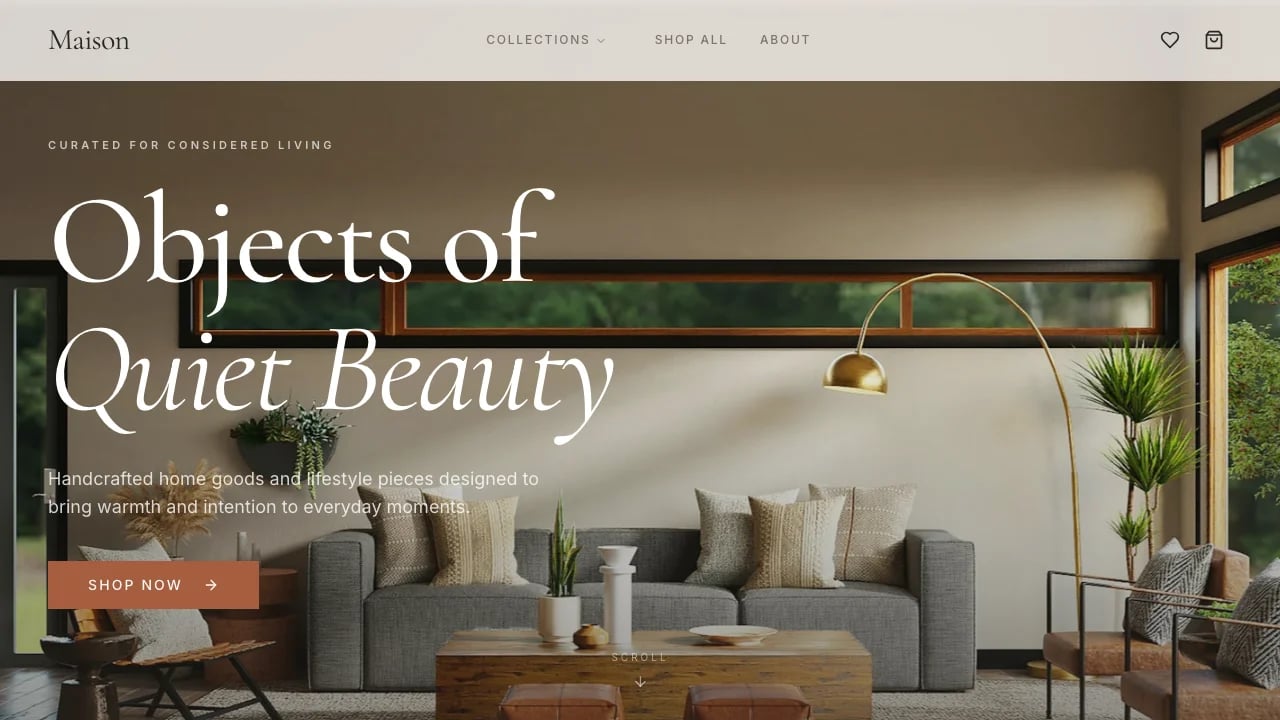
The template ships with an earthy warm palette, rounded display headings, and large food photography slots. Swap the photos, change the store name and address in one Supabase row, and your branding is live. The dark green default works for Mediterranean and artisan aesthetics, but Tailwind CSS tokens let you shift the entire palette to match your own brand within minutes.
Getting Started
1. Remix this template
Click Remix to create your own copy of this bakery order page. The full storefront, cart logic, catering flow, and owner admin land in your workspace immediately. If this template is not the right fit, you can remix a different one. No wasted work.
2. Customize your brand
Open the store row in Supabase and update the bakery name, address, phone number, and weekly hours. Replace the hero image, product photos, and packaging photo in the public/images folder with your own. Adjust the color tokens in style-pack.css if you want a different palette. The display heading font can be swapped by updating the Google Fonts link.
3. Add your content
Edit the menu_items table to reflect your real products. Set names, descriptions, prices, categories, and image URLs. Mark featured items and flag anything out of stock. Update the catering_packages table with your actual packages, serves ranges, starting prices, and included items. Edit the testimonials table with real customer quotes. Write your brand story directly in the about page component.
4. Connect your tools
The template runs entirely on Supabase with no external dependencies. If you want to add email notifications when a catering inquiry arrives, connect a Supabase edge function to a transactional email service. For payment processing at pickup, integrate Stripe on the order confirmation step. For analytics, drop in your preferred script tag. None of these are required to launch.
5. Go live
Deploy through Lovable with a single click. Point your custom domain. Share the menu link with your regulars and post it on your social channels. The owner account is already provisioned. Sign in at /admin/login and you are ready to receive your first pickup order.
Conclusion
This bakery order page template works for local bakeries, cafés, and food shops that want online pickup ordering and catering inquiries without building custom software. You get a branded storefront without hiring a developer, an order pipeline without spreadsheets, and a catering intake form without back-and-forth emails.
Your menu, prices, and photos go live in hours. Customers place pickup orders before they leave the house. Catering leads arrive with event details already filled in. And you manage it all from one admin screen. Remix this template and start taking orders this week.
Features & capabilities
Four-state cart drawer
Customers move from empty cart to items, order form, and confirmation inside a single slide-over panel without any page navigation.
Catering package cards
Four package options display serves range, starting price, and included items. Clicking a card pre-fills the inquiry form below.
Order status pipeline
The owner marks each order pending, ready, completed, or cancelled from a detail drawer with one click and a toast confirmation.
Pickup time slot grid
A modal shows 30-minute time slots derived from your store hours. Customers pick today or tomorrow and confirm before checkout.
Live open and closed status
The menu page reads your weekly hours and displays whether the bakery is currently open, closing soon, or opens next at a specific time.
Category tab filtering
Customers filter the product grid by baked goods, drinks, or merch using tabs that update the grid in place without a page reload.
Out-of-stock handling
Items marked out of stock appear muted with a badge overlay. The add-to-cart button disables automatically on the product detail page.
Anonymous checkout
Customers place orders with only a name and phone number. No account creation required, which removes friction from the purchase flow.
Owner-only authentication
A single pre-provisioned owner account accesses the admin. Public sign-up is closed so the storefront stays fully anonymous for customers.