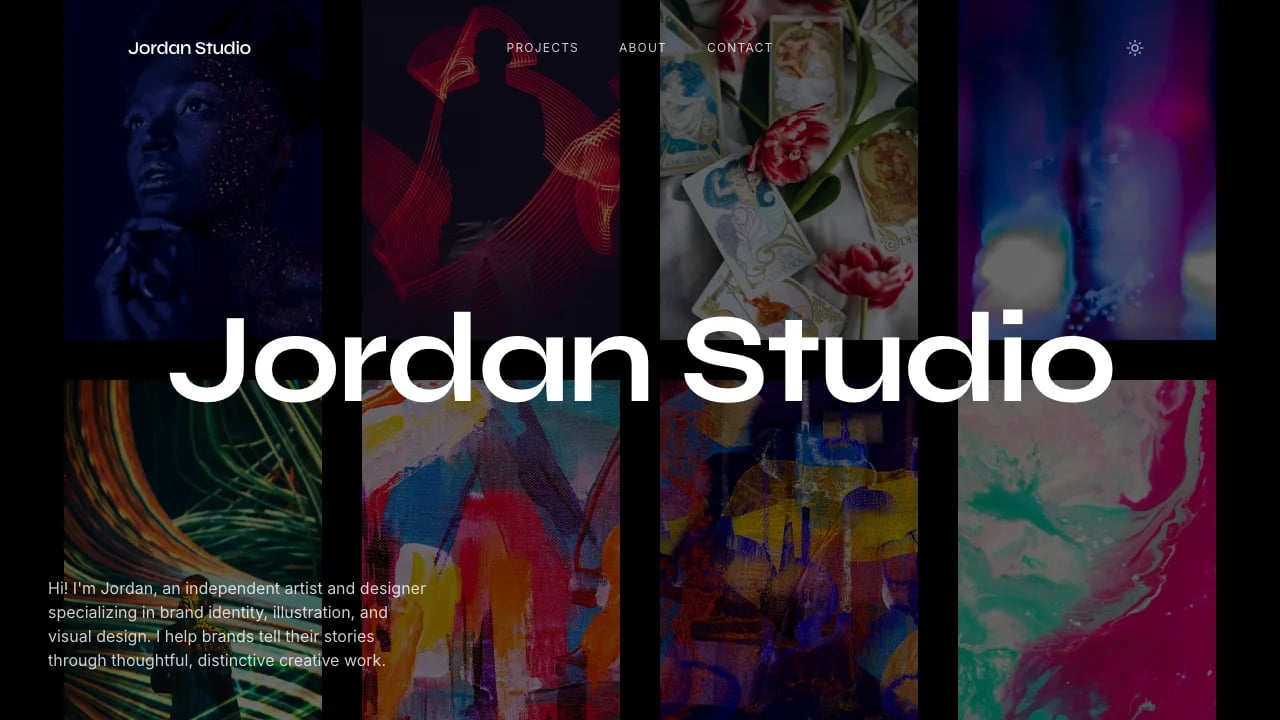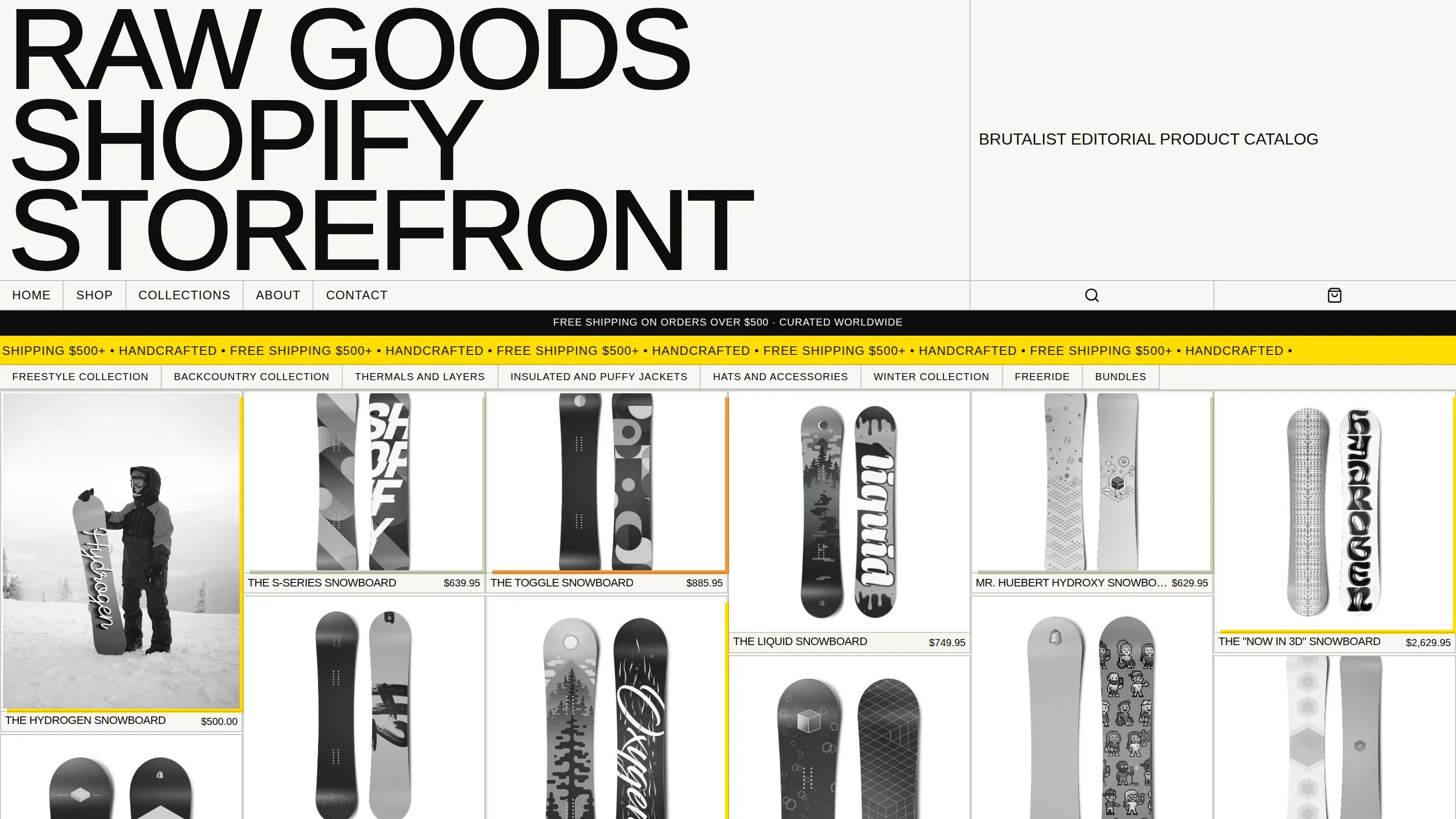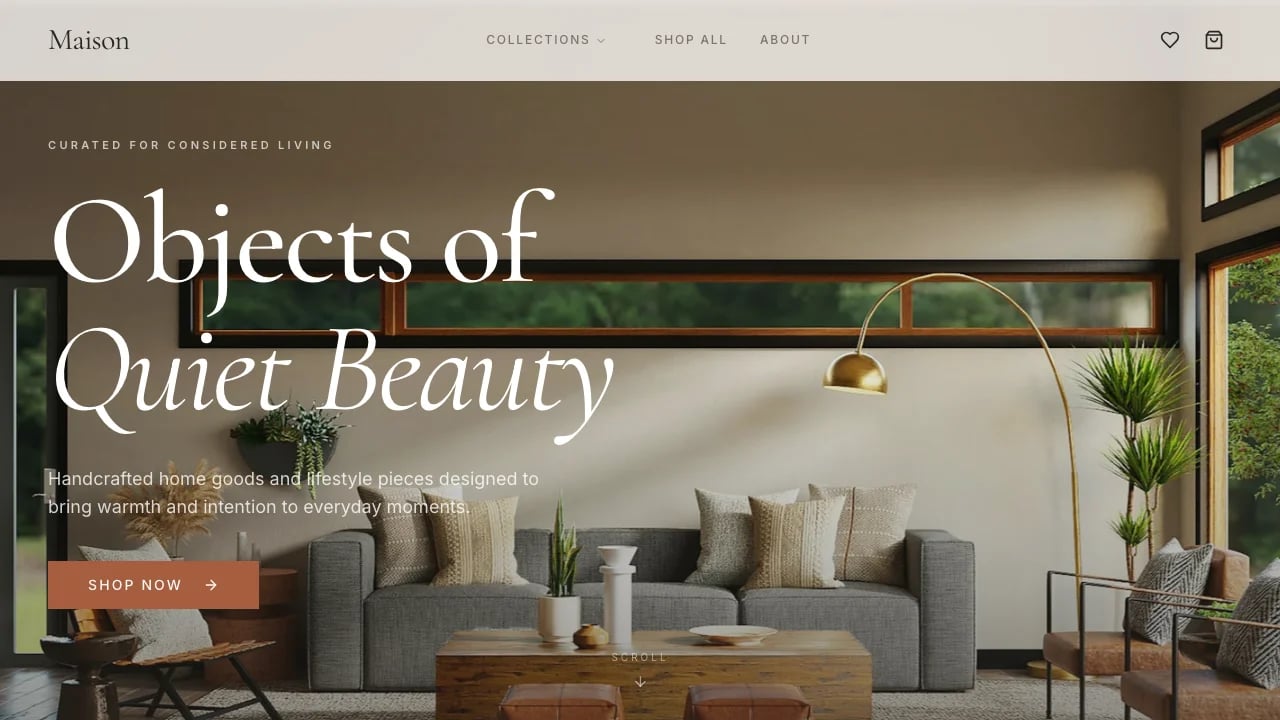
Brutalist Portfolio
Stand out with a bold brutalist portfolio that wins premium clients. High-contrast design showcases your work professionally without custom development costs.
 Lovable
Dirancang untuk
- Freelance designers building their client base
- Winning competitive pitches with standout presentation
- Showcasing case studies across multiple project types
- Creative directors establishing a personal brand
Sorotan utama
- Brutalist visual system
- Dynamic project galleries
- Scroll animations
- Circular project navigation
- Testimonial section
- Contact form
- Responsive adaptive layout
- Lazy-loaded images
- Design system docs
- Keyboard navigation
Teknologi yang digunakan
Pustaka
- React
- TypeScript
- Tailwind CSS
- shadcn/ui
- GSAP
- Framer Motion
- Recharts
- Swiper
- Embla Carousel
Penerapan
- Lovable
- GitHub
Tentang templat ini
This template gives you a professional portfolio that looks custom-built without hiring a developer to build it from scratch. The bold, high-contrast design (brutalist aesthetic with strong typography and unconventional layouts) makes your portfolio instantly recognizable when clients are comparing multiple designers.
Your portfolio works on any device, loads fast, and looks professional immediately. No technical knowledge required—you focus on your work, not on fixing layout bugs or slow page speeds. Mobile responsiveness, optimized image loading, smooth project navigation, contact form interface (ready to connect to your email service)—all handled so you can showcase your best work and attract the clients who'll pay what you're worth.
The layout handles different project types without forcing everything into identical boxes. Brand identity systems, digital campaigns, print work, and motion projects each get featured based on what they need.
Best Use Cases
Client-Facing Portfolios: Show completed client projects with the context that proves you understand business problems, not just visual execution. The case study layout supports project descriptions, team roles, timelines, and multiple images per project. Prospects evaluating service providers want to see your process and results, not just pretty pictures.
New Business Presentations: Win competitive pitches with a portfolio that looks custom-built instead of template-based. The brutalist design (bold typography, high contrast, unconventional layouts that signal confidence) differentiates you immediately when prospects are comparing multiple service providers. The professional presentation helps justify premium rates because it demonstrates attention to craft and strategic thinking. This matters when you're competing against established agencies with bigger teams—the professional presentation helps level the playing field.
Agency Team Portfolios: Feature work from multiple team members or project types without everything looking identical. The flexible grid system lets some projects take full width while others sit side-by-side. Agency principals need to show range and depth across brand, digital, print, and motion work—this template handles that complexity.
Personal Brand Building: Establish yourself as a professional who takes their craft seriously. The bold typography and brutalist aesthetic (high-contrast design with confident, unconventional layouts) communicate confidence and creative opinion. Professionals moving from corporate roles to independent practice need portfolios that signal they're professionals, not hobbyists—this template makes that statement clearly.
Getting Started
Step 1: Remix This Template
Click "Remix" to create your copy. You'll have a complete portfolio ready to customize. All the pages and features are already working—the project grid, case study layouts, contact form interface, mobile navigation. You just need to replace the sample content with your actual work.
Step 2: Customize Your Brand
Change colors to match your aesthetic. The brutalist theme (bold, high-contrast design with strong typography) uses cream backgrounds with ink-black borders and red accents, and you can modify the entire color system without touching code. Update typography choices to reflect your brand philosophy. You don't need to know code to make it look exactly how you want.
Step 3: Add Your Content
Replace the six sample projects with your best work. Upload high-resolution images—the template optimizes them automatically so they look sharp and load fast. Write project descriptions that connect with your target clients. The template stays out of your way so your work is what people notice. Add your bio, services, and contact information.
Step 4: Connect Your Tools
Connect your contact form to Lovable Cloud or an external email service to receive client inquiries. Add Google Analytics if you want to track visitor behavior. The template supports the integrations you need—you'll just need to configure them based on your workflow.
Step 5: Go Live
Your portfolio can be deployed quickly once configured. Share the URL in pitches, on your business cards, and in your email signature.
Conclusion
This portfolio template works for consultants, agency professionals, and service business owners who need to look professional and differentiated when competing for premium clients. You get custom-quality design without hiring a developer, fast performance without technical optimization, and a brutalist aesthetic (bold, high-contrast layouts with confident typography) that stands out from generic portfolio templates. The case study layouts work properly, the mobile experience is smooth, and the bold design communicates confidence from the first impression.
Whether you're launching your independent practice or upgrading from a basic portfolio site, this template gives you a foundation that looks intentional and strategic. The image galleries work properly, the project navigation flows logically, and everything loads fast from day one. Your portfolio looks intentional and professional immediately. Choose this template to build a portfolio that proves you take your craft seriously and attracts clients who'll pay what you're worth.
Fitur & kemampuan
Brutalist Visual System
Bold monospace typography, thick borders, and high-contrast colors create a memorable brand identity that differentiates from template competitors
Dynamic Project Galleries
Full-width and half-width image layouts with grayscale-to-color hover effects showcase your work with editorial-grade presentation quality
Smooth Scroll Animations
Framer Motion page transitions and intersection-triggered fade-ins create engaging experiences that respect user motion preferences for accessibility
Circular Project Navigation
Next project buttons keep visitors exploring your portfolio with seamless navigation that increases time on site and project visibility
Testimonial Showcase Section
Display client feedback with elegant serif typography that builds credibility and social proof for converting prospects into paying clients
Contact Form Integration
React Hook Form validation with professional error handling ready for backend integration to capture quality leads without technical setup
Adaptive Layout System
CSS Grid two-column hero and responsive project grids automatically optimize for mobile, tablet, and desktop without manual adjustments
Professional Typography Hierarchy
Inter and Crimson Text font pairings with fluid type scales ensure exceptional readability and visual hierarchy across all screen sizes
Image Lazy Loading
Intersection Observer with configurable margins loads images only when needed, reducing initial page weight and improving perceived performance significantly
Complete Design System
Documentation page with color swatches, typography examples, and spacing scales makes customization simple for matching your brand identity perfectly
SEO Ready Meta Tags
Open Graph and Twitter Card tags pre-configured for social sharing that drives traffic and makes your portfolio discoverable across platforms
Keyboard Navigation Support
Arrow key carousel controls and focus management ensure professional accessibility compliance that larger competitors expect from service providers