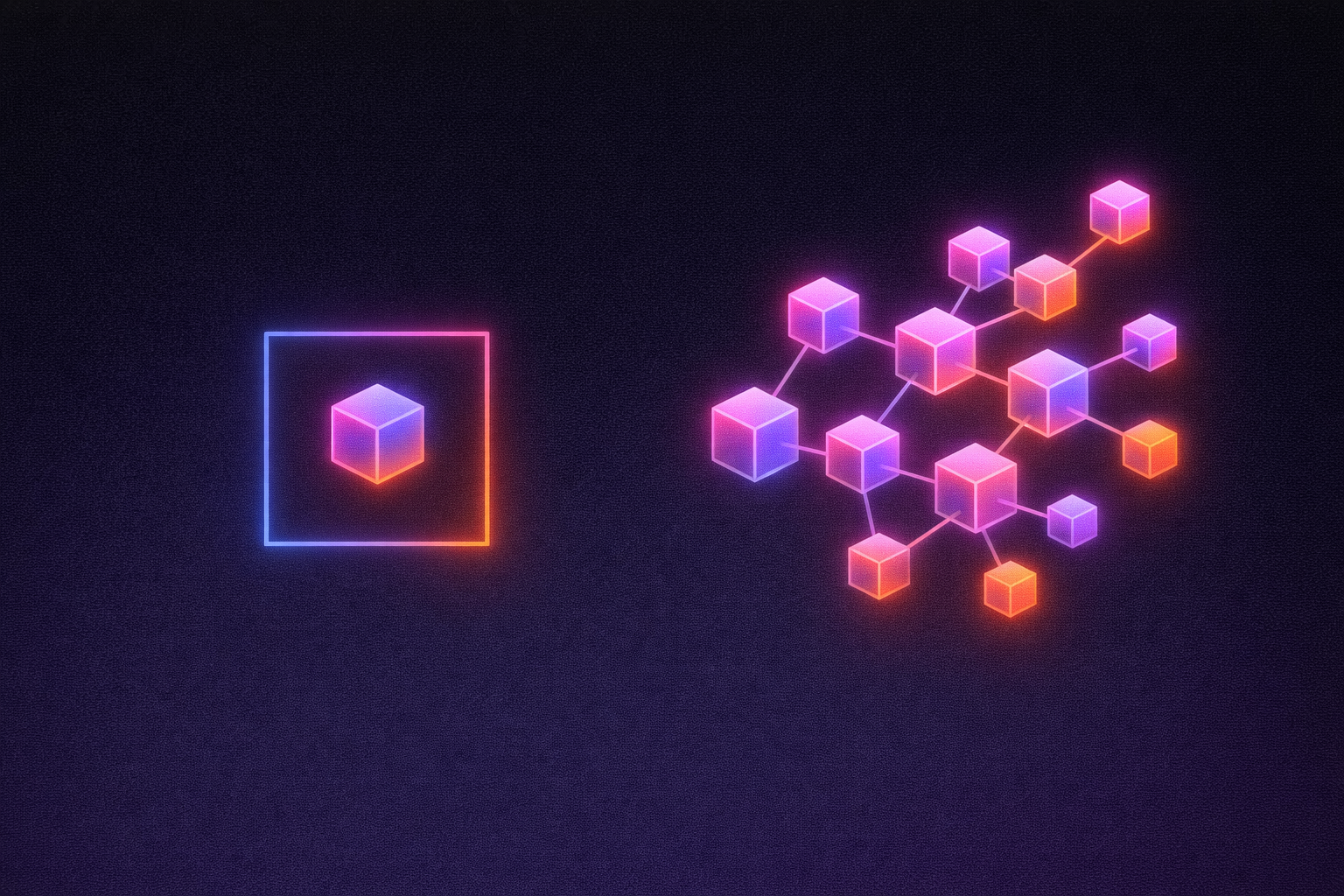
People often search for "Claude Design vs Lovable" expecting a head-to-head. The real answer is simpler: they do different jobs, and they're built to work together. Claude Design is where you explore an idea visually. Lovable is where that idea becomes software your team can run, share, and keep improving.
Anthropic built a Send to Lovable button into Claude Design for exactly this handoff. This guide explains what each tool does, where the handoff happens, and how to get the most out of using both.
At a glance
| Claude Design | Lovable | |
|---|---|---|
| Best for | Exploring ideas visually: prototypes, wireframes, decks, one-pagers, landing pages | Building and running real apps and websites |
| What you get | Interactive HTML prototypes and visual artifacts | A full project with real code, a live URL, and a backend |
| Exports | HTML, PDF, PPTX, and send-to destinations including Lovable | Publish to a URL, connect a custom domain, sync code to GitHub |
| Data and sign-in | Not included | Database, user sign-in, and file storage built in |
| Hosting | Not included | Hosting and publishing included |
| Brand consistency | Import a design system and check artifacts against it | Design systems, templates, and workspace knowledge applied to every project |
| Team controls | Organization sharing and admin settings | Workspace roles, sign-in controls, and security scanning |
What Claude Design is
Claude Design is a visual workspace inside claude.ai, launched by Anthropic Labs in April 2026. You describe what you want, and it produces polished visual work: interactive prototypes, wireframes, slide decks, one-pagers, and landing pages. A canvas editor lets you drag, resize, and align elements directly, and you can export to HTML, PDF, or PPTX.
It's a genuinely strong place to start. First drafts look good straight away, prototypes are interactive rather than static, and you can import your design system so artifacts follow your brand. Developers can also reach it from Claude Code with the /design command.
Claude Design focuses on the visual artifact. Turning that artifact into running software, with users, data, and a URL, is a separate step. That's where Lovable comes in.
What Lovable is
Lovable is an AI app builder that turns a description, a design, or an existing artifact into a working app. Every project is real code that you own, with everything needed to run it in production:
- A backend out of the box. A database, user sign-in, and file storage, so your app can remember things and know who's using it.
- Hosting and publishing. One click puts your app on a live URL, with custom domains when you're ready.
- Security scanning. Lovable checks your app for common security issues and flags them before you publish.
- Ongoing iteration. Keep changing the app in plain language, edit visually, or work in the code directly through GitHub.
Better together: the recommended workflow
The simplest way to think about it: design in Claude Design, build and ship in Lovable.
- Explore in Claude Design. Try layouts, flows, and visual directions quickly wherever your team already works with Claude.
- Send to Lovable. When the idea needs data, users, or a URL, use the Send to Lovable button. The artifact opens as a new Lovable project with real code.
- Make it real. Add a database, sign-in, payments, and integrations. Connect your domain and publish.
- Keep iterating on the real thing. From here, every change happens on real code in the running app.
A tip for step 2: the import carries over your design intent. Complex prototypes may need some follow-up prompts in Lovable to get every detail right.
Keeping your brand consistent from mockup to production
Claude Design can import your design system and check its artifacts against it, which keeps early explorations on-brand. Lovable carries that consistency into the software itself:
- Design systems. A dedicated design system project feeds components, tokens, and rules into connected projects, so updates can reach all of them at once.
- Design templates. Start new projects from an approved codebase.
- Workspace knowledge and skills. Brand rules and conventions apply to everything your team builds.
Because the design system lives in the code, it stays in place through months of changes by different people, not just on the day the mockup was made.
Giving the whole team a consistent workflow
Many teams use Claude Design to make one-off assets like sales decks and microsites. Lovable lets you go one step further and turn a repeated task into an app.
For example, a marketing or enablement team can build one internal app where a rep picks an account, adds a few details, and gets an on-brand deck, microsite, or ROI page generated from approved messaging and templates. The owning team defines the structure once, and everyone works inside it.
Security and IT controls for the software you ship
Once an idea becomes software, IT cares about who can sign in, what data it touches, and who can publish. Lovable has tools for that layer, such as security scanning, single sign-on, and admin settings for publishing. Availability varies by plan; see pricing for details.
A workspace catalog also shows every app, who owns it, and what it costs, and admins can transfer app ownership when someone leaves the team.
When to use which
Use Claude Design when you want to explore visually: test a concept, mock up a flow, or create slides and one-pagers. If the output is a picture, a deck, or a prototype to share, Claude Design may be all you need.
Use Lovable when the idea needs to work: it stores data, has users who sign in, lives at a URL, or needs to pass a security review.
Use both when you want the best of each: fast visual exploration in Claude Design, then a smooth handoff to Lovable to build, host, and secure the real thing.
Get started
Already working in Claude Design? Open your artifact, choose Send to Lovable, and keep building. Starting fresh? Describe your idea in Lovable and start building.