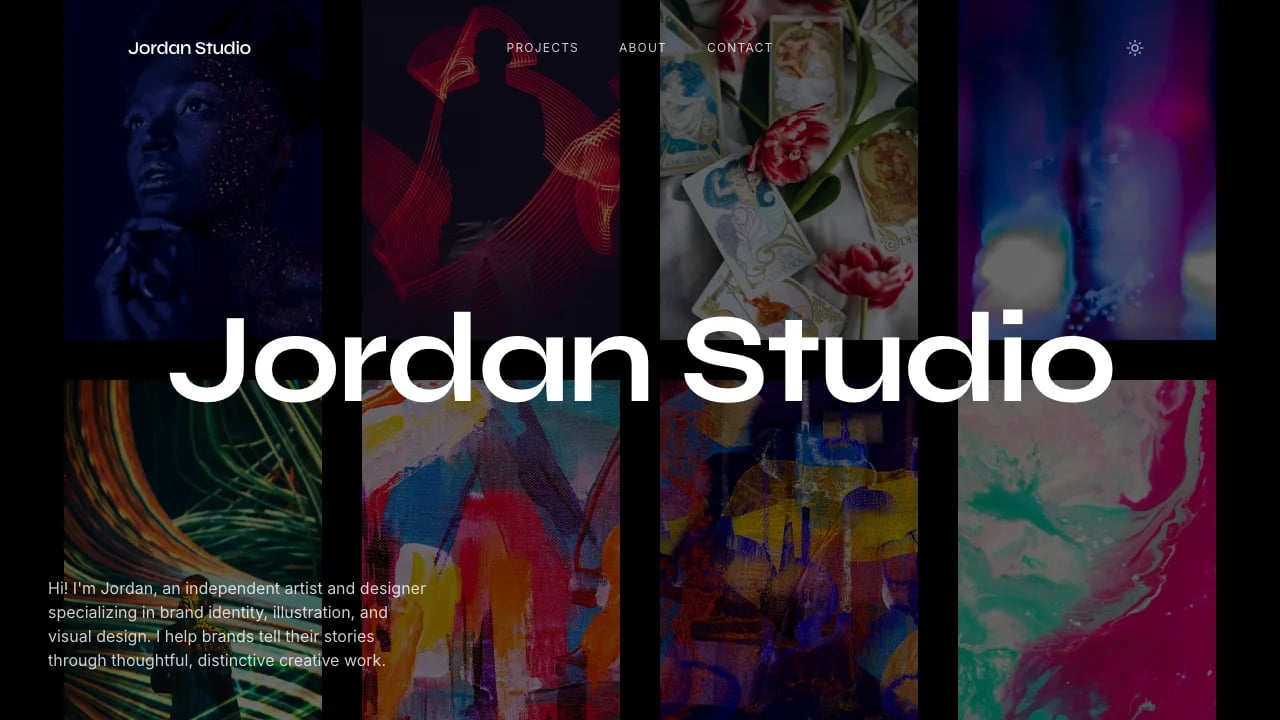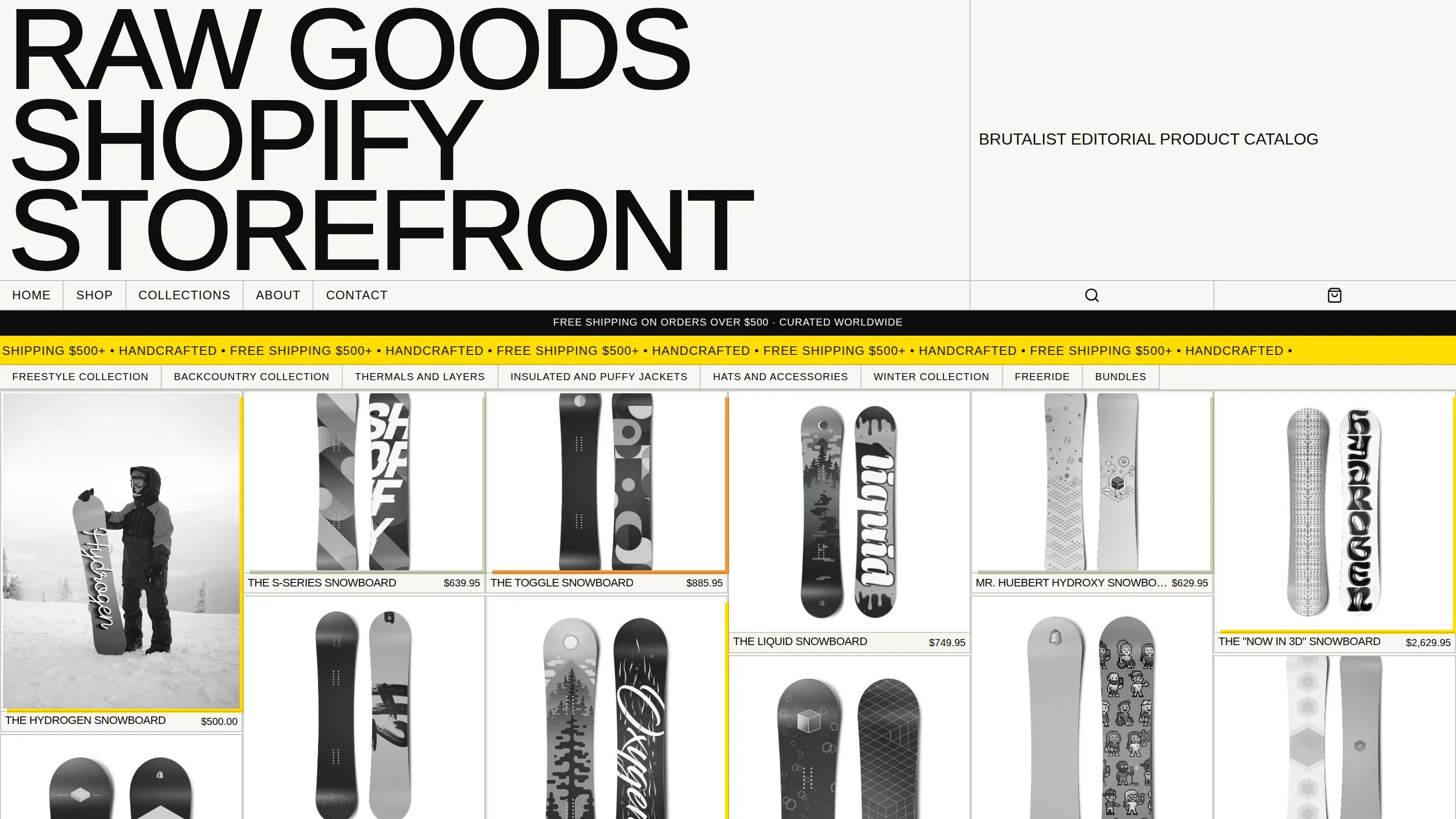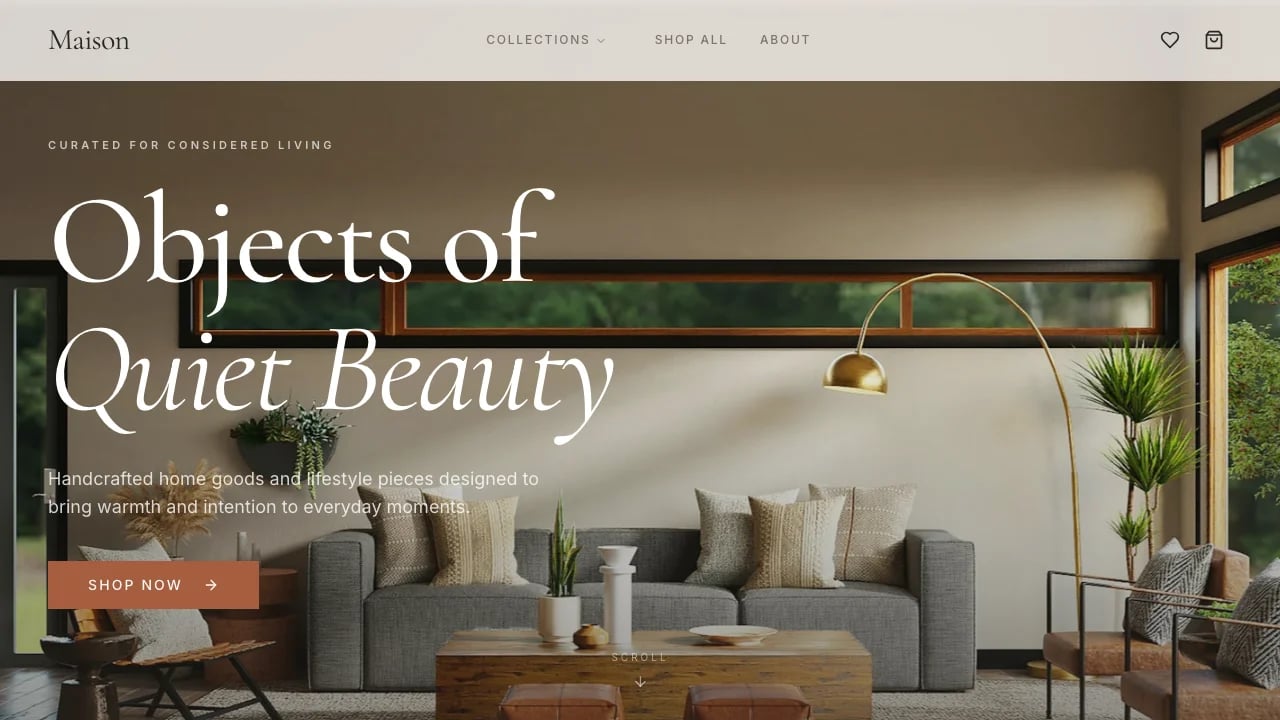
Gallery Design Portfolio
Launch a portfolio that wins clients with sophisticated layouts and full-screen project showcases. Professional design that matches the quality of your work—no code required.
 Lovable
Conçu pour
- Graphic designers building a client base
- Displaying creative work with flexible grid layouts
- Documenting design process as case studies
- Design studios presenting work to attract premium clients
Points clés
- Project showcase grid
- 10 color themes
- Configurable image layouts
- Responsive portfolio design
- Lazy image loading
- Smooth page transitions
- Contact form
- Circular project navigation
- Accessibility support
- SEO meta tags
Technologies utilisées
Bibliothèques
- React
- TypeScript
- Tailwind CSS
- shadcn/ui
- GSAP
- Framer Motion
- Recharts
- Swiper
- Embla Carousel
Déploiement
- Lovable
- GitHub
À propos de ce modèle
This template gives you a portfolio site that looks custom-designed and you don't need technical skills to make it work. The layouts put your creative work front and center with full-screen images, smooth hover effects, and flexible grid layouts that adapt to each project's needs. Mobile responsiveness, image lazy loading, smooth page transitions, performance optimization—all done. You can focus on selecting your best projects and presenting your work in a way that wins clients and differentiates you from competitors using generic portfolio builders.
The visual design looks sophisticated with carefully chosen typography, a warm color palette, and professional spacing that gives your work room to breathe. Everything is thoughtfully crafted so your portfolio represents the quality of work you actually deliver.
Best Use Cases
Project Showcases: Display your creative work with flexible grid layouts that give each project the presentation format it needs. The layout adapts beautifully from desktop to mobile, ensuring each project gets the presentation format it needs. Projects feature elegant hover effects that reveal titles and details. Full-screen hero images on individual project pages showcase professional quality that justifies your rates.
Case Study Presentations: Document your design process from brief to final delivery with image galleries that support full-width and half-width layouts. Add captions to explain your thinking and show clients you understand strategy, not just aesthetics. The professional presentation helps you compete for higher-value projects.
Agency Portfolio Sites: Showcase multiple projects with consistent branding while letting each case study shine. The grid system lets you feature your best work prominently while organizing everything else logically. Prospects browsing your site see breadth of capability and depth of expertise.
Client-Facing Presentations: Share specific projects with clients using direct links to individual project pages. The clean layouts and fast loading times create a professional experience that reflects well on your practice. You look like someone who understands good digital experiences because your own site proves it.
Getting Started
Step 1: Remix This Template
Click "Remix" to create your copy. You'll have a complete portfolio site ready to customize. All the pages and features are already working—you just need to replace the sample content with your actual work.
Step 2: Customize Your Brand
Change colors to match your design aesthetic. Update typography to reflect your style. Lovable's visual editor lets you modify layouts and see changes instantly as you work. You don't need to know code to adjust spacing, change the color palette, or update fonts. The template includes 10 professionally designed theme variations if you want a different look entirely.
Step 3: Add Your Projects
Replace the sample projects with your actual work. Upload your best images for each project and write descriptions that explain your creative decisions and the problems you solved. The template stays out of your way so your work is what people notice.
Step 4: Connect Your Tools
Connect your contact form to capture inquiries directly. Link your Instagram feed or other social profiles. Lovable has built-in integrations for the tools creative professionals actually use. Everything connects without writing code or managing servers.
Step 5: Go Live
Deploy your portfolio with one click. Lovable handles the hosting, security, and performance optimization automatically. Your portfolio goes live worldwide, and you can start sharing the URL with prospects and collaborators. When you update projects or add new work, changes go live immediately without technical deployment processes.
Conclusion
This portfolio template works for creative professionals who need their online presence to match the quality of their actual work. You get professional design without hiring a developer, sophisticated layouts without wrestling with page builders, and all the features design portfolios actually need. The image galleries work properly, project navigation is smooth, and everything loads fast from day one.
Whether you're launching your first independent practice or upgrading from a generic portfolio platform, this template gives you a solid foundation that represents your capabilities accurately. The configurable grid system adapts to different project types, the visual design looks custom rather than template-based, and the responsive layouts work beautifully on every device. Choose this template to launch a portfolio that wins client work and grows with your creative practice.
Fonctionnalités et possibilités
Interactive Project Showcase Grid
Two-column responsive grid with hover overlays that elegantly reveals project titles and details, creating engaging portfolio browsing experiences
Configurable Project Layouts
Flexible image arrangements with full-width, half-width, and custom grid options to match each project's unique visual storytelling needs
Smart Image Lazy Loading
Intersection Observer pre-loads images before viewport entry with blur-up placeholders for smooth, professional browsing without jarring load delays
Sophisticated Typography System
Premium serif fonts with fluid scaling across devices ensure exceptional readability and editorial quality for project descriptions and content
Smooth Page Transitions
Framer Motion animations create polished navigation between pages with subtle fades and movement that feel refined and intentional
Professional Contact Forms
Clean underline-style input fields with project type capture and validation ensure you collect the right information from potential clients
Circular Project Navigation
Next project links guide visitors through your entire portfolio seamlessly, keeping them engaged and viewing more of your work
Warm Neutral Color System
Terracotta accents on sand backgrounds with complete dark mode support create sophisticated, gallery-like aesthetic that elevates visual work
Accessibility Built-In
Skip links, ARIA labels, keyboard navigation, and reduced motion support ensure your portfolio is professional and inclusive for all visitors
SEO-Ready Meta Tags
Open Graph and Twitter Card tags pre-configured so your portfolio looks professional when shared on social media and search engines
Modern React Architecture
TypeScript codebase with modular components makes it easy to customize and extend your portfolio as your business grows and evolves
Ready for Backend Integration
Pre-configured for database connections and form submissions so you can easily add dynamic features when your portfolio needs scale up