Enterprise workspaces can grow to thousands of projects, each with its own database, published endpoints, and sensitive data. As that footprint expands, administrators need a clear way to understand what's being built and where their exposure lies.
Today we're launching Workspace Insights, a new section in Security Center that gives administrators a single place to see every project, understand what's being built, and govern with confidence.
What's inside
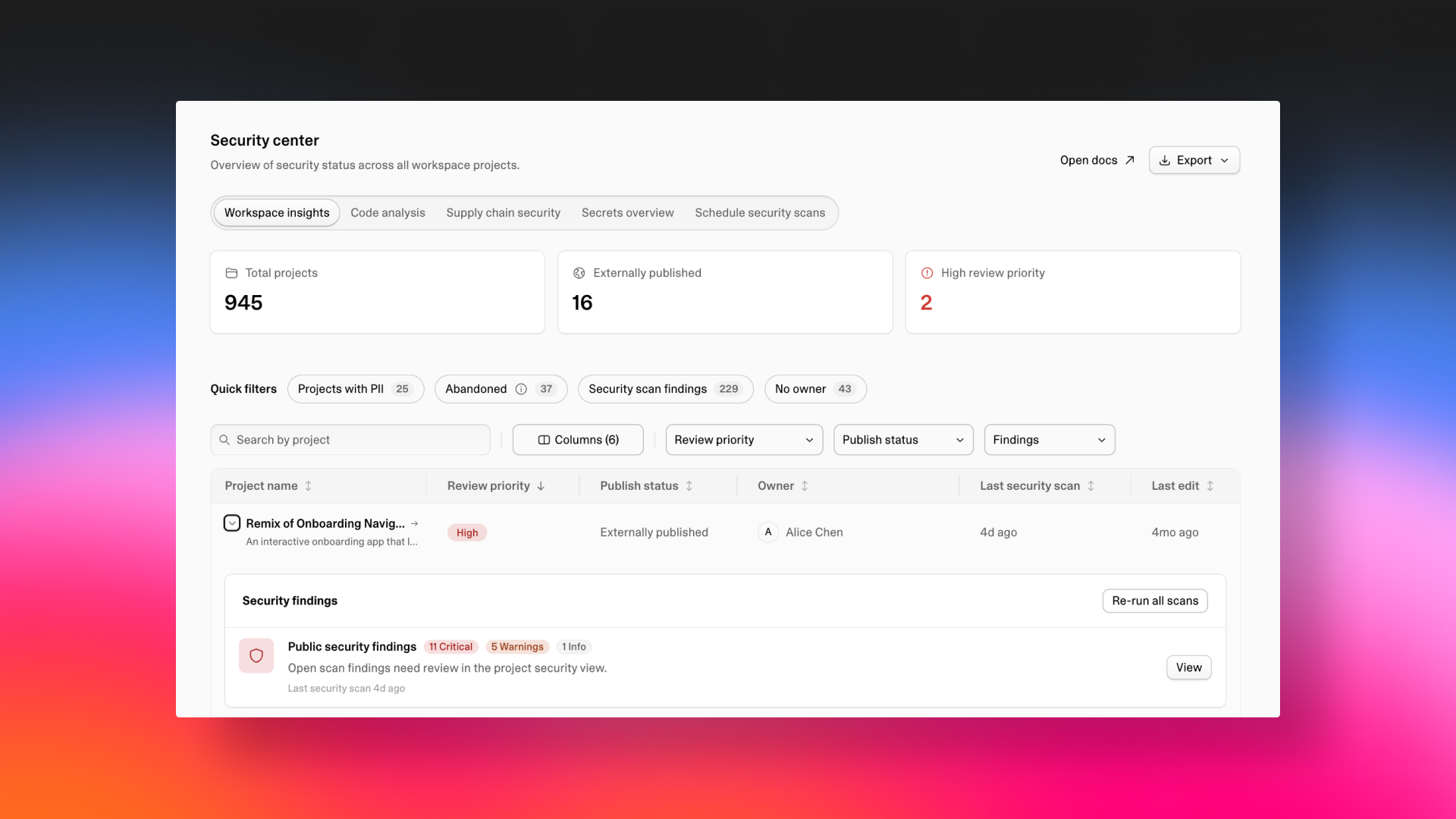
The new Workspace Insights view opens on a set of stat cards that show the shape of your workspace at a glance: total projects, externally published apps, and projects flagged as high review priority.
Right below, quick filters let you jump straight to what matters most: projects with PII, abandoned projects, open security scan findings, and projects with no owner.
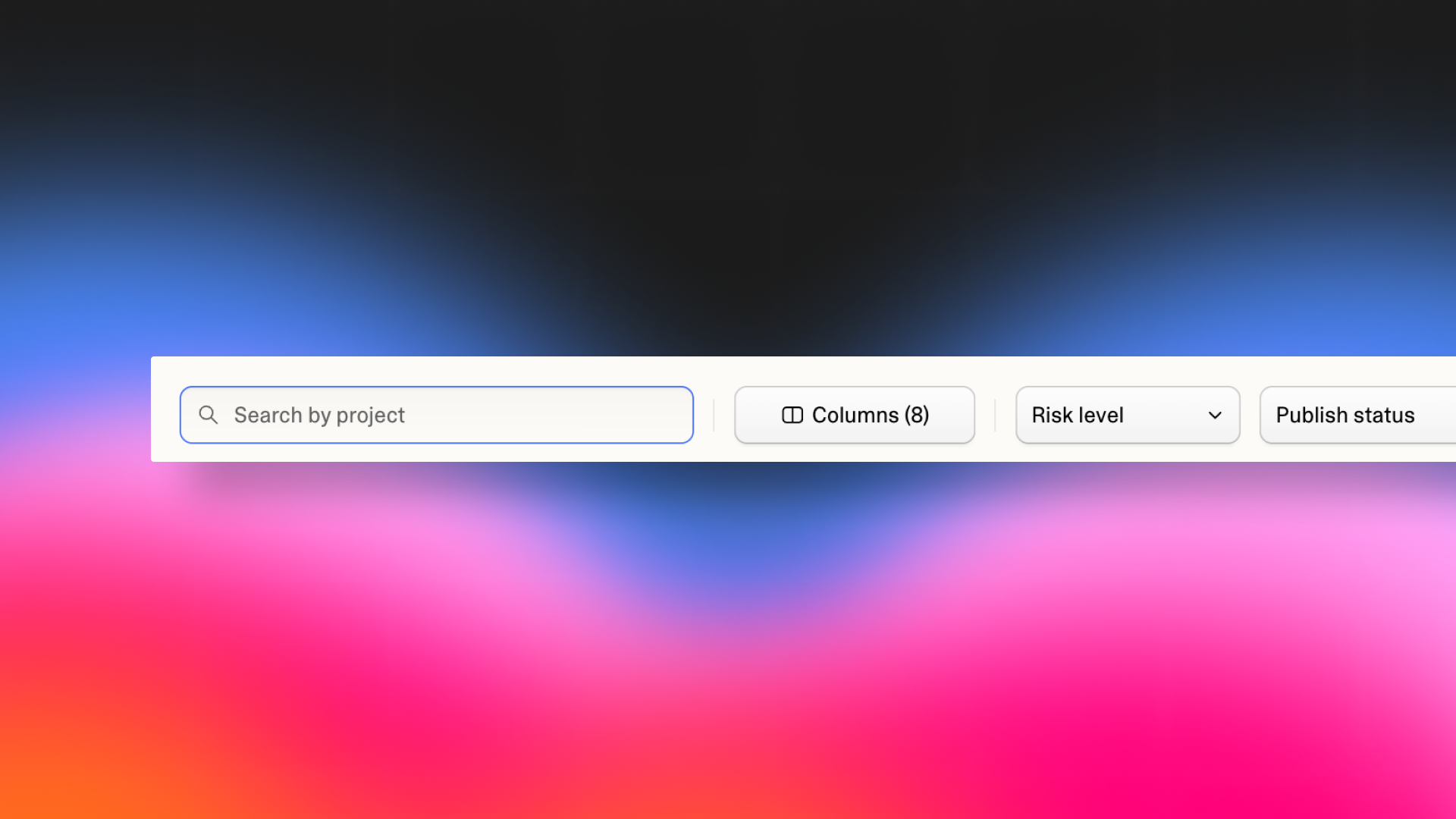
Further down the page, every project in your workspace appears in a searchable, filterable table. Search by project name, and filter by review priority, publish status, and findings. Each row shows review priority, publish status, security findings, PII findings, and the date of the last security scan, so you can spot exposure without opening anything.
Expand any row to see the full picture: the project description, its Lovable Cloud setup (auth providers, tables and row level security, edge functions), website details, whether it handles PII, and its open security findings. When you're done, export to CSV for your compliance records or leadership review.
PII Detection scans the paths where sensitive data can enter Lovable: chat, uploads, past chat history, and on-demand scans of Cloud DB and Cloud Storage, plus full audit and reconciliation. Redaction is automatic for supported formats. Builders don't slow down, and admins get visibility, control, and a paper trail.
And finally, the security scanner integration pulls findings from Security Center directly into the project table, so code-level risks, supply chain vulnerabilities, and workspace-level governance all live side by side.
Get started
Workspace Insights is available now for Enterprise customers. Open your workspace settings to explore.
Not yet on Enterprise? Talk to our team to see Workspace Insights in action and learn how it fits your organization.