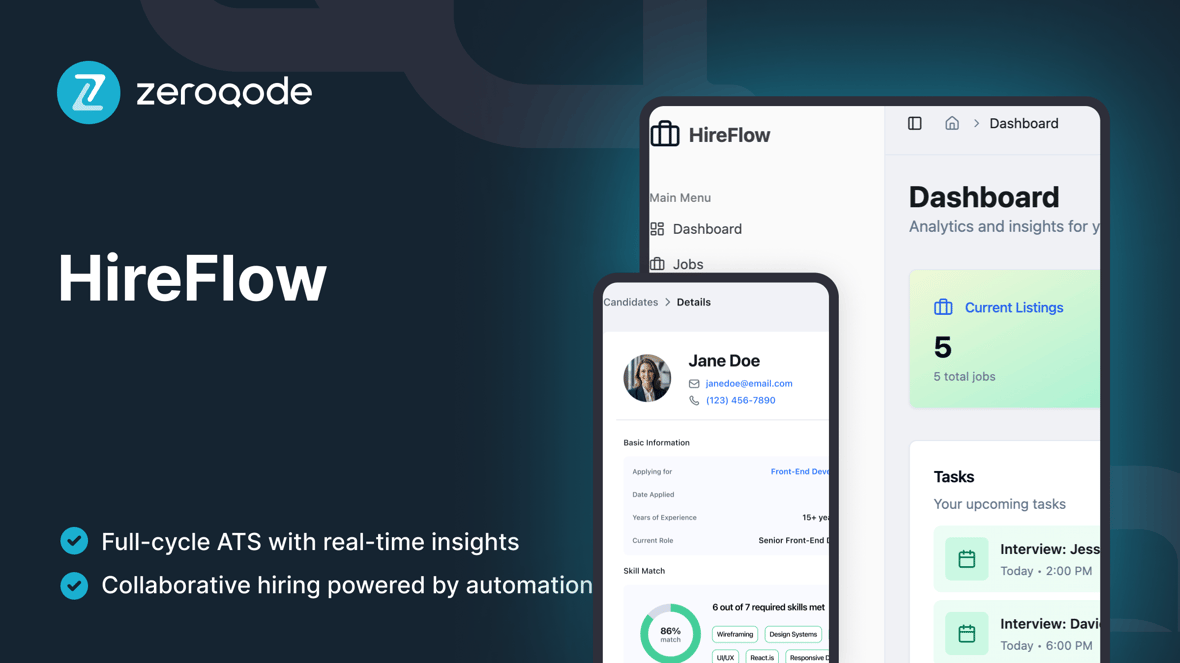
HireFlow
A modern ATS template to run hiring end-to-end: post jobs, track candidates through stages, schedule interviews with scorecards, send offers with approvals— all with role-based access.
Loved by people who build SaaS
Created by Zeroqode
ZeroqodeReactLovable
What's included
Dashboard — KPI cards (listings, applicants, interviewing, shortlisted), tasks, next meeting, recent activity.
Jobs — list & grid views, create/edit jobs, openings & status (open/paused/closed).
Applications / Pipeline — Kanban stages with drag & drop, bulk advance/reject/withdraw, reasons & notes.
Candidates — unified profile (resume, timeline, messages, attachments), search & filters.
Interviews — scheduler (time, panel, location), ICS file generation and status (scheduled/completed/no-show).
Scorecards — structured review form; hide others' feedback until submit; consolidated view after submission.
Messaging & Templates — email templates with variables; conversation log on the candidate timeline.
Offers & Approvals — draft → approval → send → accept/decline; compensation fields, expiry, audit trail.
Reporting — time-to-hire, stage conversion, source effectiveness; date range & job filters.
Getting started guide
Follow these steps to customize and deploy your project
Video walkthrough
Step-by-step guide
Duplicate & brand
Example prompt
Define roles & permissions
Example prompt
Configure pipeline stages
Example prompt
Create the first job
Example prompt
Import candidates (CSV)
Example prompt
Enable interview scheduling + ICS
Example prompt
Add scorecards
Example prompt
Set email templates
Example prompt
Configure offers & approvals
Example prompt
Turn on reporting
Example prompt