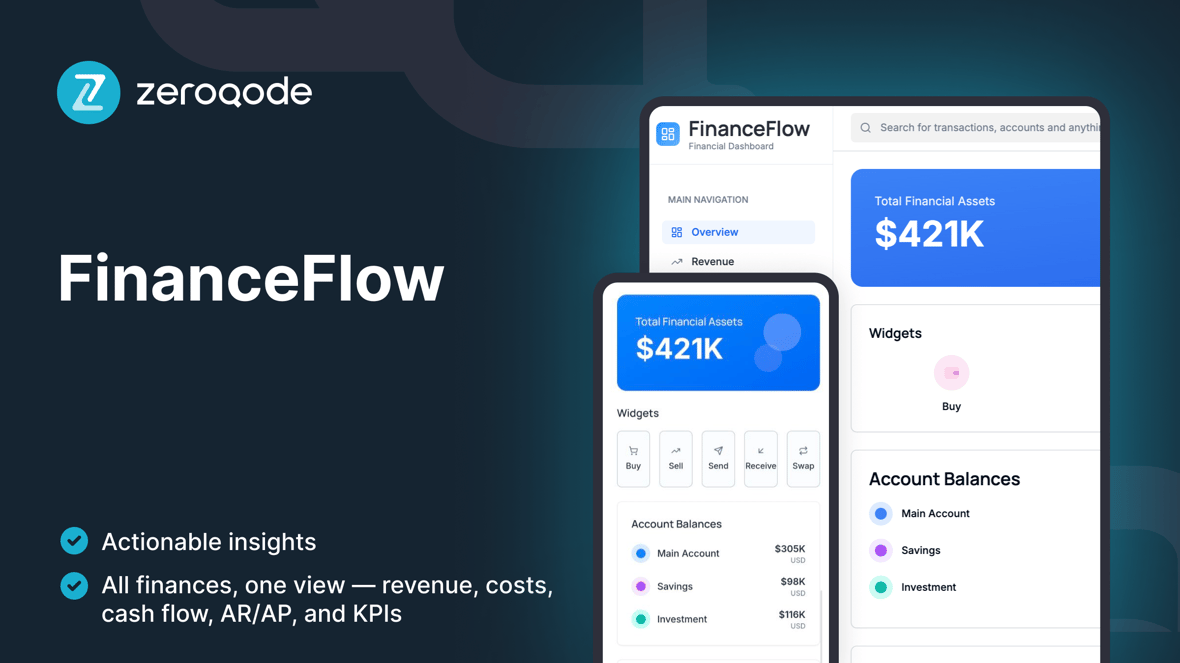
FinanceFlow
FinanceFlow dashboard is an analytics template for tracking revenue, expenses, cash flow, and KPIs in one place
Loved by people who help others make decisions with data
Created by Zeroqode
ZeroqodeReactLovable
What's included
Executive Overview — MRR/Revenue, Expenses, Gross Margin, Net Profit, Cash balance.
Cash Flow — inflows/outflows by month, burn rate, runway estimator.
Revenue Analytics — MRR/ARR, new vs. expansion vs. churn, top products.
Expense Analytics — Opex by category (Payroll, Marketing, Tools), variance vs. budget.
AR / AP Tracker — invoices due, aging buckets, expected payments.
Transactions Table — searchable ledger with tags, categories, and notes.
Import & Mapping — CSV import for bank/Stripe exports, column mapping, dedupe.
Filters & Saved Views — date range, department, product, region; save custom views.
Responsive UI — optimized charts and tables for desktop and mobile.
Getting started guide
Follow these steps to customize and deploy your project
Video walkthrough
Step-by-step guide
Duplicate & Brand
Example prompt
Define Data Mode
Example prompt
CSV Import & Mapping
Example prompt
Categories & Tags
Example prompt
Executive Overview Cards
Example prompt
Charts & Cohorts
Example prompt
AR/AP & Aging
Example prompt
Filters & Saved Views
Example prompt
Permissions
Example prompt
QA & Publish
Example prompt