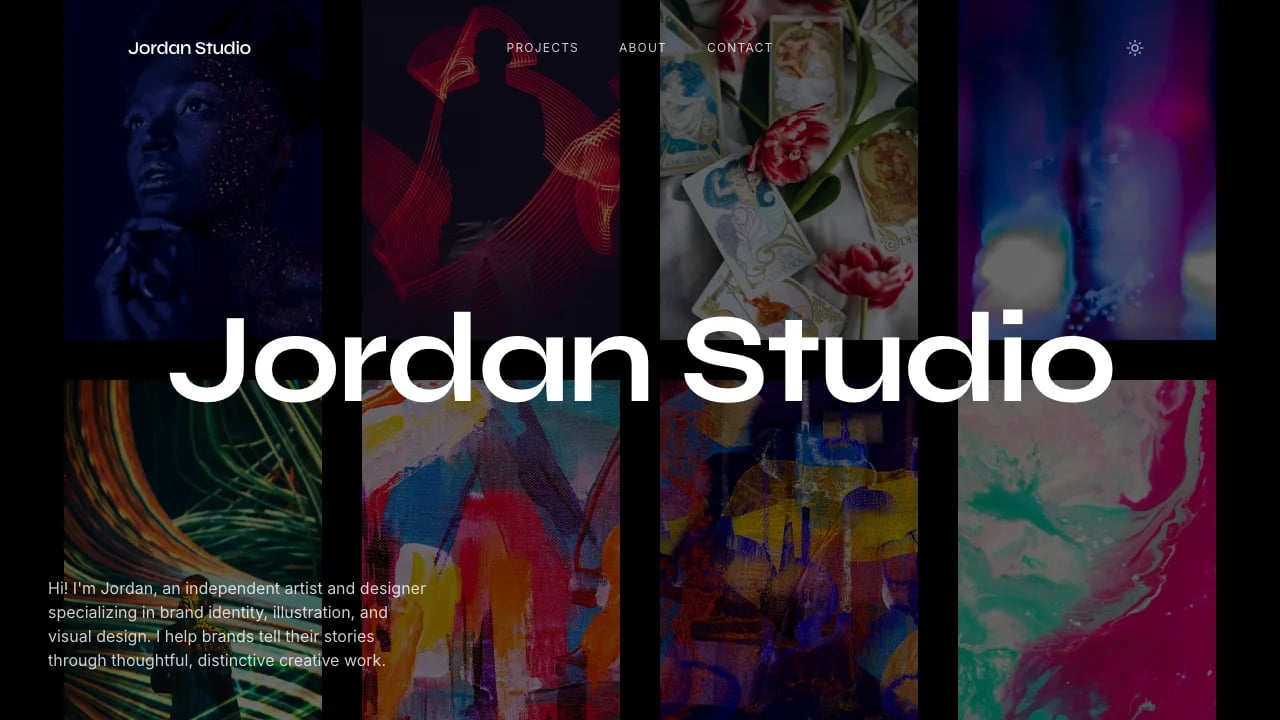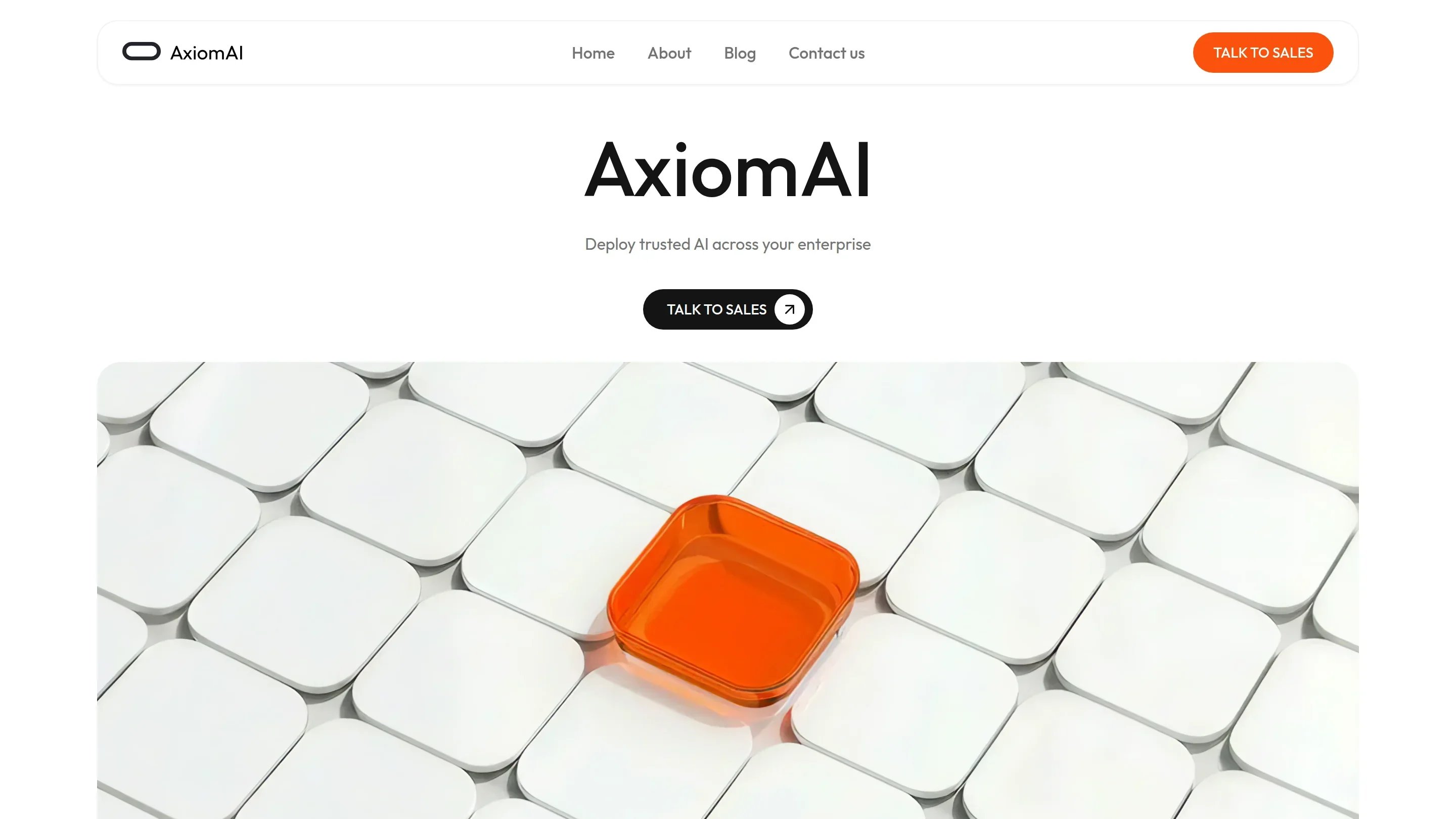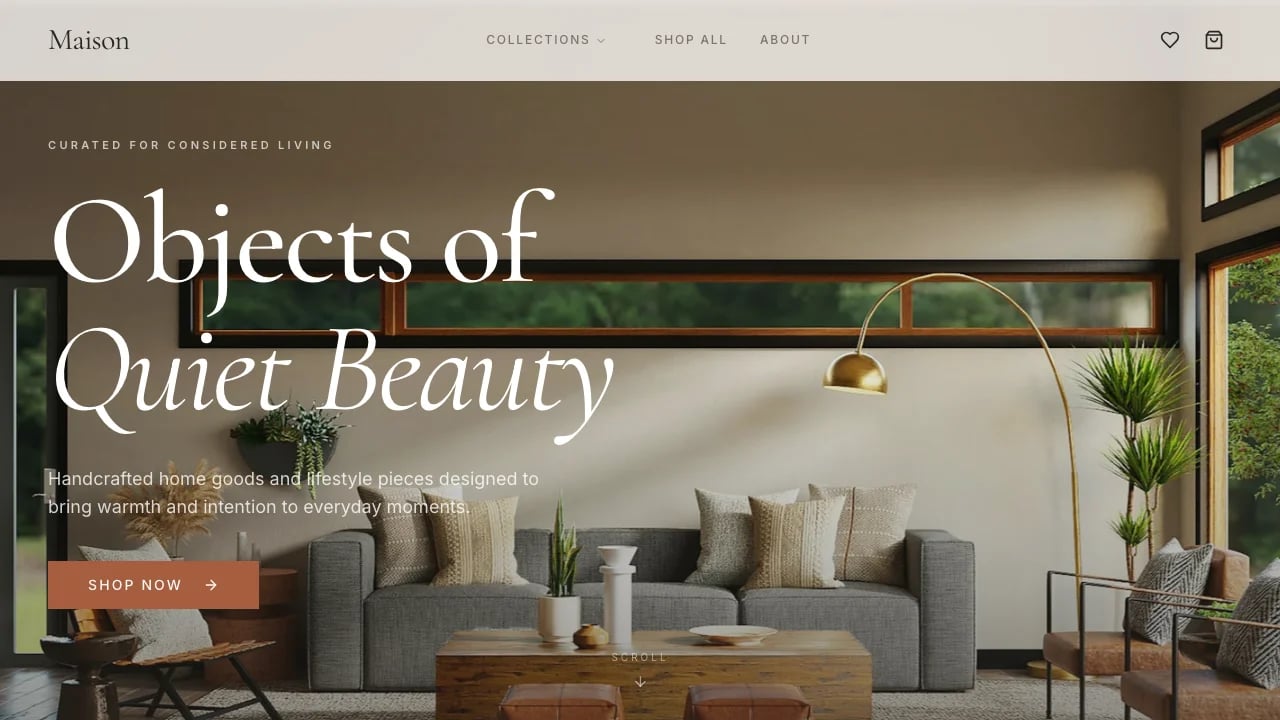
Cinematic Studio Site
This template gives you a cinematic landing page for film and video production studios that looks professional and requires no design skills.
Designed for
- Creative agencies & production studios
- Showcasing film, video, or AI-driven media work
- Building client-facing portfolio sites
- Launching a studio with booking & case studies
Key highlights
- Embedded booking calendar
- YouTube portfolio showcase
- Glass morphism effects
- Mobile-first responsive layout
- Lazy loading and CDN delivery
- Keyframe animation library
- Dark mode variables
Technology stack
Libraries
- React
- TypeScript
- Tailwind CSS
- shadcn/ui
Deployment
- Lovable
- GitHub
About this template
This template gives you a film and video production website that looks professionally designed and does not require design skills. The dark cinematic aesthetic and motion elements create a strong first impression that supports high-value client work.
The technical setup is already handled — full-screen video backgrounds, smooth scroll effects, mobile-ready layouts, and glass styling components. You can focus on showing your work and booking calls rather than navigating code or complex build steps.
The integrated Cal.com booking widget uses a month_view layout so visitors can schedule calls directly without long email threads.
Best Use Cases
Client-Facing Portfolio Site: Show your production work in layouts that help clients understand your capability quickly. Motion elements and dark visuals present your work with the level of care clients expect when evaluating potential partners.
Agency Service Showcase: Use structured sections for capability summaries, process explanations, and team profiles. Agencies preparing for competitive pitches can use this format to present their offering clearly and professionally.
Creative Studio Launch: Establish credibility from the start with a site that looks ready for client work. The booking widget helps convert interest into actual conversations by removing unnecessary friction.
Video Production Services: Display a hero video immediately, then guide visitors to case studies with client names and project context. YouTube embeds use an aspect-video wrapper with privacy-focused parameters (rel=0, modestbranding=1) for clean presentation.
Getting Started
Step 1: Remix This Template
Click "Remix" to create your version. The hero video, portfolio grid, process sections, team layout, and booking widget are already configured.
Step 2: Customize Your Brand
Adjust colors, typography, and animation timing in the visual editor. You can refine the cinematic look without touching code.
Step 3: Add Your Content
Upload your reel, project examples, and team images. Add client details and project notes so visitors understand your approach and style. The structure stays out of your way so your work is the focus.
Step 4: Connect Your Tools
Add your Cal.com booking link or connect other scheduling tools through available integrations.
Step 5: Go Live
Deploy with one click. Hosting, performance, and mobile behavior are already in place. Share the link in pitch emails, proposals, and social profiles.
Conclusion
This template serves production professionals who want their online presence to match the quality of their work. You get cinematic presentation without technical build steps, motion elements that work consistently across devices, and a built-in booking flow that helps bring clients into conversation. Choose this template when you need a studio site that communicates capability immediately and supports your client work from the moment someone lands on the page.
Features & capabilities
Custom Keyframe Animation Library
Twenty-plus handcrafted CSS animations including film strips, floating effects, and cinematic transitions that bring storytelling to life
Glass Morphism Interface Effects
Advanced backdrop-filter blur effects with mobile optimization creating sophisticated depth and modern visual hierarchy throughout the design
Full-Screen Autoplay Hero Video
Optimized WebM video with S3 CDN delivery, mute controls, and seamless looping for impactful first impressions
Embedded YouTube Portfolio Showcase
Custom-styled video player with featured project display, modestbranding, and professional presentation for client work examples
Intelligent Image Fallback System
Automatic Unsplash CDN fallbacks with lazy loading ensuring images always display beautifully even when primary sources fail
Responsive Grid Layout System
CSS Grid and Flexbox combinations adapting from single-column mobile to four-column desktop layouts for optimal content presentation
Smooth Scroll Navigation Experience
Hardware-accelerated anchor-based navigation with fixed sticky header that transitions to backdrop-blur on scroll for better readability
Premium Typography Hierarchy
Bagel Fat One display font with fluid type scales and optimized character variants ensuring exceptional readability across screen sizes
Mobile Hamburger Menu System
Right-side slide-in panel with spring animations, body scroll lock, and auto-close on scroll for intuitive mobile navigation
Dark Mode Ready Architecture
Complete CSS variable system with light and dark theme definitions enabling instant theme switching for future enhancements
Semantic HTML Structure
ARIA labels, proper heading hierarchy, and semantic elements ensuring accessibility compliance and improved SEO performance
Component-Based Scalability
Modular React architecture with TypeScript interfaces and 65+ shadcn/ui components providing unlimited expansion potential for growing businesses