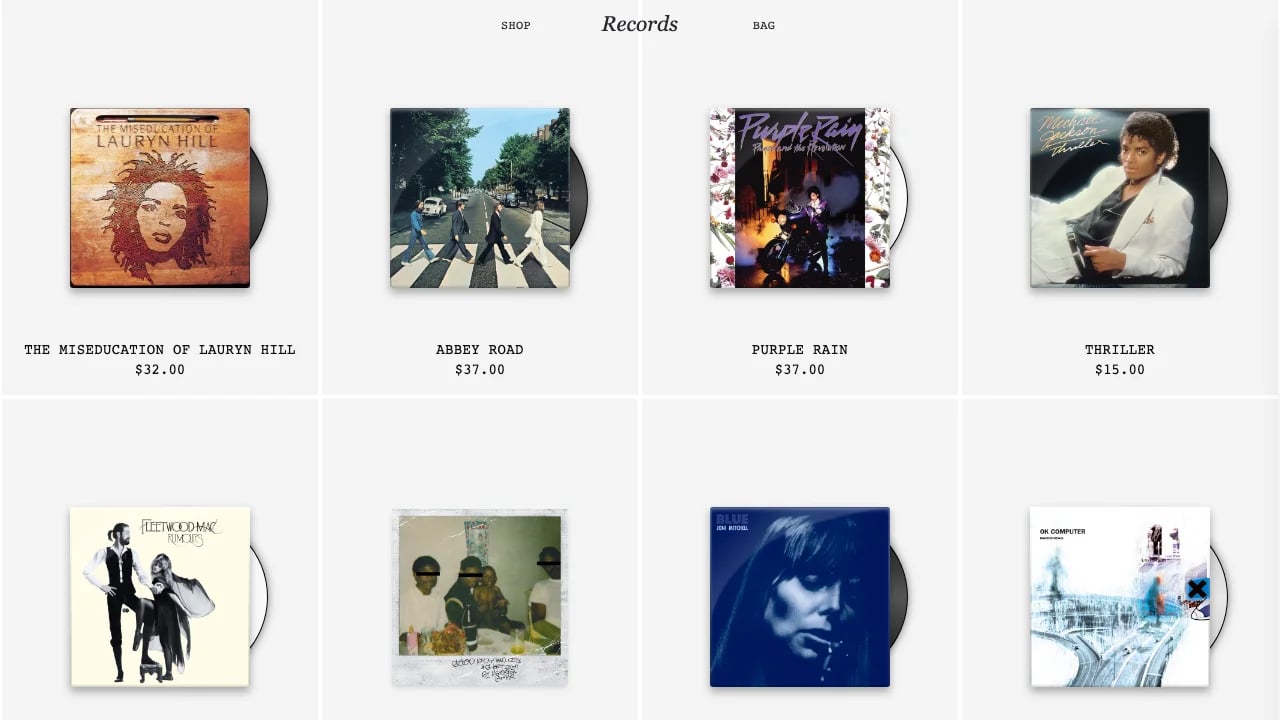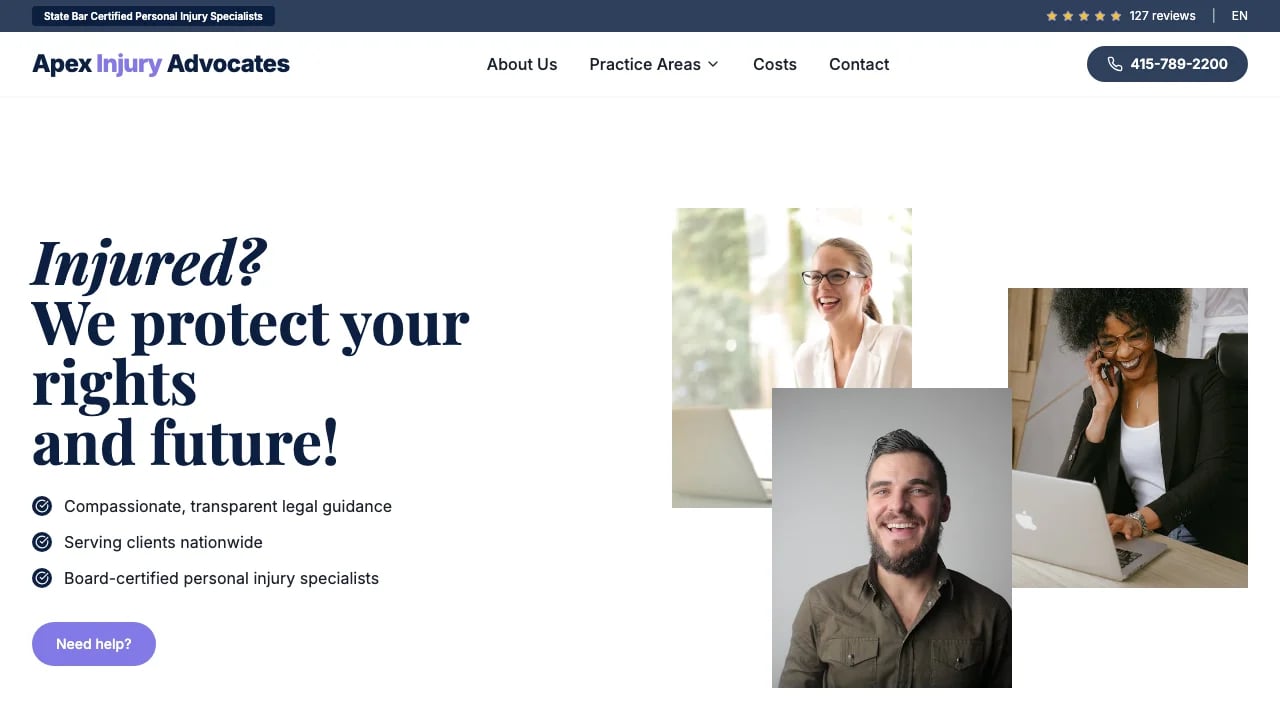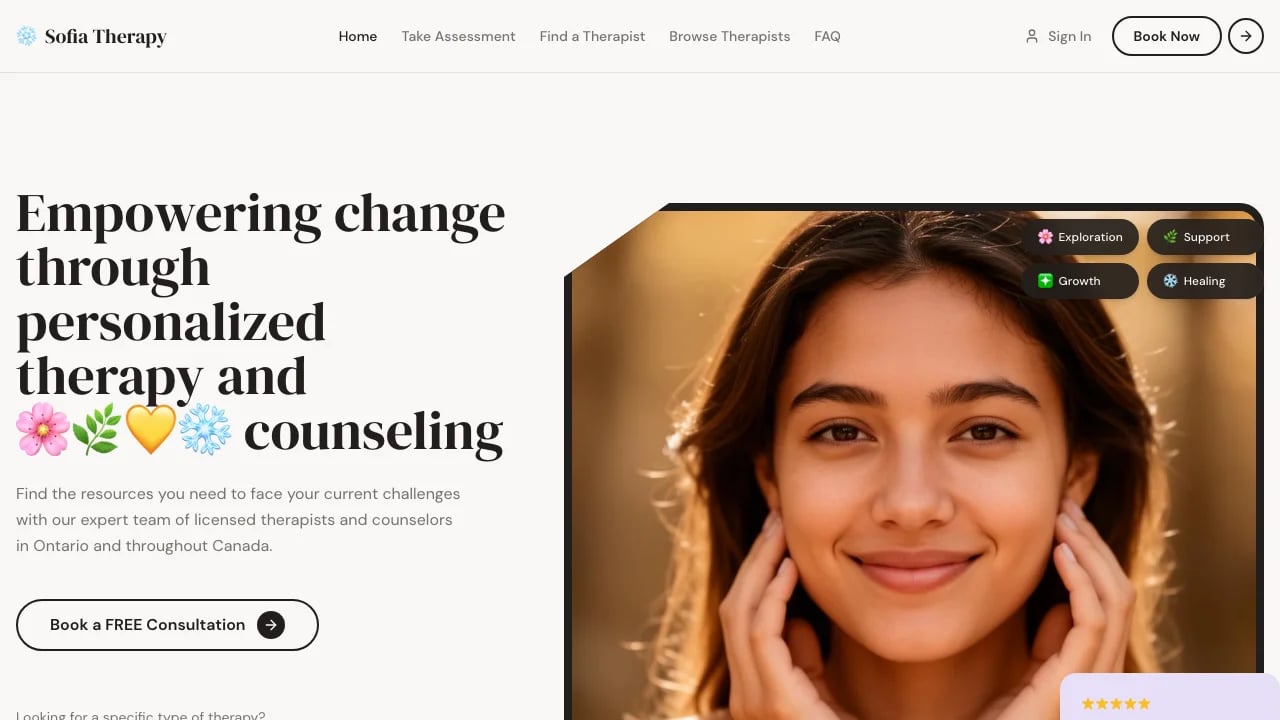
Atelier - Designer Portfolio & Studio Template
Warm, editorial creative showcase
LOLovable
·
Key Highlights
Launch Your Portfolio in Hours
Complete multi-page structure with case studies, about, and contact pages ready for your content.
Editorial Design Without Design Skills
Sophisticated typography and color system create magazine-quality polish that converts prospects into clients.
Mobile-Perfect Professional Presence
Responsive layouts ensure your portfolio looks exceptional on every device from phone to desktop.
Cinematic Scroll Animations Built-In
Polished entrance effects and hover interactions create memorable first impressions without coding animations.
Structured Case Study Storytelling
Pre-designed templates guide visitors through your projects with clear hierarchy and visual impact.
Features & Capabilities
Production-ready features built with modern tech stack for exceptional performance and user experience
Editorial-Grade Typography System
Scroll-Triggered Entrance Animations
Case Study Template Pages
Fixed Navigation Header
Mobile-First Responsive Layouts
Warm Minimalist Color System
Experience Timeline Component
Multi-Page Architecture
Custom Icon Integration
Live Contact Information

Loading live preview...
About this template
This template gives you a portfolio site that looks professional and you can customize it to match your brand. Your work gets presented with structured layouts and smooth interactions that potential clients expect when evaluating service providers. The warm cream and coral-red color palette and carefully structured layouts create the credibility you need to compete for better projects without spending weeks on custom development.
The technical parts are already handled. Mobile responsiveness and smooth animations are implemented throughout the components. You can focus on showcasing the work that wins you clients instead of wrestling with design systems or settling for generic builder templates that make you look like everyone else.
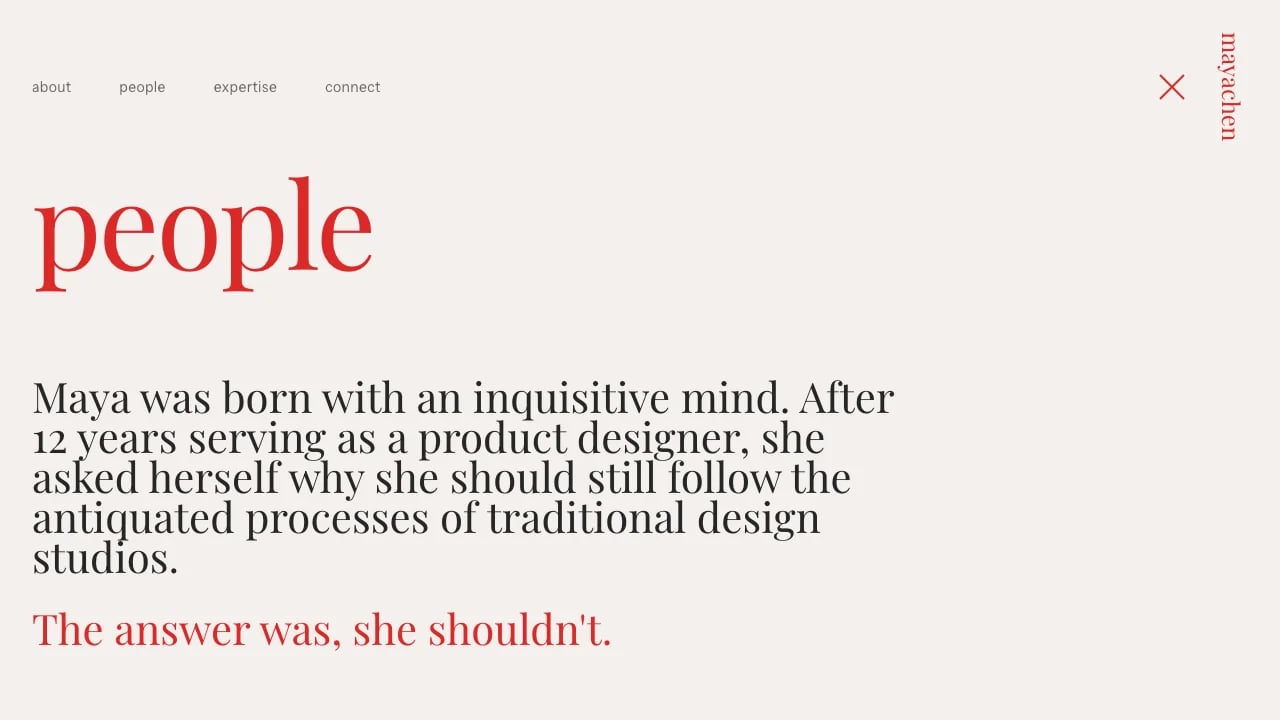
The template is designed for professionals and service providers. Case study pages let you showcase the story behind each project with detailed descriptions and key contributions. A dedicated People page establishes credibility with team information, and an Expertise page highlights your services. The Connect page makes it easy for potential clients to reach you with contact links and location details. Everything is connected through a fixed navigation bar that guides visitors through your work and experience sections. The React components and TypeScript code are well-structured and documented. The pages, navigation, and layouts are already built—you just add your content and adjust the design to match your brand.
Who This Is For
- Freelance consultants and service professionals who need portfolio sites to showcase client work and establish credibility
- Small businesses and boutique agencies presenting case studies and team expertise to attract better clients
- Independent professionals building authority sites that demonstrate their process and results
- Solo practitioners and small firms who need professional web presence without hiring developers
- Professionals transitioning from social platforms to custom sites they control
Best Use Cases
Professional Portfolio: Present your best work with case studies that demonstrate your process and results. The structured layouts help you stand out when competing for client engagements against other professionals. Potential clients see proof of your capabilities before they ever contact you, which means better-qualified leads and fewer discovery calls with people who aren't the right fit.
Agency Showcase: Display multiple client projects with team member profiles and service descriptions. The structured layout makes it easy for prospects to understand what you do and who does it. When you're pitching against competitors, a working portfolio site with real case studies beats a PDF deck every time.
Expert Practice Site: Establish credibility through detailed expertise pages and professional presentation of your work. Service businesses need to prove they know what they're talking about before clients will pay premium rates. The clean, editorial design positions you as an expert rather than a commodity provider competing on price alone.
Full-Service Practice Site: Combine your portfolio with team introductions and service offerings in one cohesive site. Professional firms need to show both the quality of work and the people behind it. This template balances project showcases with the human elements that help clients feel confident choosing you over larger competitors.
Getting Started
Step 1: Remix This Template
Click "Remix" to create your copy. You'll have a complete portfolio site ready to customize. All the pages and navigation are already working—you just need to add your content. The site includes a homepage featuring your experience, education, and about sections, plus four case study pages for showcasing your projects in detail, a team page for introducing your people, an expertise page for highlighting your services, and a contact page for making it easy to reach you.
Step 2: Customize Your Brand
Change colors to match your brand aesthetic. The template starts with a warm cream and coral-red palette, but you can adjust every color through the component files. Update fonts to reflect your style. Modify layouts and spacing to fit your work. You can modify the React components and CSS variables to match your exact specifications.
Step 3: Add Your Content
Replace the case studies with your actual projects. Upload project images and write descriptions that explain your process, the client challenge, and the results you delivered. Add your team member bios and expertise descriptions. The template stays out of your way so your content is what people notice.
Step 4: Connect Your Tools
Add your professional profile links—email, LinkedIn, and relevant platforms—so clients can connect with you directly. Link to live project work from your case studies, letting prospects explore the actual results you've delivered. The template structure makes it straightforward to add integrations you need. If you need analytics or form submissions later, you can add those as your practice grows.
Step 5: Go Live
Deploy with one click. Lovable handles the hosting, security, and performance optimization automatically. Your site goes live worldwide quickly, and you can immediately start sharing the URL in proposals, email signatures, and social profiles. The mobile-responsive design ensures it looks good whether viewed on desktop or mobile devices.
Conclusion
This professional portfolio template works for consultants, agencies, and independent practitioners who want to win better clients. You get professional presentation without custom development costs, premium positioning without generic builder limitations, and client-ready case studies without design system complexity.
Whether you're launching your first professional portfolio or upgrading from a basic site to a comprehensive portfolio, this template gives you the foundation that converts visitors into paying clients. The case study structure helps you tell compelling stories about your process. The team and expertise pages build credibility. The contact sections make it easy for prospects to reach you when they're ready. Choose this template to launch a portfolio that differentiates you from competitors and grows with your client base.
Related Templates