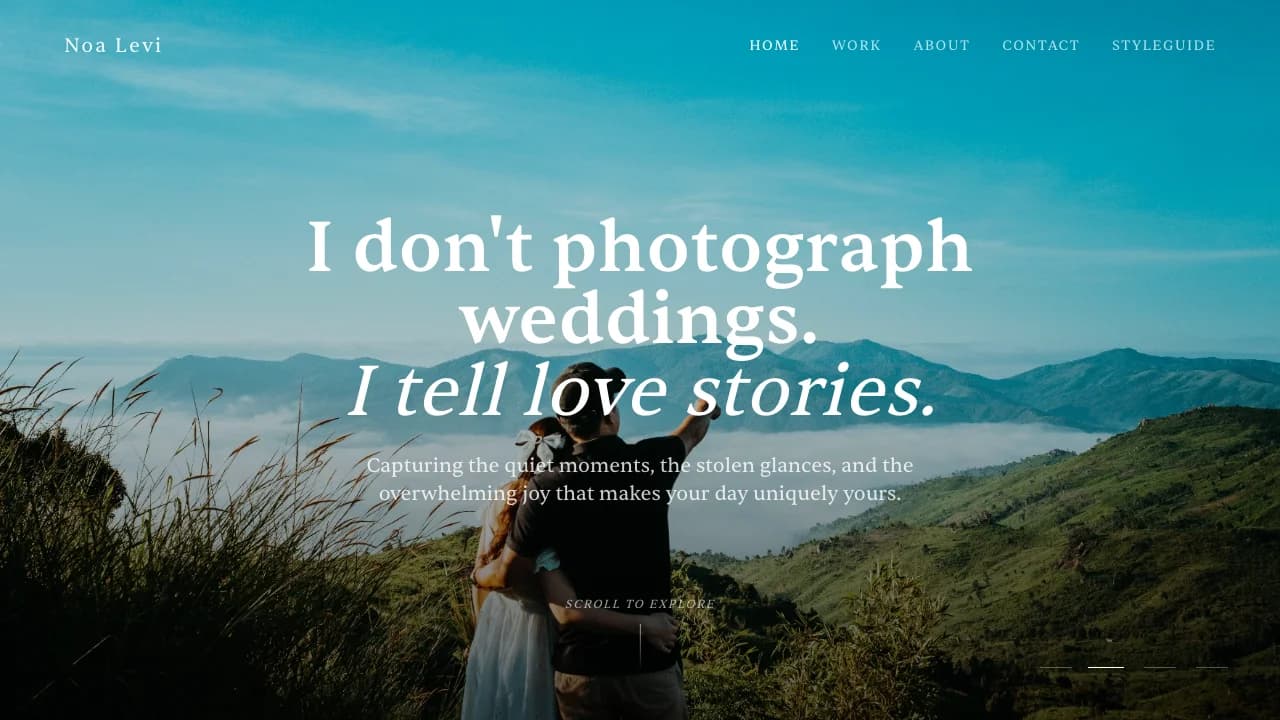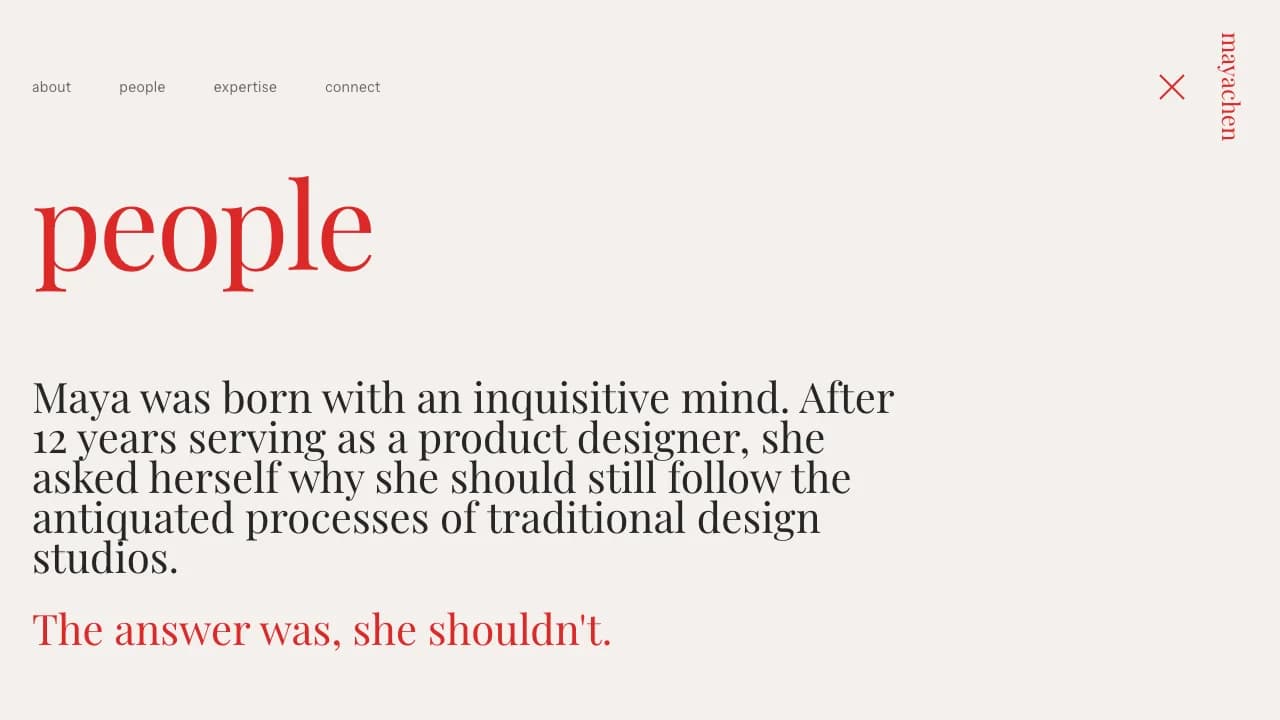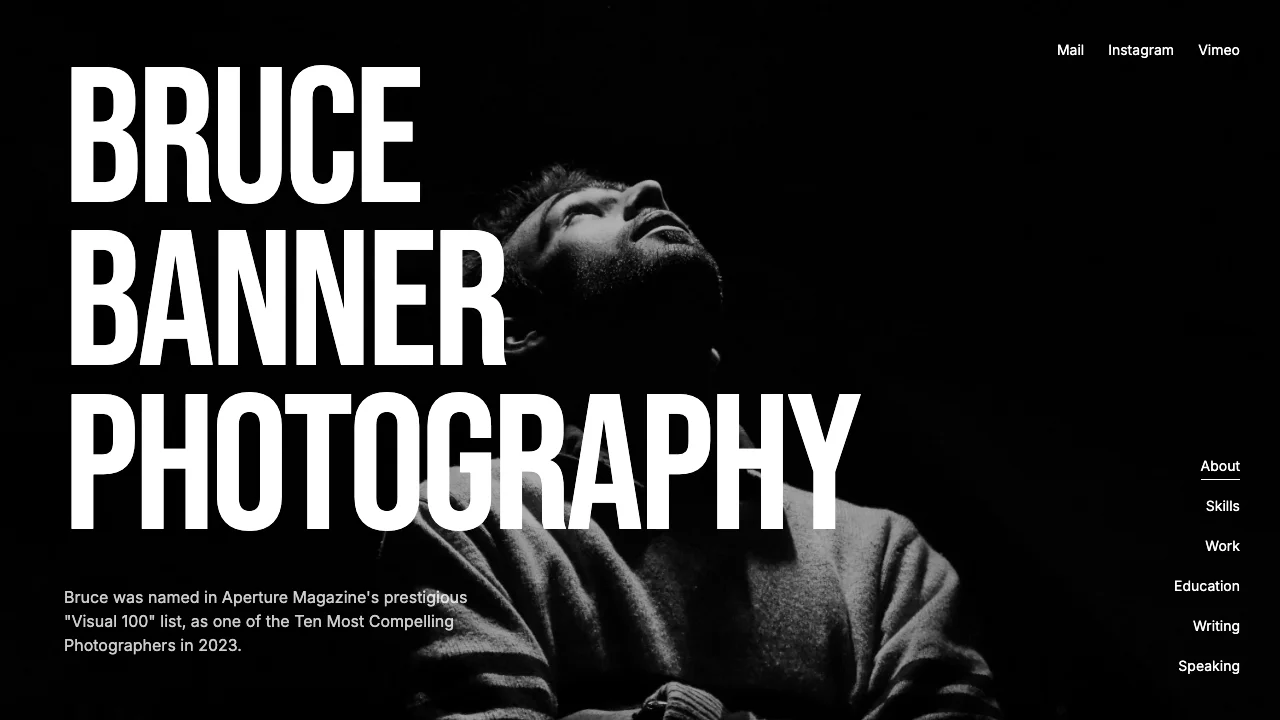
Forest Green Graphic Designer Portfolio
Showcase your design work with a portfolio as polished as the projects you create. Win premium clients with refined galleries, case studies, and professional presentation.
LOLovable
·
Key Highlights
Launch Professional Portfolio in Hours
Build custom visual portfolio with sophisticated design that differentiates from templates
Editorial-Grade Visual Experience
Interactive cursor effects and advanced animations showcase work with gallery-level sophistication
Mobile-Perfect Across All Devices
Responsive layouts ensure flawless client presentation whether viewed on desktop or mobile
Fast Load Times That Impress
Performance-optimized images and lazy loading prevent client frustration with quick page loads
Features & Capabilities
Production-ready features built with modern tech stack for exceptional performance and user experience
Sophisticated Visual Design System
Custom Cursor Image Preview
Advanced Scroll Animations
Mobile-First Responsive Architecture
Contact Form with Validation
Project Case Study System
Performance-Optimized Image Loading
Accessible Navigation Patterns
Full Design System Documentation

Loading live preview...
About this template
This template gives you a designer portfolio that looks as refined as the work you create, and you don't need to build anything from scratch. You don't need to worry about design decisions or building components from scratch. The visual system is already refined and complete, so you can focus entirely on your project content.
Your portfolio works perfectly on every device. Every interaction is already polished to keep visitors engaged with your work. Everything is fully accessible so you never lose opportunities because someone couldn't navigate your site properly. Focus on uploading your best projects and describing your design process in ways that win clients.
Everything works from the moment you start. Project galleries display properly, the contact form collects inquiries, and navigation adapts to every screen—you never have to worry about technical issues costing you opportunities. You're not building a portfolio from scratch—you're customizing a professional foundation so you can focus on winning clients.
Who This Is For
Visual designers showcasing portfolio work to attract premium clients
Freelance creatives who need a professional portfolio that matches their work quality
Creative directors presenting case studies and demonstrating strategic approach
Designers launching studios who need professional presentation without custom development
UX/UI designers building a personal brand in the design community
Best Use Cases
Visual Identity Projects: Showcase logo designs, brand guidelines, and complete visual identity systems. The image galleries handle multiple assets beautifully, which is what brand work needs when you're demonstrating how all the pieces connect. Potential clients who want to see your strategic thinking and execution quality will spend time reviewing your process documentation.
Client Case Studies: Present detailed project breakdowns with context, challenges, solutions, and results. The layout options let you control how much space each project gets based on its importance to your positioning. Clients hiring designers want to understand how you think and solve problems, not just see pretty images.
Design Services Showcase: Display the specific services you offer with examples of relevant work for each category. The flexible layout system lets you organize projects by service type, industry, or design discipline. This helps potential clients quickly determine if you're the right fit for their specific needs.
Agency Portfolio Presentation: Create a team portfolio that presents your agency's work with the polish that wins competitive pitches. The refined design and smooth interactions signal that you understand professional standards. When you're competing against other agencies, the quality of your portfolio presentation directly impacts whether you get invited to the next round.
Getting Started
Step 1: Remix This Template
Click "Remix" to create your copy. You'll have a complete designer portfolio ready to customize. All pages and features work immediately—project galleries, contact form, navigation, and animations function properly from the start.
Step 2: Customize Your Brand
The template comes with a professional color scheme that you can customize to match your brand. Update colors, typography, and layouts through clearly labeled template files—no coding required. All your customization options are organized clearly so you can find what you need.
Step 3: Add Your Content
Replace the sample projects with your actual work. Upload project images, write case study descriptions, and add details about your role, timeline, and outcomes. The template stays out of your way so your projects are what people notice. The image galleries handle various image sizes and the layout adjusts automatically.
Step 4: Connect Your Tools
The contact form validates entries in real-time and shows confirmation messages to visitors. The template is ready to connect with email services and analytics tools when you need them. Add your social media links by updating the provided configuration file.
Step 5: Go Live
Deploy your portfolio with one click. Lovable handles the hosting, security, and performance optimization automatically. Your portfolio goes live worldwide in minutes, and you can start sharing the URL with your audience immediately.
Conclusion
This designer portfolio template solves the problem of looking unprofessional when competing for high-value projects. You don't need to hire a developer or spend weeks building something custom. Everything is already refined to create the impression that wins clients, so you can focus on showcasing your best work.
Whether you're launching your first design portfolio or upgrading from a basic website, this template removes every technical barrier between you and a professional presence. Your portfolio works perfectly on all devices, loads fast, and stays accessible to everyone—all the things that need to work correctly are already handled. Choose this template to launch a portfolio that demonstrates your design expertise without wrestling with technical setup.
Related Templates