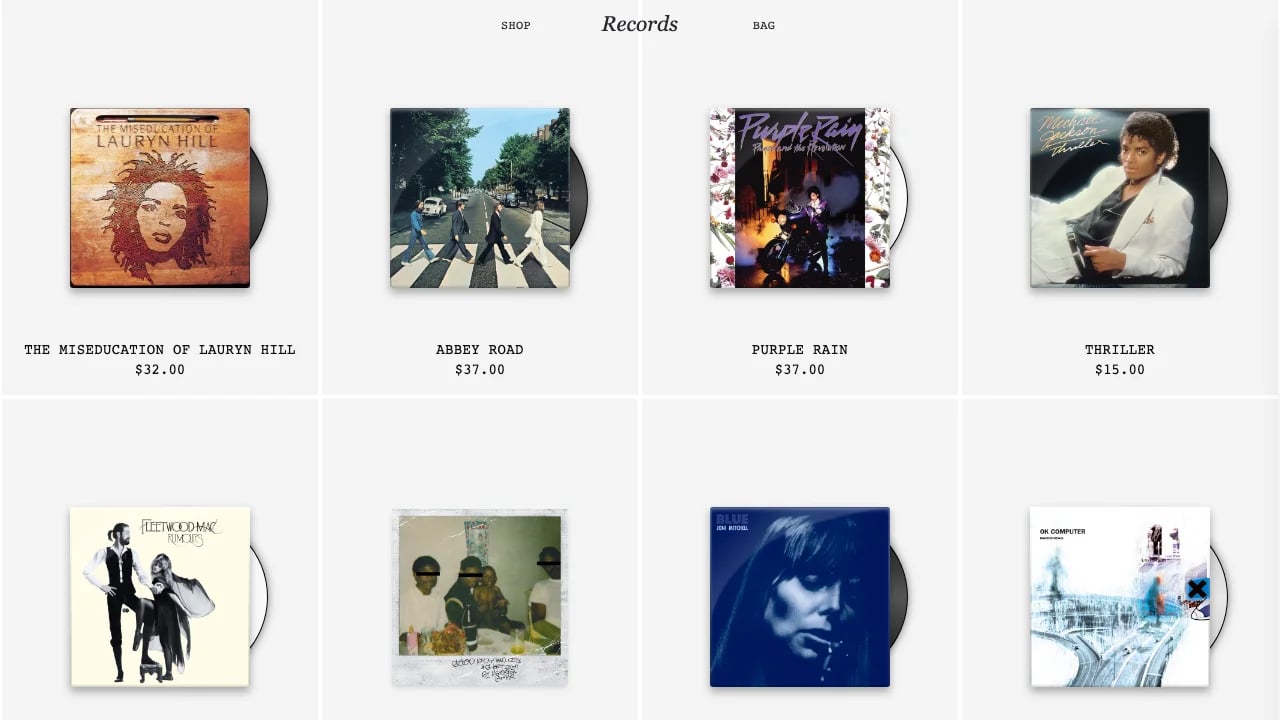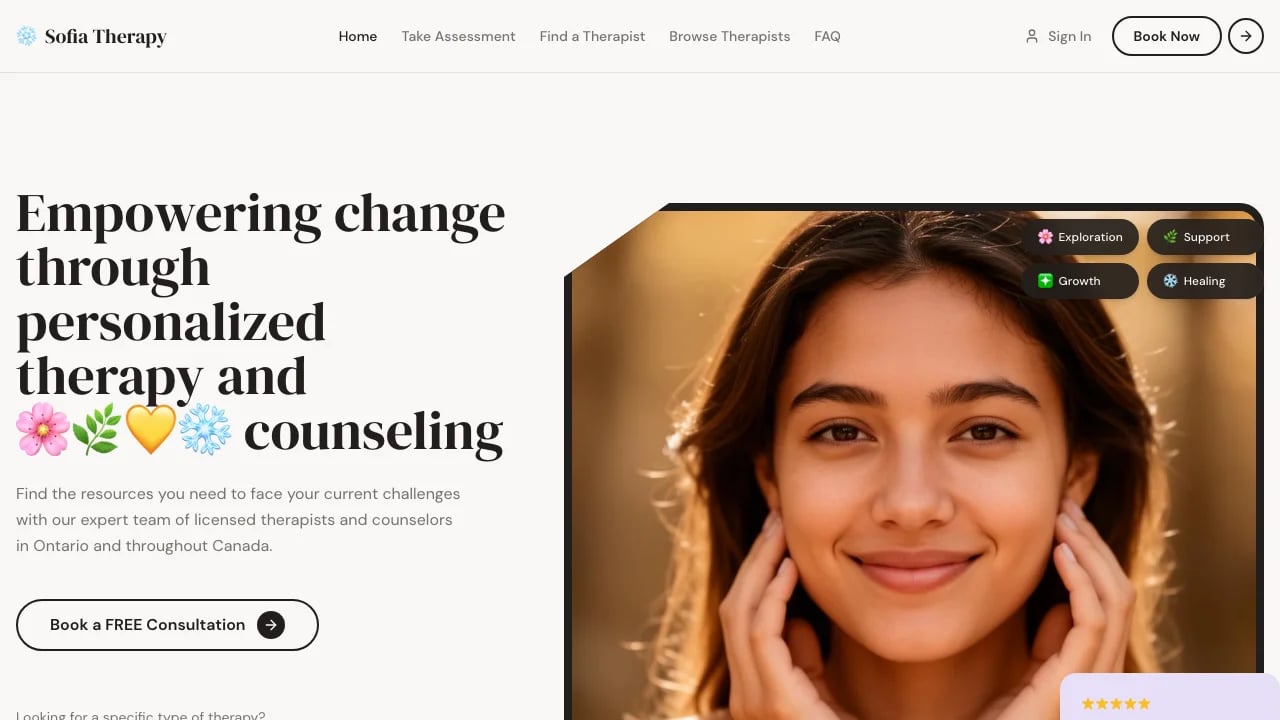
Editorial Echo Portfolio
Showcase your creative work with a portfolio built for visual impact. Get projects online in hours with professional layouts that keep attention on your work, not the template.
LOLovable
·
Key Highlights
Editorial-Grade Visual Presentation
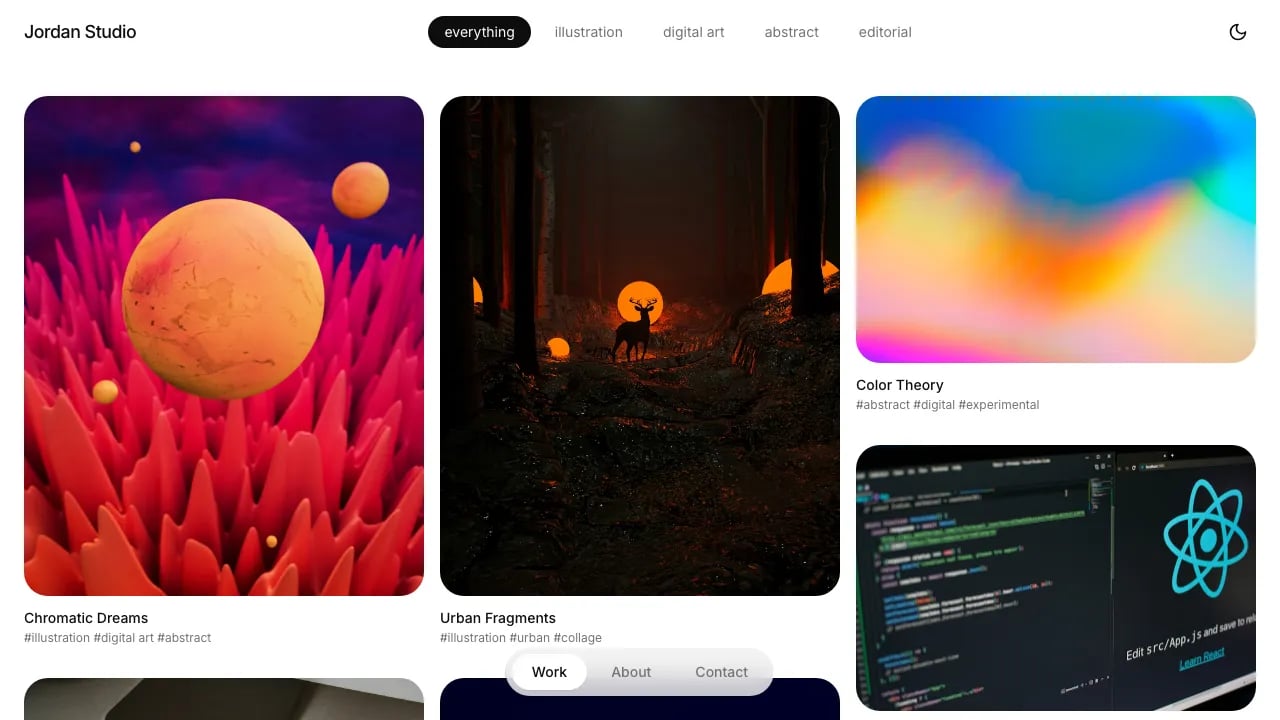
Sophisticated masonry layouts and premium typography designed for architectural portfolios and creative showcases.
Launch Client Portfolios Instantly
Pre-built filtering, navigation, and dark mode let agencies deliver professional results in hours.
Mobile-Optimized Dual Experience
Distinct mobile and desktop layouts ensure photography and design work looks stunning everywhere.
Sophisticated Animation System
Scroll-triggered reveals and staggered fade-ins create premium, magazine-quality visual storytelling without coding.
Extend Without Limits
60+ shadcn components and Lovable Cloud integration enable contact forms, CMS, or custom features.
Developer-Quality TypeScript Code
Export clean, maintainable code to GitHub and customize infinitely with full ownership.
Features & Capabilities
Production-ready features built with modern tech stack for exceptional performance and user experience
Premium Typography System
Staggered Fade-In Animations
Dual-Layout Responsive Grid
Manual Dark Mode Toggle
Client-Side Category Filtering
Smooth Hover Interactions
Custom Scroll Reveal Text
Native Image Lazy Loading
TypeScript Strict Mode
GitHub-Ready Code Export
Lovable Cloud Integration Ready
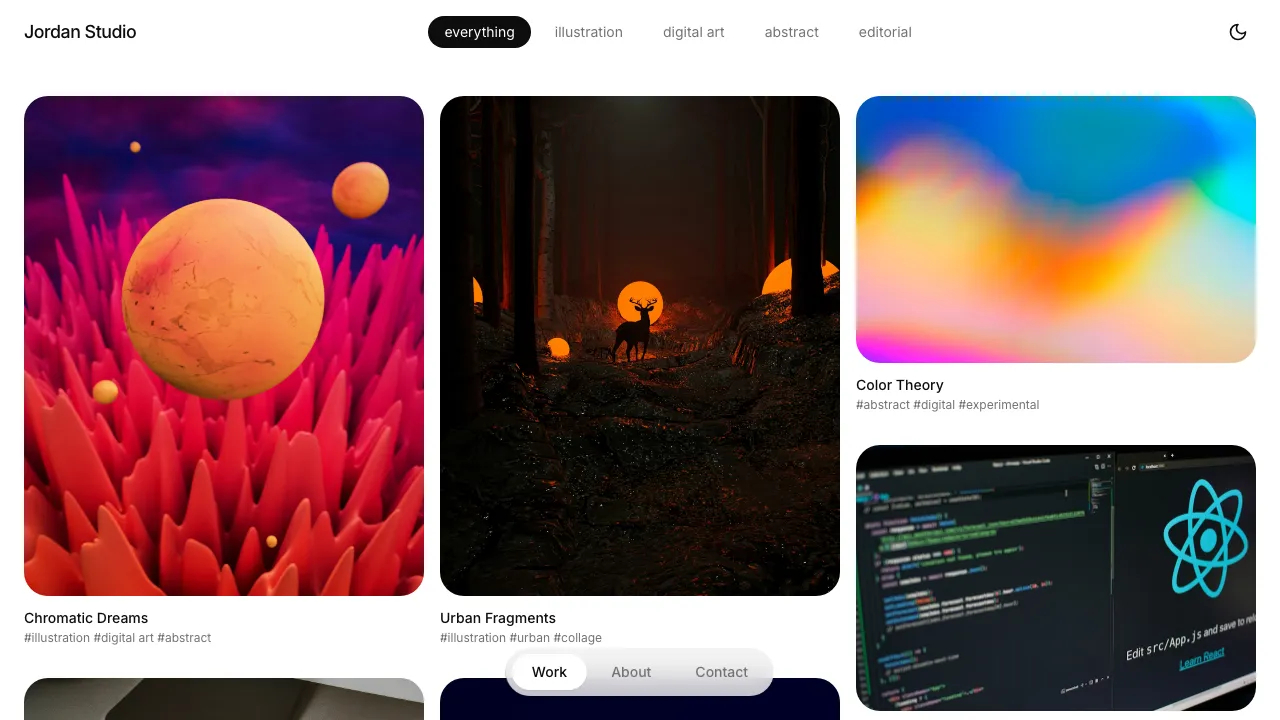
Loading live preview...
About this template
This template gives you a portfolio site that looks professional and you don't need design skills to make it work. The layouts handle visual-heavy content naturally—photography, design work, illustrations, client projects—so your work is what people notice, not the template.
The technical foundation is solid. Mobile responsiveness, smooth animations, dark mode toggle and category filtering are all built in. You can focus on uploading your best projects and writing descriptions that explain your process and results to potential clients.
The minimalist design keeps attention where it belongs—on your work. Clean layouts and thoughtful spacing mean viewers focus on your projects, not the portfolio itself. When clients look at your work, they see what you've created, not the template you used.
Who This Is For
- Designers and illustrators building professional online portfolios to attract higher-value clients
- Photographers who need gallery-quality presentation for their work without compromising on image display
- Creative consultants showcasing client projects and case studies to win competitive pitches
- Service providers who need to demonstrate expertise through portfolio examples and project outcomes
- Small creative agencies presenting client work with the kind of polish that justifies premium pricing
- Personal stylists, art directors, and visual creators who compete on professional presentation quality
Best Use Cases
Client Work Showcase: Display completed projects with proper context—client names, project descriptions, outcomes achieved. The project detail pages give you space to explain your process and show multiple images from each engagement. Potential clients who want to see proof of your capabilities get exactly that, presented in layouts that look as professional as the work itself.
Project Showcase with Multiple Images: Display your portfolio projects with a flexible, image-rich layout. The template supports multiple images per project, allowing you to showcase your best work across different mediums and styles. Whether presenting illustrations, design work, or photography, the layout adapts to any screen size while keeping your work looking polished and professional.
Personal Brand Building: Establish yourself as a professional worth premium rates. The polished design eliminates the "I used a basic template" look that undermines positioning. When you're competing against larger studios or more established professionals, the portfolio quality matters as much as the work quality.
Service Differentiation: Stand out from competitors using generic portfolio builders or outdated personal sites. Professional design details throughout create an impression of quality craftsmanship—clients see someone who values excellence, not someone who grabbed the first free template. When you're competing for premium projects, your portfolio needs to look as polished as theirs. A refined presentation signals you'll bring that same standard to their work.
Getting Started
Step 1: Remix This Template
Click 'Remix' to create your own copy of this template. You'll have a complete portfolio ready to customize. All the pages and features are already working—you just need to make it yours. Replace the sample projects with your own work, update the branding with your name, and you're ready to showcase your portfolio professionally.
Step 2: Customize Your Brand
Customize the colors, fonts, and spacing to match your brand. The template starts with professional typography that makes your work stand out and a color palette that works in both light and dark modes—change them to fit your style. You don't need to know code to make it look exactly how you want. Using Lovable's visual builder, all your changes update instantly as you work.
Step 3: Add Your Projects
Upload your best work and write descriptions that showcase your process and results. Each project can include multiple images, client names, categories, and detailed explanations of what you delivered. The template stays out of your way so your content is what people notice. Organize projects by category so potential clients can quickly find relevant examples.
Step 4: Connect Your Tools
Connect the tools you already use. Lovable has built-in integrations for the tools creative professionals actually use—add Google Analytics to track visitor behavior, connect your Instagram feed to share recent work, or link Calendly for project consultations. The integrations work without coding. Set them up once and focus on your projects.
Step 5: Go Live
Deploy your portfolio with one click. Your site works beautifully on every device—phone, tablet, or desktop—with smooth animations and dark mode support built in. The design adapts automatically so your projects always look professional, no matter how someone views them. Your portfolio goes live worldwide in minutes.
Conclusion
This portfolio template works for creative professionals who need their online presence to match the quality of their work. You get professional design with clean typography and smooth animations, without hiring a developer. The template features clean design, intuitive project filtering, and layouts that look stunning on any device.
Whether you're launching your first professional portfolio or upgrading from a basic builder that makes you look generic, this template gives you a foundation that reflects your standards. The image galleries display your work beautifully, the project navigation flows smoothly, and the minimalist aesthetic keeps attention where it belongs—on what you've created. Choose this template to build a portfolio that differentiates you from competitors and attracts the clients who value quality enough to pay for it. Your portfolio will position you as someone worth premium rates—the kind of professional clients seek out instead of settling for.
Related Templates