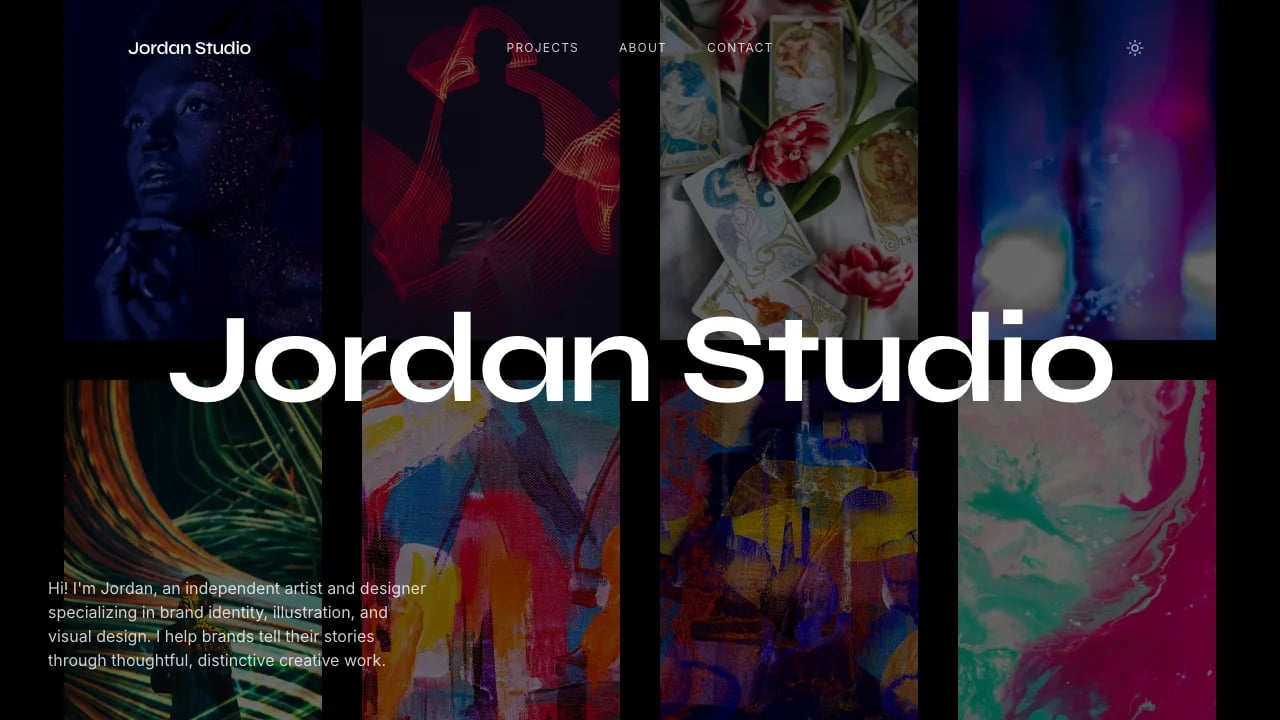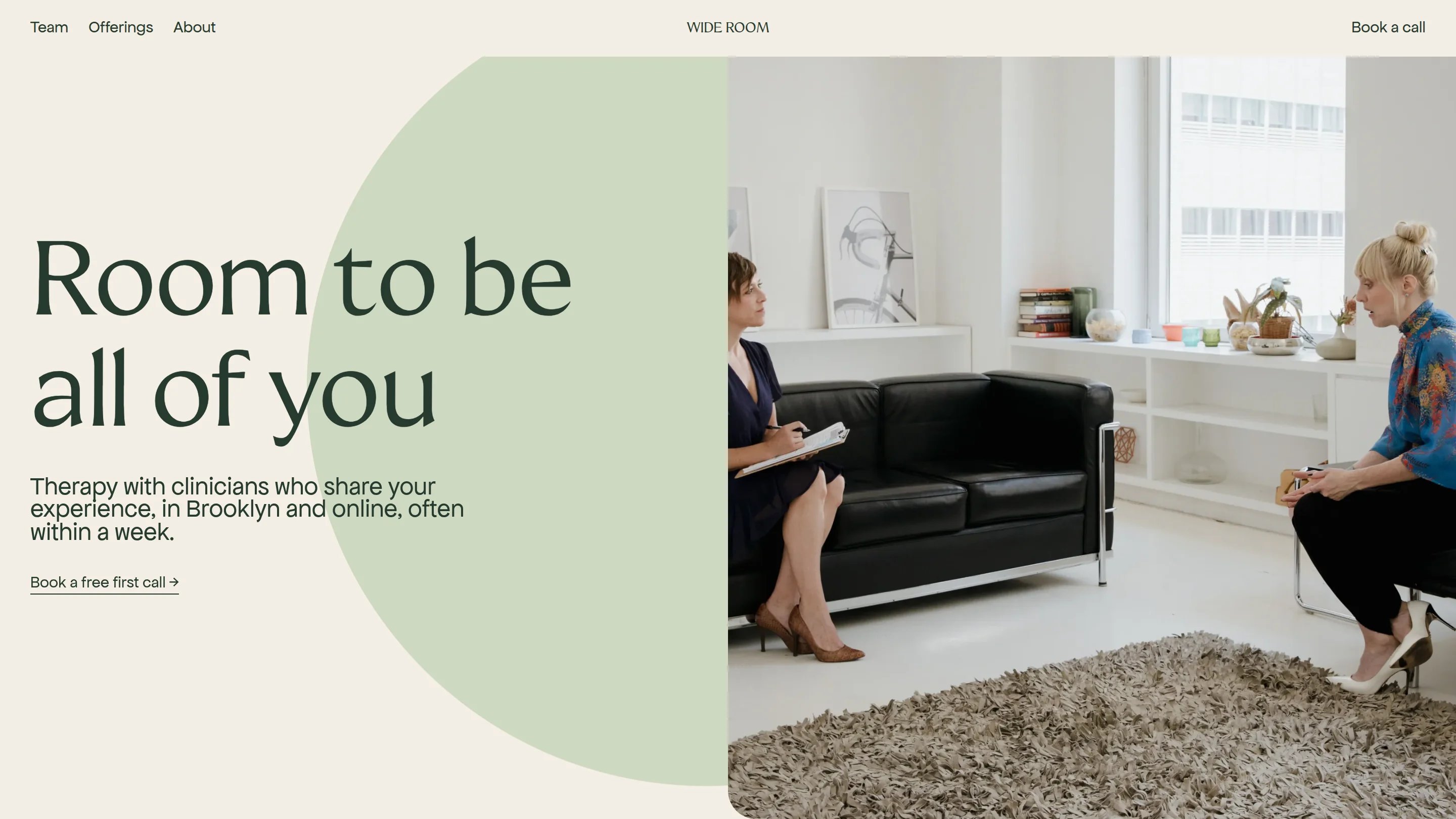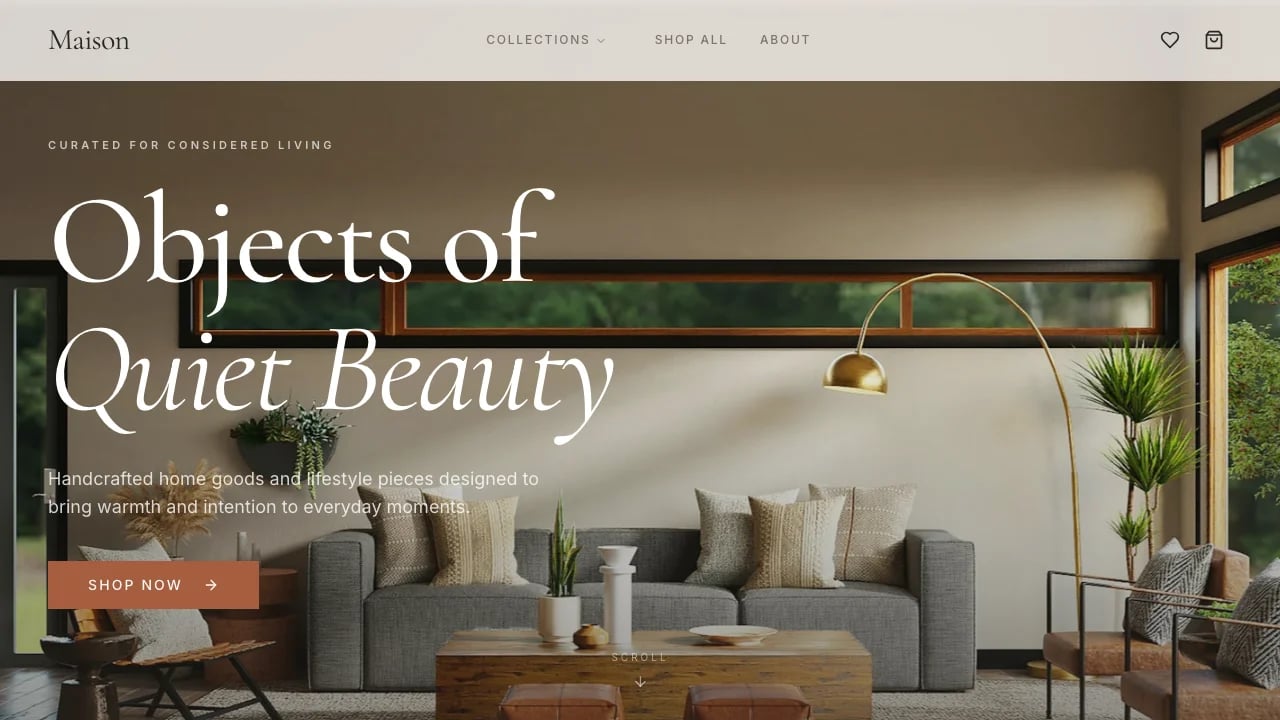
Editorial Portfolio
Launch a professional portfolio with editorial design that justifies premium pricing. Showcase your work with case studies that prove expertise and win competitive pitches.
 Lovable
Designed for
- Freelance designers & creative professionals
- Showcasing case studies that justify premium pricing
- Competing against larger, well-funded competitors
- Small teams building credibility without hiring designers
Key highlights
- Serif typography system
- Asymmetric case study layouts
- Scroll-triggered animations
- Fluid responsive grid
- Achromatic color palette
- Interactive experience cards
- TypeScript React codebase
- Live time display
- Bracketed navigation
Technology stack
Libraries
- React
- TypeScript
- Tailwind CSS
- shadcn/ui
- Framer Motion
- Recharts
- Embla Carousel
- React Day Picker
Deployment
- Lovable
- GitHub
About this template
This template gives you a portfolio site that looks professionally designed and you don't need design skills to make it work. You avoid looking amateur with a template-based portfolio. The editorial typography and minimalist layout put your work first, not the template.
The technical parts are already handled—responsive layout, case study pages, contact sections. You get a portfolio that works across devices without troubleshooting code.
Visitors see a portfolio that looks custom-built, not generic. The design helps you differentiate your work from other template portfolios and shows you're serious about your craft.
Best Use Cases
Personal Portfolio Sites: Showcase your creative work with an editorial layout that makes your projects look intentional and professional. The design helps you compete against bigger names and justify premium pricing while keeping focus on your work. Clients see a portfolio that signals high-caliber work without the generic template look that makes them question your rates.
Service Business Showcases: Display client projects with before-and-after stories that prove your value. The case study pages let you walk through challenges, solutions, and results in a format that builds credibility. When competing against larger, well-funded competitors, the editorial design helps justify rates that reflect your expertise.
Agency Client Presentations: Create dedicated case study pages that demonstrate your agency's expertise with the polish of finished deliverables. The professional presentation helps you avoid being seen as "the template agency"—instead, clients see you as serious about craft and execution. You win competitive pitches because the attention to detail signals you'll bring the same care to their projects.
Creative Professional Branding: Build an online presence that positions you as an expert in your field. You get a portfolio that conveys intentionality and professional quality—showing you're serious about your craft. This level of presentation helps you attract clients who value quality and are willing to pay for expertise.
Getting Started
Step 1: Remix This Template
Click "Remix" to create your copy. You'll have a complete editorial portfolio site ready to customize. All the pages and features are already working—you just need to make it yours.
Step 2: Customize Your Brand
Change colors, fonts, and spacing to match your brand. The minimalist black-and-white design works out of the box, but you can customize it globally if you want. Lovable's visual editor lets you adjust styling without code. You don't need to know code to make it look exactly how you want.
Step 3: Add Your Content
Replace the sample case studies with your best projects. Upload high-quality images that show your work at its best and write descriptions that explain your process, challenges, and outcomes. The template includes dedicated sections for project details, your role, timelines, and results. Focus on telling compelling stories about your work. The template stays out of your way so your content is what people notice.
Step 4: Connect Your Integrations
Connect your Dribbble portfolio, link your Behance projects, add Google Analytics to track visitor engagement, or integrate email collection through Supabase. Lovable has built-in integrations for the tools creative professionals actually use.
Step 5: Go Live
Deploy your portfolio with one click. Lovable handles the hosting, security, and performance optimization automatically. Your site goes live worldwide in minutes, and you can start sharing the URL with your audience immediately.
Conclusion
This portfolio template works for creative professionals and service businesses who need their online presence to match the quality of their work. You get professional editorial design without hiring a designer, smooth animations and interactions without technical optimization, and case study layouts that let you tell compelling project stories. The minimalist approach means your work provides the visual interest—the template just creates the right frame.
Whether you're launching your first professional portfolio, replacing a basic template that makes you look generic, or building a presentation tool for winning pitches, this gives you a foundation that signals credibility. The design is distinctive without being distracting, everything stays properly aligned, and the mobile experience works seamlessly from day one. Choose this template to build a portfolio that represents your professional standards, helps justify premium pricing, and attracts the clients or opportunities you want.
Features & capabilities
Editorial Serif Typography System
Instrument Serif body text paired with Space Mono monospace navigation creates distinctive magazine-quality typography that elevates portfolio credibility and sophistication.
Fluid Display Typography
Hero name scales smoothly from 48px to 160px using clamp-based fluid sizing, creating dramatic visual impact across all screen sizes and devices.
Asymmetric Case Study Layouts
Images offset 30% to the right on desktop create editorial visual rhythm and storytelling flow that distinguishes portfolio presentations from generic templates.
12-Column Responsive Grid
Unified grid system with varied column spans enables sophisticated multi-column layouts on desktop that gracefully collapse to full-width mobile presentation.
Staggered Viewport Animations
Framer Motion powers scroll-triggered fade-ups with carefully timed delays, creating elegant progressive disclosure as visitors explore portfolio content and projects.
Bracketed Navigation Pattern
Distinctive [General Info] and [Close] bracketed navigation creates memorable visual signature while maintaining minimal fixed-header UI across all portfolio pages.
Zero-Radius Design System
All corners are sharp rectangles reinforcing editorial print aesthetic, creating cohesive design language that stands apart from rounded modern web conventions.
Achromatic Color Palette
Entirely black, white, and grayscale color system with seven lightness values creates timeless sophistication while letting portfolio imagery provide all color.
Interactive Experience Cards
Hover-activated background shifts and arrow reveals provide clear affordance for clickable case studies while maintaining clean default state presentation throughout.
Live Time Display
Real-time San Francisco clock in contact section uses JavaScript setInterval to update every 60 seconds, adding personality and showing current availability context.
Clean External Link Patterns
Consistent arrow icons and color transitions distinguish external links from internal navigation, providing clear user expectations for website references and social profiles.
TypeScript React Architecture
Modern React Router v6 with TypeScript provides clean component structure and type safety that developers can confidently extend and customize for unique needs.