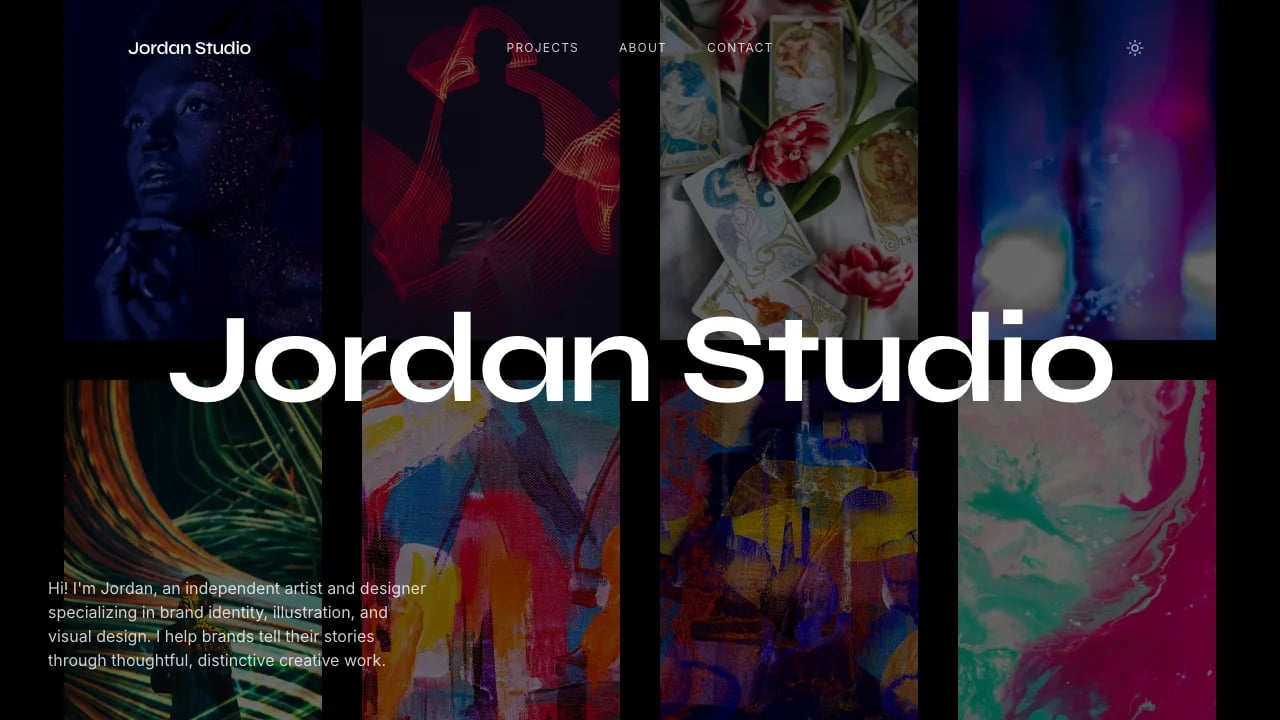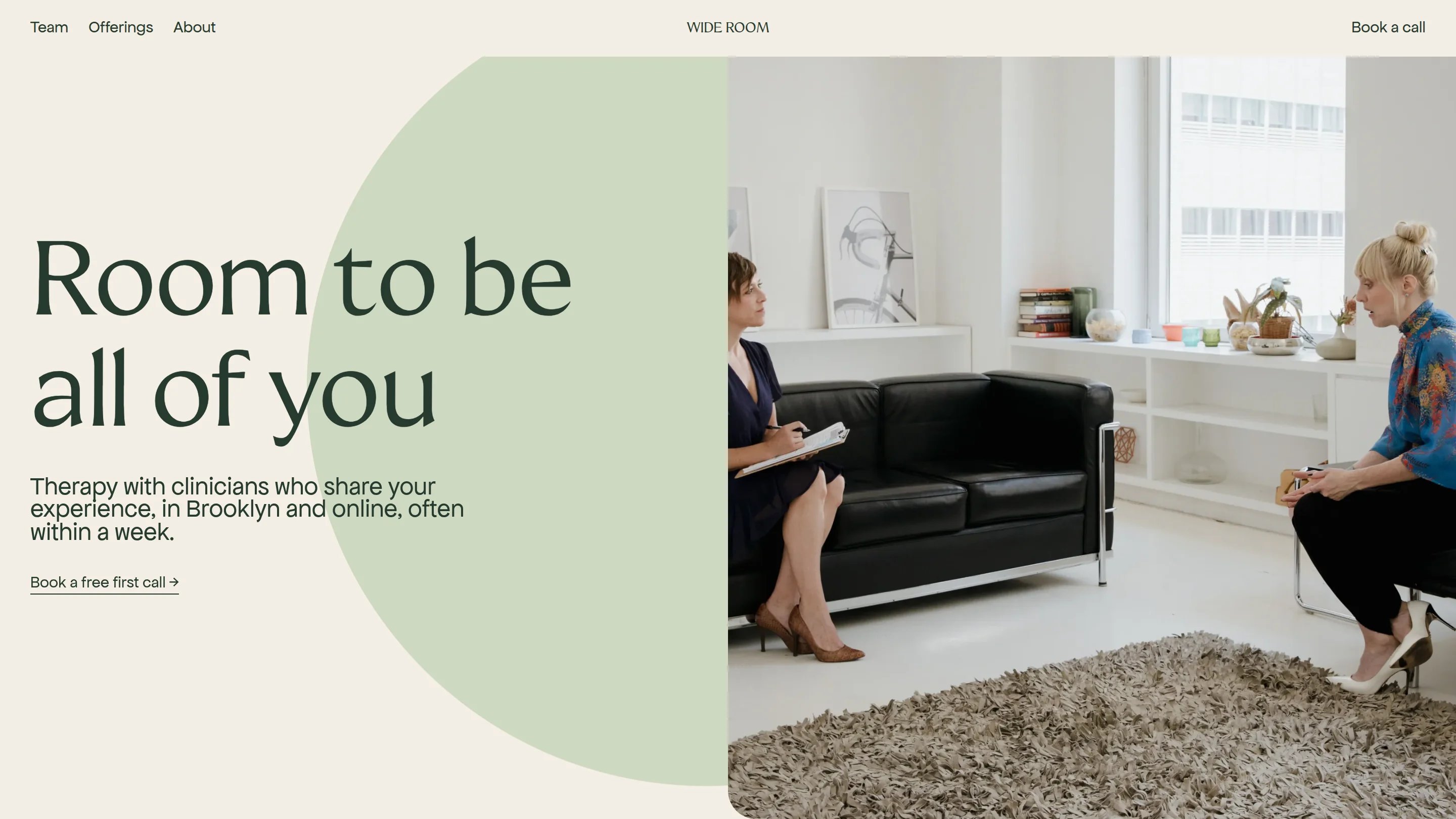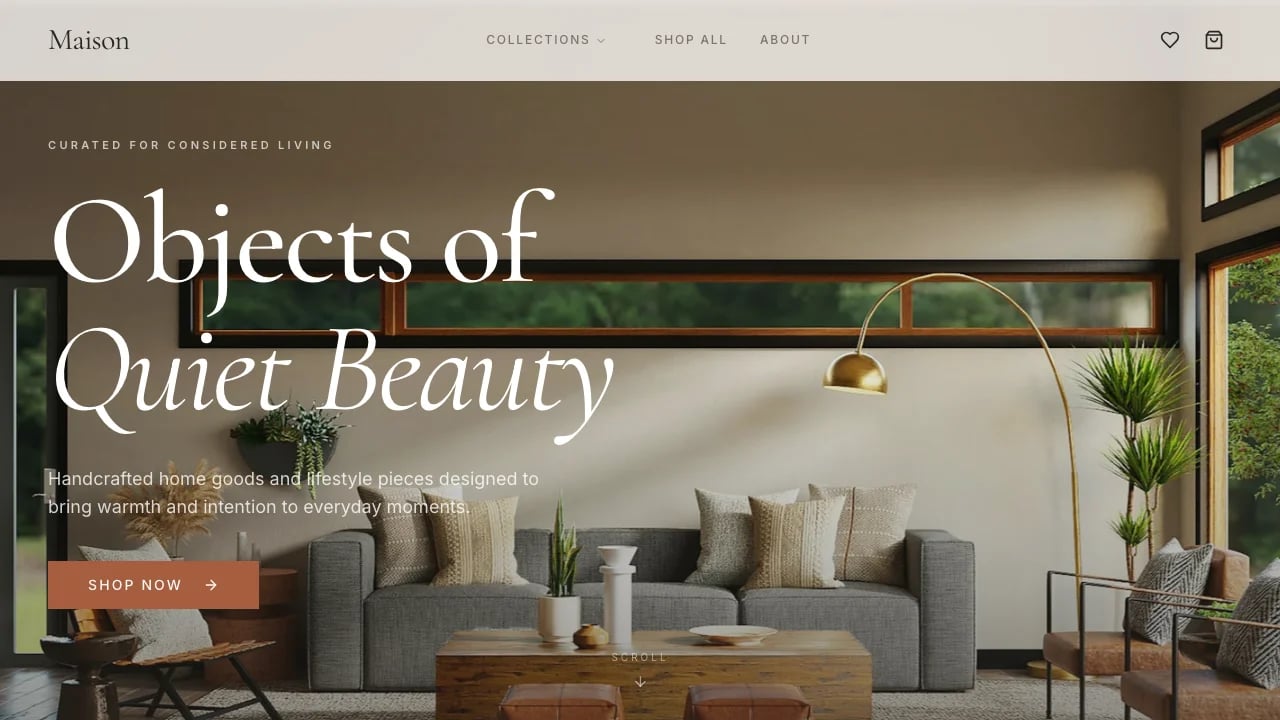
Serif Design Portfolio
Launch your designer portfolio with editorial polish that reflects your work quality. Win clients with structured case studies that prove your capabilities—no code required.
 Lovable
Designed for
- Designers & creative professionals showcasing work
- Presenting case studies that win client trust
- Building portfolios for job searches
- Side project creators establishing credibility
Key highlights
- Three-column editorial grid
- Dual serif typography
- Case study system
- Scroll animations
- CSS custom properties theming
- Responsive grid layout
- WCAG AAA contrast
- Live clock display
- Reduced motion support
Technology stack
Libraries
- React
- TypeScript
- Tailwind CSS
- shadcn/ui
- Recharts
- Framer Motion
- Embla Carousel
- Vaul
- React Day Picker
Deployment
- Lovable
- GitHub
About this template
This template gives you a professional portfolio that doesn't look like every other template, and you don't need design skills or coding knowledge to make it work. The refined serif typography and editorial-style layout give your work professional polish that stands apart from generic templates. You can customize everything to match your brand without touching code or hiring a designer.
The refined serif typography system—combining Playfair Display and Source Serif 4—and the newspaper-inspired 12-column layout give your work an editorial quality that stands apart from typical portfolio templates. The design works across different creative uses without looking generic—whether you're showcasing UX projects, design work, photography, or illustration.
The technical parts are already handled. The editorial grid layout, structured case study pages with role/timeline/team metadata, project image galleries with proper spacing, and subtle animations that keep focus on your work—all configured so you can focus on showcasing your projects, not wrestling with layouts. You showcase your work and tell the stories that demonstrate your value to potential clients and employers.
Best Use Cases
Project Showcase Sites: Present your projects—whether design work, UX case studies, or creative portfolios—with professional layouts that make your work the focus, not the template. The structured case study format works for any project that needs explanation: what you built, your role and timeline, who you worked with, why it matters, and what results you achieved. The editorial layout and typography system give your work the polished presentation it deserves.
Consultants and Freelancers Who Win Through Case Studies: Win opportunities for consulting or freelance work with a portfolio that demonstrates your expertise through detailed case studies. The structured format—with dedicated sections for role, timeline, team context, process documentation, and results—lets you prove your capabilities without the agency price tag. The clean editorial design works across industries, giving you professional polish that justifies your rates and wins client trust.
Portfolio Building for Creative and Technical Professionals: Build your professional portfolio presence for job searching, networking, or establishing yourself in your field without looking like everyone else using the same template. The polished foundation works whether you're showcasing UX projects, design work, photography, or creative accomplishments. The editorial typography and structured case study format help you stand out in competitive creative and technical fields where demonstrated work quality matters more than claims.
Side Projects That Need Credibility: Launch side projects with a professional portfolio foundation that grows as your project evolves. The flexible structure works whether you're validating an idea, building an audience, or establishing credibility in a new space. Start with showcasing a few projects and expand as your portfolio grows—the editorial design maintains professional polish whether you're presenting three projects or thirty.
Getting Started
Step 1: Remix This Template
Click 'Remix' to create your copy. You'll have 6 pages ready—homepage with project grid, 4 case study page templates with structured layouts for documenting your project process, and contact sections all working from the start. The editorial typography system (Playfair Display and Source Serif 4) and 12-column grid layout are already configured. You just need to add your projects and make it yours.
Step 2: Customize Your Brand
The serif typography system and editorial grid are pre-configured, but you can customize colors and spacing to match your brand. The visual editor lets you adjust the design without writing code—modify the color palette, adjust layout spacing, or fine-tune typography with simple controls. You don't need to know code to make it look exactly how you want.
Step 3: Add Your Content
Replace the sample case studies with your actual projects. Upload your best work images and write descriptions that explain your process, the problems you solved, and the results you achieved. Add project details like your role, timeline, and team context. The template stays out of your way so your work is what people notice.
Step 4: Customize Your Contact and Footer
Make it easy for clients and employers to reach you. Update the contact email from the default to your own address, customize the footer links to include relevant professional information, and adjust the contact section to match how you want people to connect with you. The template keeps contact options simple and focused on getting you opportunities.
Step 5: Go Live
Hosting, security, and performance are handled automatically. Your portfolio loads fast on all devices and works seamlessly from desktop to mobile. Your site goes live worldwide in minutes, and you can start sharing the URL with potential clients, employers, and your professional network.
Conclusion
This template works for anyone who needs a professional portfolio that reflects the quality of their work. You get a refined editorial design with distinctive serif typography without hiring a designer, a complete case study structure without starting from scratch, and professional polish without wrestling with code. The clean layouts work seamlessly from desktop to mobile, with subtle interactions that let your content take center stage.
Whether you're launching your first portfolio or upgrading from a generic template that makes you look like everyone else, this template gives you the foundation to stand out. Choose this template to build a professional portfolio presence that showcases your best work, proves your capabilities through detailed case studies, and wins opportunities with presentation that matches your work quality.
Features & capabilities
Editorial Grid Layout
Three-column newspaper-style layout with vertical dividers creates a sophisticated editorial aesthetic that immediately differentiates your portfolio from standard templates.
Dual Serif Typography
Playfair Display and Source Serif 4 font pairing delivers magazine-quality readability and refined visual hierarchy across all content sections and headings.
Reusable Case Study System
TypeScript-powered component architecture with typed props enables rapid content updates while maintaining consistent professional presentation across all project pages.
Staggered Scroll Animations
Framer Motion-powered entrance animations with viewport triggers create engaging progressive disclosure as visitors explore your work without overwhelming initial page load.
Sticky Sidebar Navigation
Persistent left-column navigation on case studies keeps users oriented during long scrolls while maintaining the editorial grid aesthetic throughout the experience.
Mobile-First Responsive Grid
Twelve-column layout collapses gracefully to single-column mobile view with responsive typography scaling ensuring readability on any device without compromising design.
Dark Editorial Theme
High-contrast black background with near-white typography achieves 18:1 contrast ratio exceeding WCAG AAA standards while creating sophisticated visual impact.
Optimized for Customization
CSS custom property architecture with HSL color tokens enables complete visual rebrand by modifying just fifteen variables without touching component code.
Smooth Anchor Navigation
Native CSS smooth-scroll implementation for section jumping provides fluid navigation without JavaScript dependencies reducing technical complexity and improving performance reliability.
Real-Time Clock Display
Live timezone-aware clock updates every second using native Intl API adds personality and demonstrates attention to detail without requiring external dependencies.
Professional Code Standards
Strict TypeScript with path aliases, ESLint configuration, and Vitest setup provides maintainable codebase that developers can confidently extend and customize.
Reduced Motion Support
Media query implementation respects user accessibility preferences automatically disabling animations for visitors with motion sensitivity ensuring inclusive design compliance.