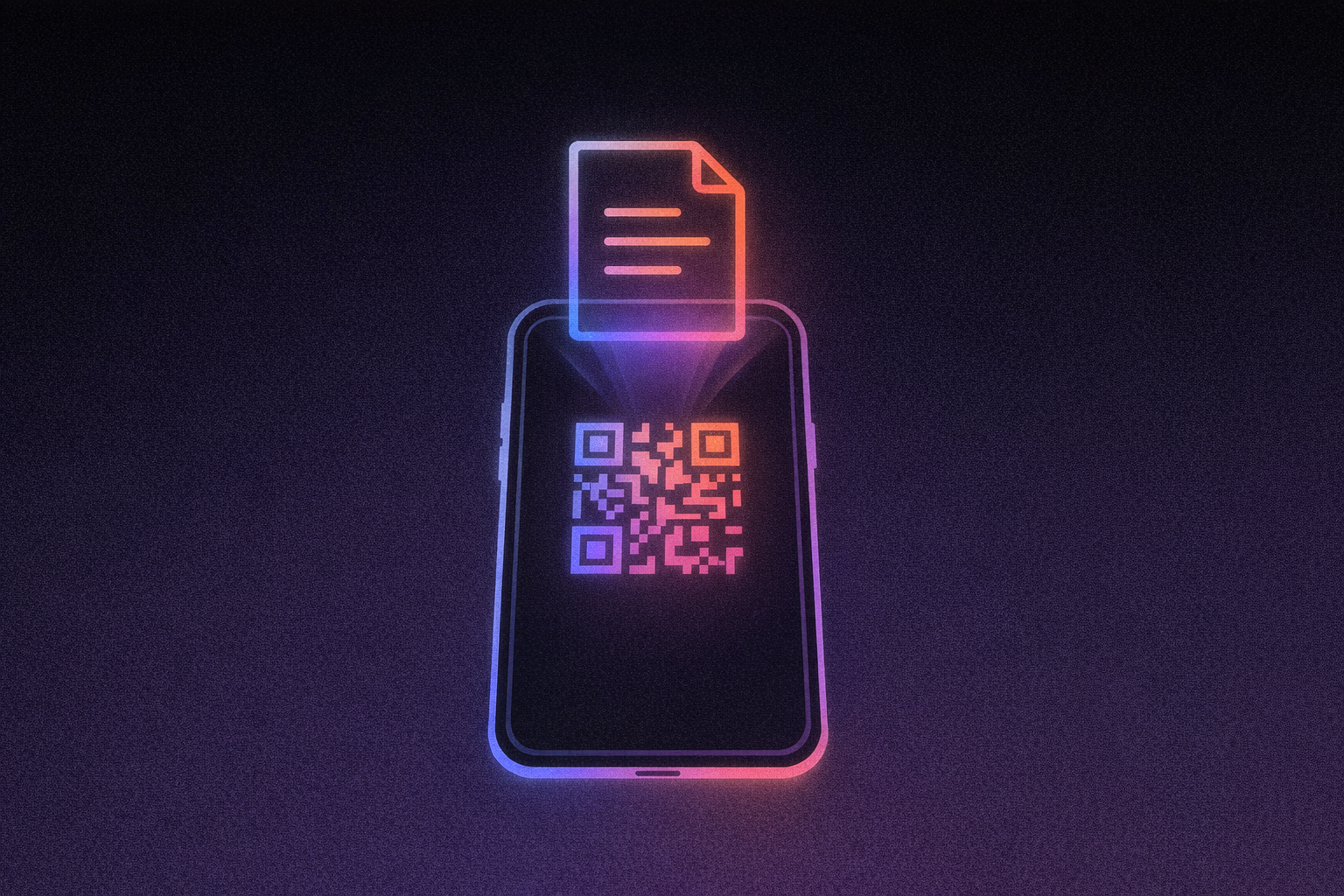
Sharing a PDF via email requires multiple steps: attaching the file, writing a message, sending it, and waiting for delivery confirmation, with potential complications from spam filters or file size limitations. In contrast, sharing that same PDF via QR code offers a faster workflow: host the PDF on cloud storage (Google Drive or Dropbox), generate a QR code linking to it, and recipients can access the document instantly by scanning with their phone camera.
For business owners juggling menus, product manuals, property listings, and training materials, a QR code generator for PDF files eliminates the friction that makes document sharing feel like a chore. The technology has moved well past novelty: 89 million U.S. smartphone users scanned QR codes in 2022, with projections reaching over 100 million by 2025. Your customers already know how to use them.
This guide walks you through exactly how to create working QR codes for your PDFs using free tools, which platform fits your specific situation, and how to avoid the costly mistakes that send business owners back to the printer.
How PDF QR Codes Actually Work
QR codes store URLs, not files, and understanding this distinction saves you from the most common setup headache.
The largest QR code pattern can hold approximately 2,953 bytes of data (roughly 3 kilobytes). Your average PDF runs 50 KB or larger, making direct storage impossible. What happens instead: you upload your PDF to cloud storage like Google Drive or Dropbox, copy the shareable link, and the QR code generator encodes that URL into the familiar black-and-white pattern.
When someone scans your code, their phone reads the URL, opens a browser, and downloads the PDF from your hosting service. The QR code functions as a digital pointer that directs scanners to your hosted PDF file.
This means two things for your business. First, you need reliable cloud storage: if your hosting goes down or you move the file without updating the link, every printed QR code stops working. Second, URL length matters. Keep links under 100 characters when possible; longer URLs create denser patterns that become harder to scan.
For businesses needing more sophisticated document distribution, such as automatic QR code generation, branded landing pages, or integration with existing systems, platforms like Lovable let you build custom applications through natural language descriptions. This approach, sometimes called vibe coding, works for both developers who want to extend and customize their solutions and non-developers who simply describe what they need.
Choosing Between Static and Dynamic QR Codes
The choice you make here determines whether you can update your PDF destination without reprinting everything.
Static QR codes embed your PDF's URL directly into the pattern. Once generated, that destination is permanent. The upside: static codes are universally free, require no subscriptions, and never expire. The critical downside: if your PDF location changes or content needs updating, every printed code becomes a dead end requiring complete reprinting.
Dynamic QR codes contain a short redirect URL pointing to an intermediary service, which forwards users to your actual PDF. Change the destination in your online dashboard, and all printed codes instantly link to the new file. You also get analytics: scan counts, geographic data, and device information.
When to Use Each Type
Static codes fit genuinely permanent content like finalized product manuals or academic papers. Dynamic codes earn their cost when content changes regularly, such as menus, listings, and training documents. Paid subscriptions range from $5-35 monthly depending on features needed. The math usually favors dynamic: one reprint job costs $100-500, while a dynamic subscription costs $5-35 monthly. Avoid even one reprint per quarter and you come out ahead.
Free QR Code Generators That Handle PDFs
Four platforms stand out for business owners who need functional QR code generator PDF tools without upfront costs.
Adobe Express
Adobe Express offers unlimited static QR code generation with full customization—colors, styles, and logo embedding—all on the free tier. No watermarks, no expiration dates, no scanning limits. You can download codes in PNG and JPEG formats at print-ready resolutions.
The critical limitation: Adobe Express generates static codes only. You cannot change the destination URL after creation on any tier. This makes Adobe ideal for permanent documents with unchanging URLs but unsuitable for content requiring updates without reprinting.
Canva
Canva's QR code generator provides static QR codes with basic color customization and SVG export for free users, letting you scale codes to any size for professional printing. Logo embedding and dynamic QR codes require paid subscriptions. Like Adobe Express, Canva works well for permanent links where you don't need tracking or the ability to update destinations.
QRCodeChimp
QRCodeChimp offers the most feature-rich free tier with significant caveats. You get 10 dynamic QR codes, 1,000 total scans per month, and a 2MB file size limit for PDF uploads. Basic analytics and full visual customization are included.
The catch: when you hit 1,000 monthly scans, all dynamic codes stop functioning until the next billing cycle. Users report this limit gets exhausted faster than anticipated, so plan accordingly if you expect moderate traffic.
ME-QR
ME-QR provides the most generous free allowances: up to 10,000 QR codes, 100 MB total storage, unlimited scans with no monthly caps, one year of analytics history, and dynamic QR codes included.
The trade-off is mandatory advertising on all free codes. For businesses tolerating some third-party branding, ME-QR's combination of dynamic codes, unlimited scanning, and analytics tracking represents significant value.
Creating Your First PDF QR Code
Following these steps systematically prevents the mistakes that waste printing budgets.
Prepare Your PDF
Compress your PDF to under 5MB using Adobe's online compressor or iLovePDF. Choose medium compression for the best balance between quality and file size.
Upload and Generate Your Link
Upload to Google Drive or Dropbox. The critical step most people miss: change sharing settings to "Anyone with the link can view." Test by opening the link in a private browser window; if it asks for login credentials, your QR code won't work.
Generate and Customize
Paste your PDF's URL into your chosen generator. Maintain high contrast between the code and background; black on white scans most reliably. If adding a logo, keep it under 15-25% of the total code area. Logo embedding is available free on Adobe Express but requires paid subscriptions on Canva and other platforms.
Download at minimum 300 DPI for print, with a minimum physical size of 2 cm × 2 cm.
Test Before Printing
Scan your code with both iPhone and Android cameras. Verify the PDF loads within 5 seconds on cellular data. Print one sample on your actual material before mass production, whether business cards, flyers, or table tents, and scan that physical sample with multiple devices. Only after successful validation proceed with a full print run. This testing process catches most issues before they become expensive problems.
Where PDF QR Codes Deliver Real Value
The ROI on PDF QR codes becomes clearest in industries with frequent document updates and high printing costs. Whether you're using a free PDF QR code generator or a paid solution, the savings compound fastest when reprinting happens often.
Restaurants and Hospitality
QR codes linking to PDF menus eliminate reprinting costs when prices change. Restaurants can save $2,000-5,000 annually on menu printing and updates, with break-even typically occurring within 2-3 months. Seasonal menu rotations, daily specials, and wine list updates become instant rather than requiring new print runs, particularly valuable for establishments that refresh offerings weekly.
Product Documentation
Manufacturers placing QR codes on packaging link customers to detailed manuals and safety updates. Companies report significant reductions in printing costs while gaining the ability to update documentation without product recalls. Customers access current manuals without keeping paper copies, and warranty registration becomes a simple scan rather than mailing cards. When safety information changes, manufacturers update one PDF instead of issuing recalls for printed materials.
Training and Onboarding
A single laminated poster with a QR code linking to your employee handbook PDF replaces printed training binders. When policies change, update the PDF once; every employee immediately has access to current information. HR departments particularly benefit from compliance documentation that requires periodic updates; instead of redistributing physical copies and tracking acknowledgments, employees scan and access the latest version automatically.
Real Estate and Property Management
Real estate agents place QR codes on yard signs and property flyers linking to detailed PDF brochures with floor plans, pricing details, and neighborhood information. When listings change, such as price reductions, new photos, or status updates, agents update the PDF without replacing physical signage. For property managers, QR codes on unit doors can link to move-in checklists, maintenance request forms, or community guidelines that tenants access on demand.
Events and Conferences
Event organizers use QR code generator PDF tools to distribute agendas, speaker bios, venue maps, and session materials. Last-minute schedule changes update instantly without reprinting programs. Attendees scan codes on badges or signage to download materials they can reference offline, and organizers avoid the cost of printing detailed programs for every participant. Post-event, the same codes can link to presentation recordings or follow-up resources.
Building Custom QR Code Solutions
Free QR code generators work well for straightforward document sharing, but businesses with higher volume or specific requirements often outgrow them. When you need to generate QR codes automatically for every new document, maintain brand consistency across all customer touchpoints, or integrate document distribution with your existing CRM or inventory system, building a custom application makes more sense than managing dozens of individually created codes.
When Free Tools Fall Short
For businesses needing automated document distribution, branded scanning experiences, or integration with existing systems, building a custom application using Lovable's Agent Mode provides a path forward without hiring developers. Agent Mode offers autonomous AI development with independent codebase exploration, proactive debugging, real-time web search, and automated problem-solving.
Using Agent Mode, you could describe: "Create an application where I upload restaurant menu PDFs, the system generates branded QR codes automatically, and creates a mobile-friendly landing page for each menu. When I update a PDF, the existing QR codes should link to the new version." Agent Mode interprets this natural language request and builds the complete application autonomously, including the upload interface, QR code generation logic, database storage through Supabase integration, and the customer-facing landing pages that match your brand.
Extending Your Solution
Developers can extend Lovable-generated applications further, adding custom code for specialized requirements, integrating additional APIs for payment processing through Stripe, or connecting to existing databases. This hybrid approach lets non-technical team members build the foundation while technical staff customize specific features.
The branded experience advantage matters more than many businesses initially realize. When customers scan a QR code from a generic free service, they land on that service's page, complete with the service's logo, ads, or upsell prompts. Custom solutions built through Lovable create landing pages that match your website's design, reinforcing brand recognition rather than introducing third-party distractions.
Your Next Step
Pick your first document: the menu that keeps changing, the product manual customers can never find. Compress it to under 5MB, upload to Google Drive with public sharing enabled, and generate a QR code using any tool above. Test on at least three devices before printing.
For ongoing document distribution with branding, analytics, and automatic updates, start building with Lovable—describe what you want, and Agent Mode builds it autonomously.