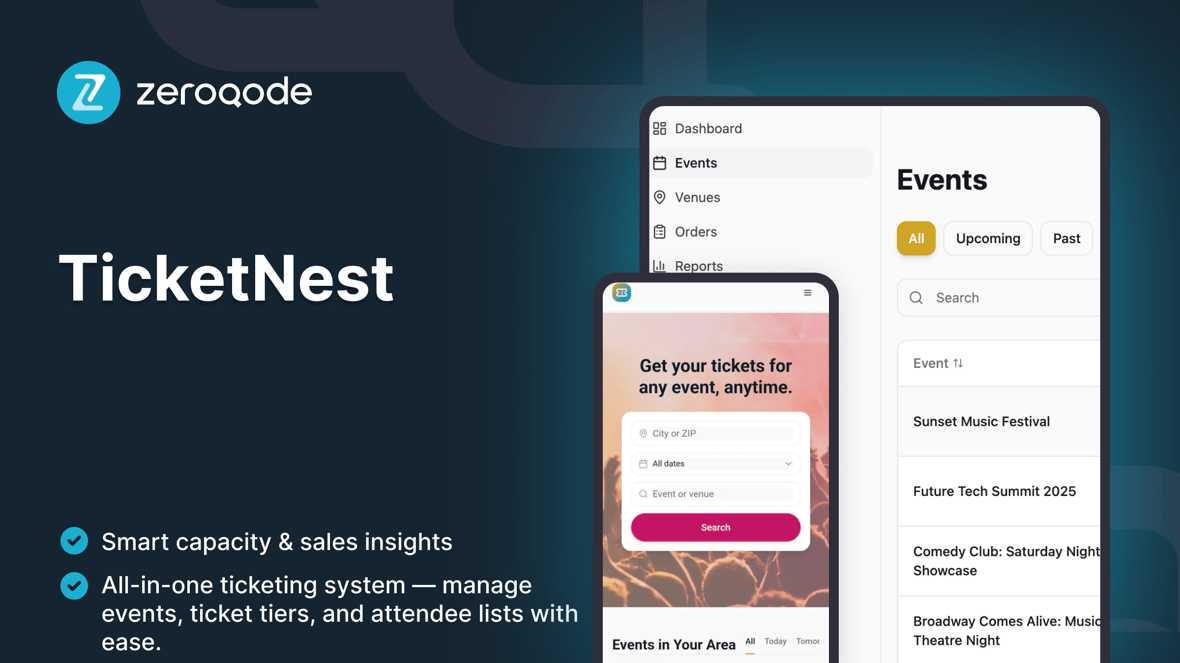
TicketNest
Event ticketing and box office management template to create events, manage ticket capacities, and check in attendees with live counts.
Loved by people who build websites
Created by Zeroqode
ZeroqodeReactLovable
What's included
Events Dashboard – list of upcoming and past events with basic search and filters (by date, status, venue).
Event Detail / Box Office View – per-event snapshot with key stats (date, venue, capacity, tickets sold, check-ins) and shortcut to open the event's POS/door sales flow.
Ticket Types & Capacity Management – configure ticket categories (e.g. General Admission, VIP), prices, and overall event capacity.
Attendees / Orders List – view all attendees for an event, their ticket type, status, and order reference.
Check-In Screen – mark guests as checked in via simple search (by name, email, or ticket code) with live total checked-in vs capacity.
Scanning Sessions / Live Counts – track how many people enter over time and keep an at-a-glance overview of current occupancy at the venue.
Event Creation & Editing – CRUD screens to create events with date, time, venue, capacity, and ticket configuration.
Basic Analytics Overview – per-event summaries (tickets sold, check-ins, remaining capacity) to help organizers understand performance.
Admin / Settings Area – manage organization profile, default settings (time zone, currency labels, capacity rules), and internal staff access.
Getting started guide
Follow these steps to customize and deploy your project
Video walkthrough
Step-by-step guide
Duplicate & rename
Example prompt
Define the core data model
Example prompt
Configure the Events Dashboard
Example prompt
Set up ticket types & capacity rules
Example prompt
Customize the Event Detail / Box Office page
Example prompt
Polish the Attendees view
Example prompt
Design the Check-In experience
Example prompt
Add optional CSV import
Example prompt
Set up simple analytics
Example prompt
Test and publish
Example prompt