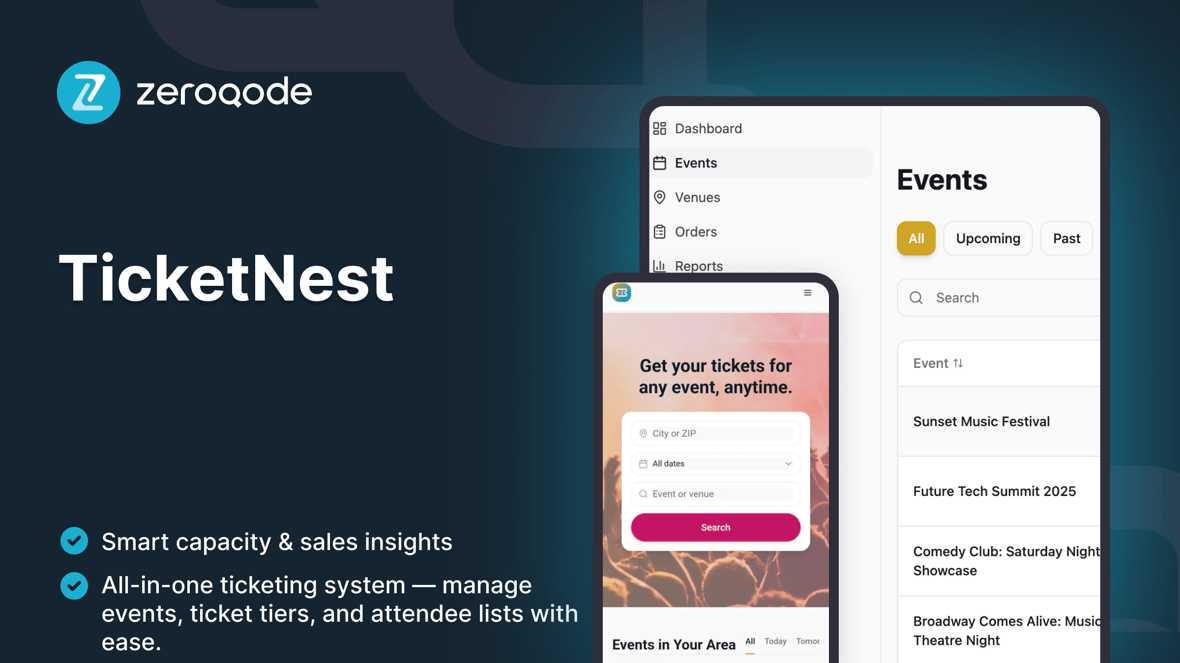
TicketNest
Event ticketing and box office management template to create events, manage ticket capacities, and check in attendees with live counts.
Amato da chi crea siti web
Creato da Zeroqode
ZeroqodeReactLovable
Cosa è incluso
Events Dashboard – list of upcoming and past events with basic search and filters (by date, status, venue).
Event Detail / Box Office View – per-event snapshot with key stats (date, venue, capacity, tickets sold, check-ins) and shortcut to open the event's POS/door sales flow.
Ticket Types & Capacity Management – configure ticket categories (e.g. General Admission, VIP), prices, and overall event capacity.
Attendees / Orders List – view all attendees for an event, their ticket type, status, and order reference.
Check-In Screen – mark guests as checked in via simple search (by name, email, or ticket code) with live total checked-in vs capacity.
Scanning Sessions / Live Counts – track how many people enter over time and keep an at-a-glance overview of current occupancy at the venue.
Event Creation & Editing – CRUD screens to create events with date, time, venue, capacity, and ticket configuration.
Basic Analytics Overview – per-event summaries (tickets sold, check-ins, remaining capacity) to help organizers understand performance.
Admin / Settings Area – manage organization profile, default settings (time zone, currency labels, capacity rules), and internal staff access.
Guida introduttiva
Segui questi passaggi per personalizzare e pubblicare il tuo progetto
Video dimostrativo
Guida passo passo
Duplicate & rename
Prompt di esempio
Define the core data model
Prompt di esempio
Configure the Events Dashboard
Prompt di esempio
Set up ticket types & capacity rules
Prompt di esempio
Customize the Event Detail / Box Office page
Prompt di esempio
Polish the Attendees view
Prompt di esempio
Design the Check-In experience
Prompt di esempio
Add optional CSV import
Prompt di esempio
Set up simple analytics
Prompt di esempio
Test and publish
Prompt di esempio