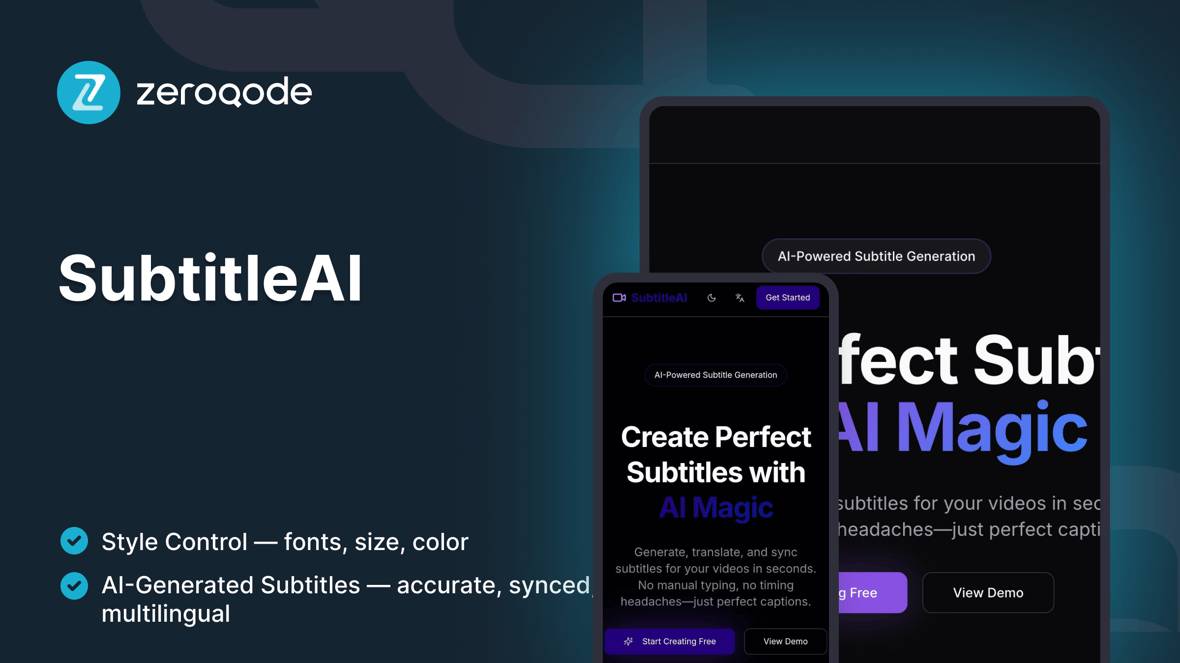
SubtitleAI
AI-powered video subtitle editor- upload your video, auto-generate subtitles, edit them inline, and export in SRT or burned-in format in seconds.
Beliebt bei Menschen, die SaaS bauen
Erstellt von Zeroqode
ZeroqodeReactLovable
Das ist enthalten
Home / Upload — drag & drop or browse to upload video files (MP4, MOV, WEBM).
AI Transcription — automatic speech-to-text with timestamp alignment.
Subtitle Editor — inline text editing with pause & preview sync.
Timeline View — scrub timeline, adjust subtitle durations visually.
Translation Mode — optional AI translation into selected languages.
Preview Player — video playback with live subtitle overlay.
Export Options — download .srt, .vtt, or export burned-in subtitles to video.
Font & Style Controls — customize subtitle font, size, color, and position.
Multi-language Projects — manage and export multiple language tracks.
Responsive Layout — fully optimized for desktop and tablet editing.
Leitfaden für den Einstieg
Folge diesen Schritten, um dein Projekt anzupassen und zu veröffentlichen
Video-Anleitung
Schritt-für-Schritt-Leitfaden
Duplicate & rename
Beispiel-Prompt
Upload & setup file input
Beispiel-Prompt
AI transcription setup
Beispiel-Prompt
Editable subtitle panel
Beispiel-Prompt
Timeline & preview synchronization
Beispiel-Prompt
Translation workflow
Beispiel-Prompt
Styling & appearance options
Beispiel-Prompt
Export formats
Beispiel-Prompt
Privacy & local processing notice
Beispiel-Prompt
Help & publish
Beispiel-Prompt