Expense It - Mobile Expense Reimbursement Template
Snap a receipt on your phone, run it through company policy, route it for approval, and track reimbursement end-to-end
LOLovable
·
Key Highlights
AI receipt scanning
Camera captures receipts and AI extracts merchant, amount, date, category automatically
Company policy engine
Per-diems, category caps, mileage rates, and blocked merchants enforced on entry
Approval workflow
Expenses move through draft, submitted, approved, and reimbursed queues
Trip-based grouping
Bundle flights, hotels, meals, and mileage under a single trip
Finance analytics
Pivot spend by category, person, status, or month with saved reports
Installable PWA
Home-screen install on iOS and Android with offline-friendly capture
Department management
Admins manage team members, departments, and role-based access
AI assistant
Chat answers questions about spend, pending approvals, and company policies
Multi-currency support
Pick the receipt currency from a built-in list for international travel
Features & Capabilities
Production-ready features built with modern tech stack for exceptional performance and user experience
Loading live preview...
About this template
Expense It is a mobile-first expense reimbursement app built for teams that hate paperwork. The capture flow opens straight to the camera, extracts the merchant, amount, date, and category from the receipt with AI, and lets the employee submit in seconds.
Every expense is checked against a company policy engine on the way in — per-diems, category caps, mileage rates, receipt thresholds, blocked categories, and blocked merchants — so violations show up before they hit an approver's queue. Expenses can be filed standalone or grouped into trips, and bundled into reports for batch submission.
Three personas are built in. Employees capture and submit. Managers approve. Finance and admins run reimbursement, manage users and departments, browse analytics, and edit policies. An "Ask AI" assistant answers questions about personal spend and company rules in plain English.
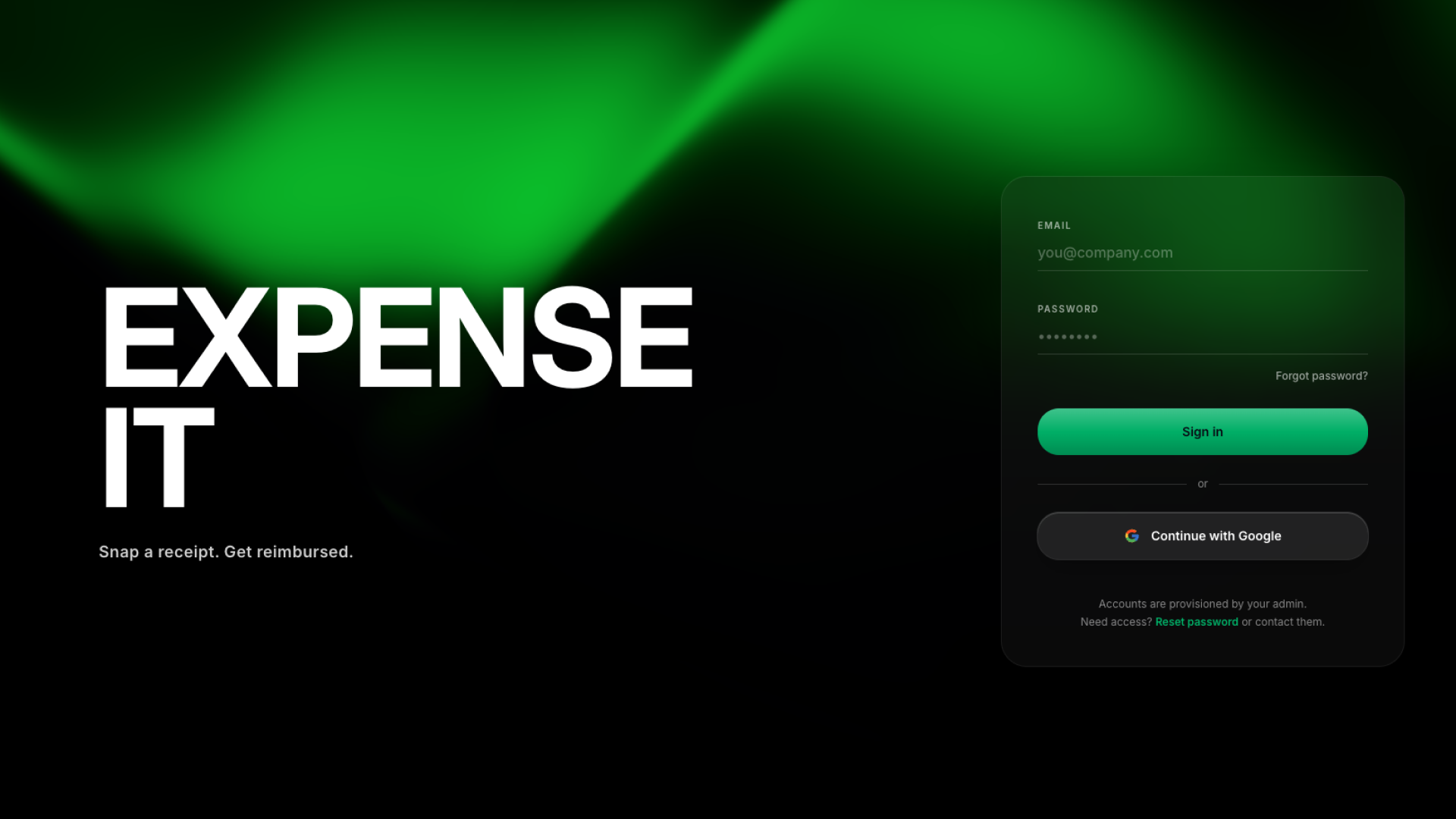
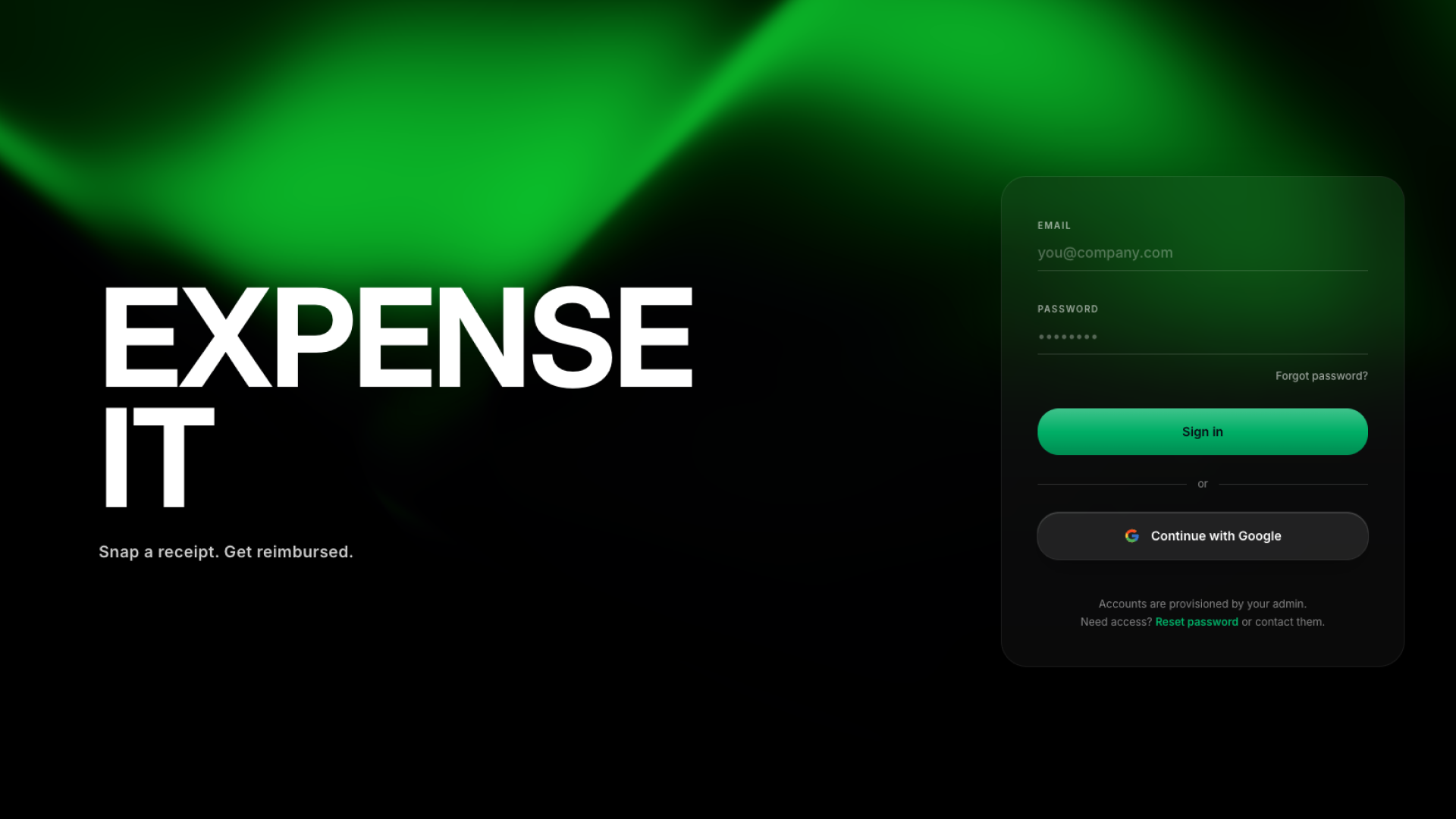
Authentication uses email + password and Google sign-in. The app installs as a PWA so the camera, bottom navigation, and safe-area layout behave like a native app on iOS and Android.
Who this is for
Founders and operators at small or growing companies who need a real expense process without buying enterprise software
Finance and operations leads who want policy enforcement and reimbursement tracking in one place
People managers who approve their team's expenses and want a clean mobile queue
Field, sales, and consulting teams who file expenses from their phone between meetings
Best use cases
Day-to-day employee expense capture
Employees open the app, tap the camera, and snap the receipt. The AI pulls merchant, amount, date, and category, surfaces any policy violations, and lets them submit in one tap — no laptop, no spreadsheet.
Travel and trip reimbursement
Group every receipt from a trip — flights, hotels, meals, mileage — under a single trip with start and end dates. Per-diems and hotel caps are checked automatically, and the whole trip can be bundled into one expense report.
Manager approvals on the go
Managers see a clean approvals queue with the merchant, amount, category, and any policy flags front and center. Approve or send back with a note from the same phone they read email on.
Finance reimbursement and reporting
Finance works a dedicated reimbursement queue, marks items paid, and uses the reports view to slice spend by category, person, status, or month. Saved report definitions make recurring close-out faster.
Getting started
Step 1: Remix this template
Click "Remix" to create your copy. You'll have a working expense app you can explore before adding your own content.
Step 2: Customize your brand
Update colors, fonts, and your company name. Lovable's visual editor lets you tune the look so the app feels like part of your company's toolkit.
Step 3: Add your categories, departments, and policies
Replace the sample expense categories and departments with your own, then open Policies and set up your real per-diems, mileage rate, receipt threshold, and any blocked categories or merchants.
Step 4: Invite your team
Add employees, managers, and finance users from the admin area and assign roles so approvals and reimbursement route to the right people.
Step 5: Go live
Deploy with one click and share the install link. Lovable handles hosting and performance, and the PWA installs to the home screen on mobile.
Step 6: Iterate and make it yours
Continue building and make any changes to the app to suit your team's exact preferences and workflows.
Conclusion
This template works for any team that reimburses employees and is tired of spreadsheets, email threads, and paper receipts. You get phone-first capture, AI receipt parsing, a real policy engine, approvals, trips, finance reporting, and an installable PWA — all in a template you can deploy in minutes. Whether you're a five-person startup or a finance team cleaning up a messy process, Expense It replaces the patchwork tools you've been stitching together.