





Turn a thread into a brief
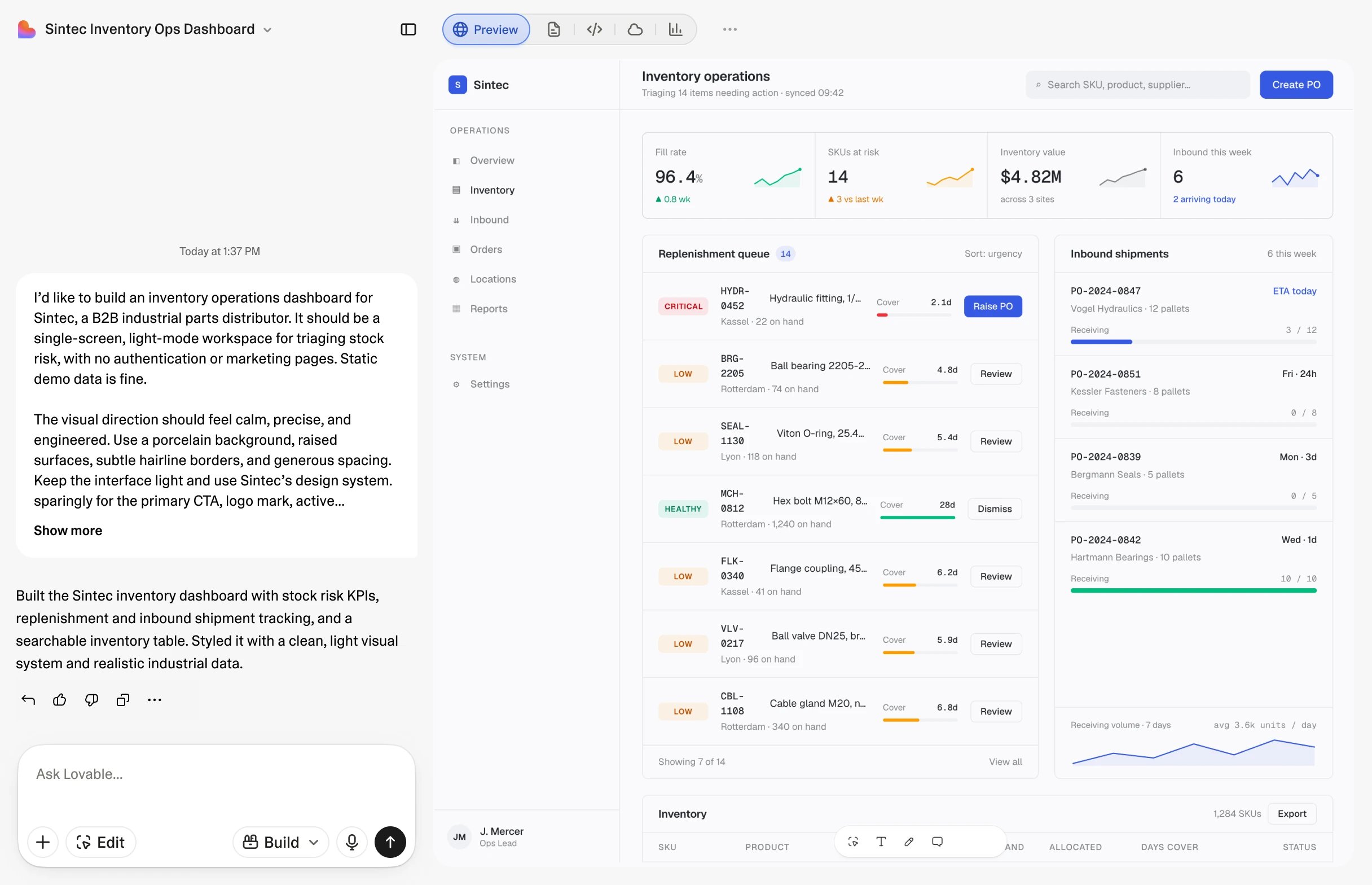
@Lovable follows your Slack conversations, so you don't have to brief it every time. Ask it to search for more relevant input, or even attach a screenshot or a photo, and it builds from that too.

Tag Lovable in any conversation to build a working app, and get answers to questions about your data, docs, and apps.
Ask anything about your apps and data. When an answer isn't enough, build and ship production-grade tools right from the thread.
@Lovable follows your Slack conversations, so you don't have to brief it every time. Ask it to search for more relevant input, or even attach a screenshot or a photo, and it builds from that too.
Lovable can talk to any app in your workspace, published or not. Ask which of your projects got the most visitors this month, or what your team has built this week.

What's on your calendar today? Where did that deal get to? Has anyone written a doc about this? Ask any question and Lovable will find the answer using your connected tools.

Whatever you need help with, just ask @Lovable.
Marketing
Ask Lovable to spin up the landing page for a campaign, publish it, and apply the copy feedback from the thread.
Revenue Ops
Create a request intake form that routes to the right approver, or add an SLA timer to the vendor tracker, without leaving the thread.
Sales
Ask Lovable to confirm account status, update your ROI calculator, or spin up a demo or slides from a prospect-prep thread.
Bounce ideas and spin up prototypes mid-thread
For example, Pascal asks @Lovable to prototype the flow from today's standup.Turn an escalation thread into a live status tracker
For example, Gemma asks @Lovable to make a status page for the escalation.Turn a planning debate into a model people can use themselves
For example, Oscar asks @Lovable to add a CSV export to the expenses dashboard.Ask the whole company something without chasing anyone
For example, Fredrik asks @Lovable to draft and send the September pulse survey.Every request needs an @Lovable, or a direct message. That's by design.
Anyone whose verified email exists in both your Slack workspace and your Lovable workspace is trusted right away. If an email doesn't match, they need to be added to your Lovable workspace first.
In public and private channels, @Lovable only shows data from workspace-level apps and connectors that everyone already has access to.
Message @Lovable directly if you want to use your personal connectors, like your calendar or Granola, and keep your personal chats private.

Questions, problems, or feedback about the Lovable app for Slack? Email us and a human will get back to you.
Lovable uses large language models, so responses can occasionally be inaccurate. Review important output before relying on it.
The Slack AI assistant view requires a paid Slack plan. @mentions and DMs work on all Slack plans.
Slack is a trademark and service mark of Slack Technologies, LLC, registered in the U.S. and other countries. Lovable is not endorsed by or affiliated with Slack.